

Instructions
Power ON/OFF
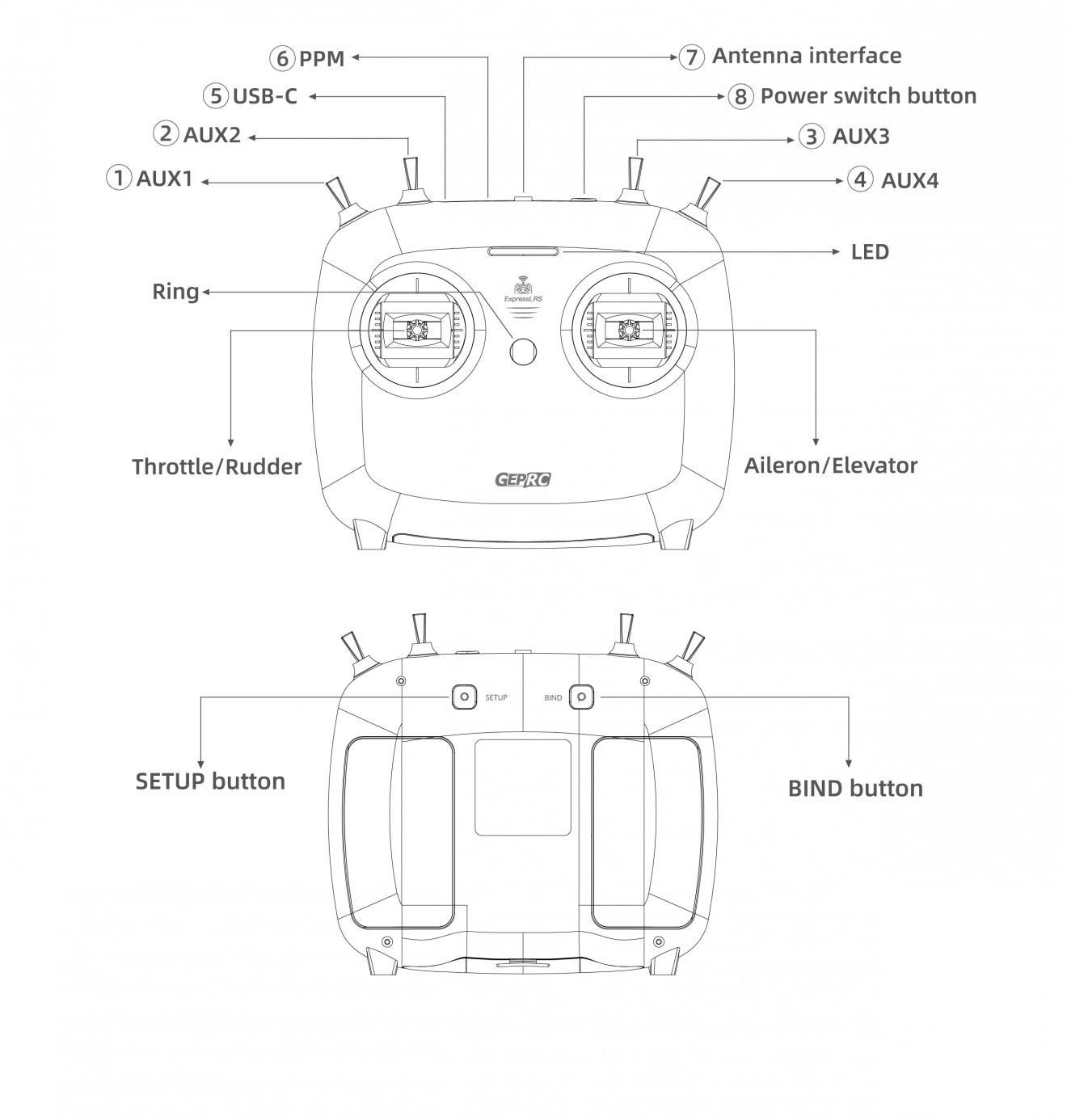
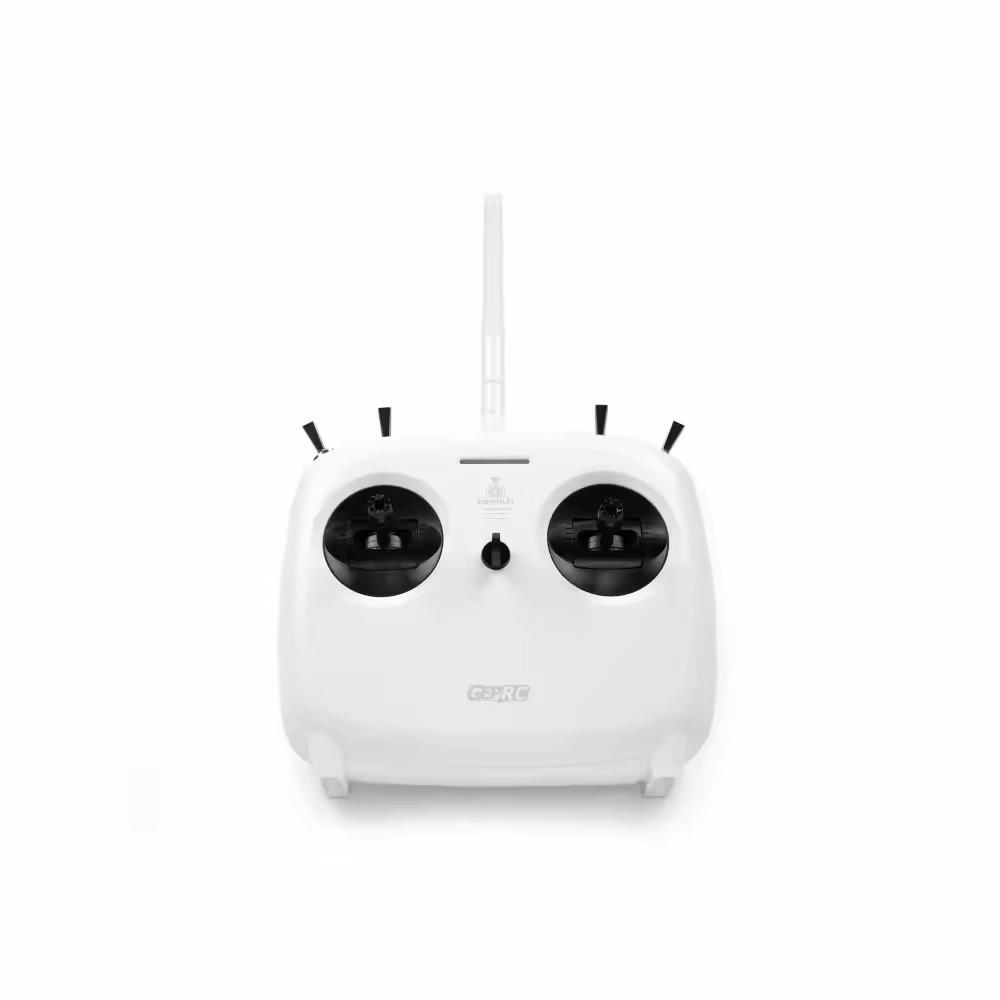
Long press the power button of the remote control for 2 seconds in the off state, and release the power button after the remote control vibrates, while the red LED lights up, the remote control is successfully powered on.
Long press the power button of the remote control for 2 seconds in the power on state, when the LED light goes out, the remote control is turn off successfully.
Binding
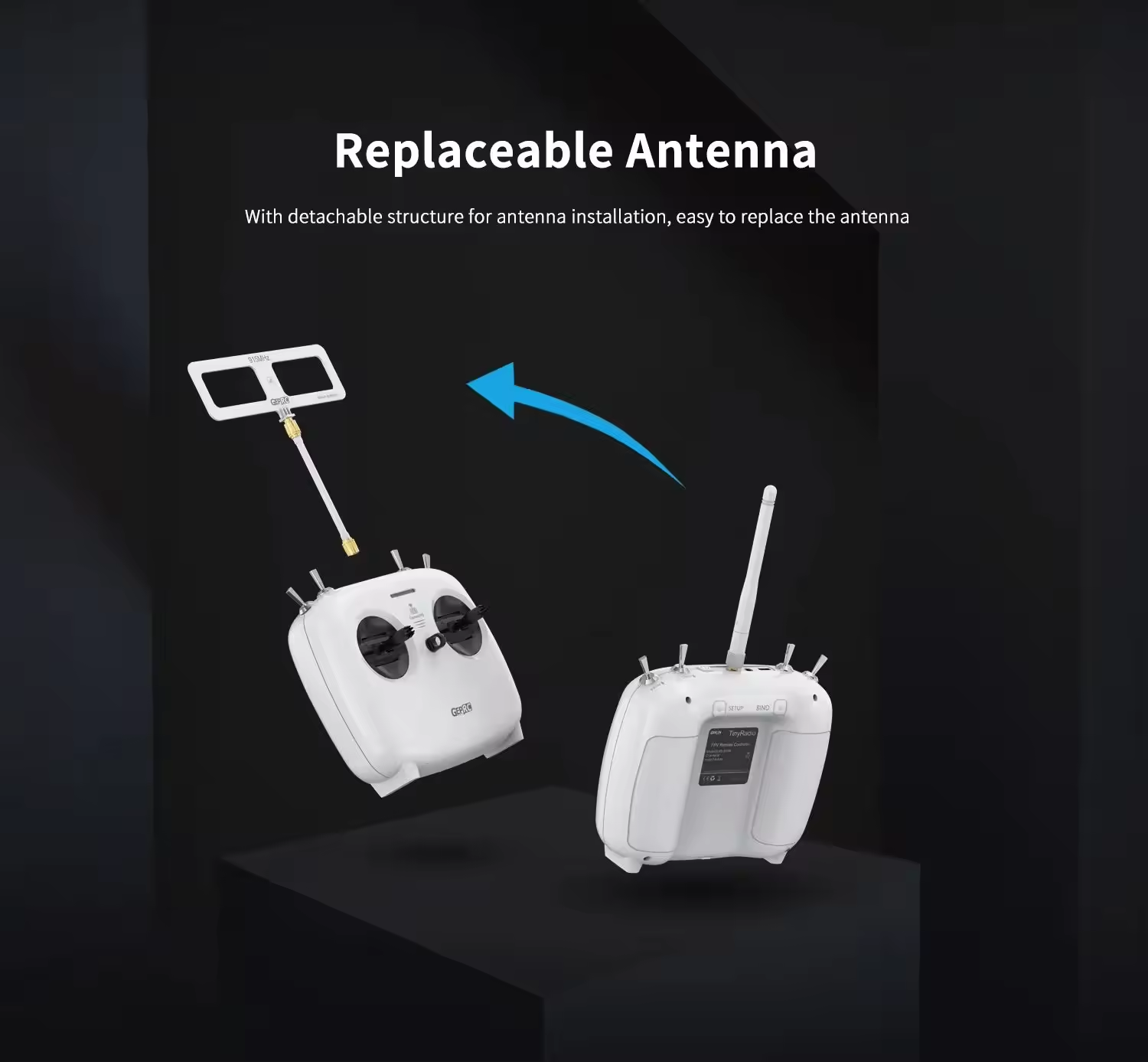
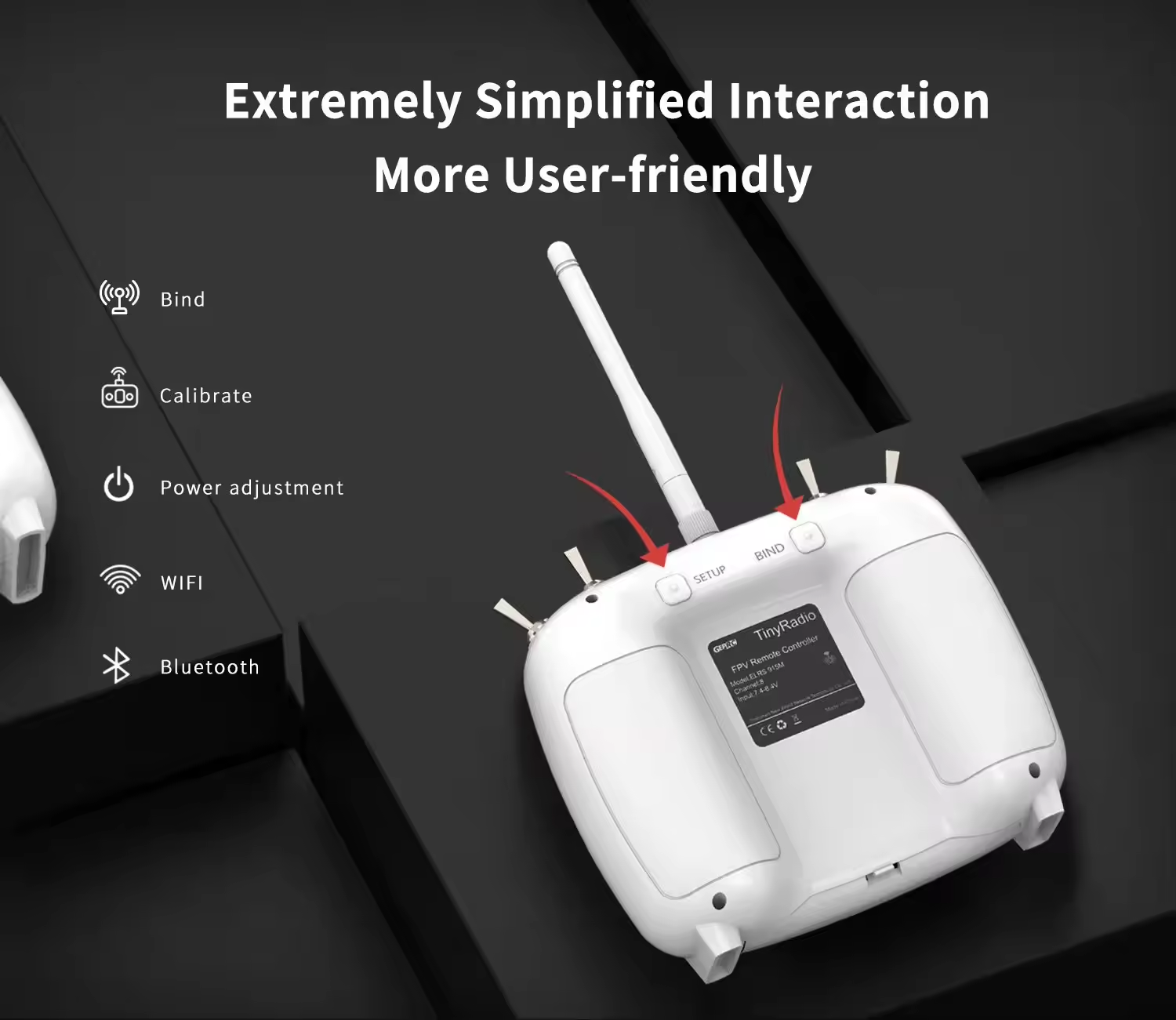
In the off state, long press the BIND button on the back of the remote control,and then press the power button at the same time to turn it on. When the indicator light turns flashing, the remote control enters the binding status.
The binding status will last for 5 seconds, there will be no feedback when the binding is successful, and it will automatically exit the binding status after 5 seconds. Check whether the remote control is in binded with the receiver. If not, please repeat the binding operation.
Joystick Calibration
With the joystick back in the center and the throttle lever in the lowest position, long press the SETUP button on the back of the remote control for 4 seconds, and when the remote control vibrates and the buzzer beeps sound, the calibration is complete.
Power switching
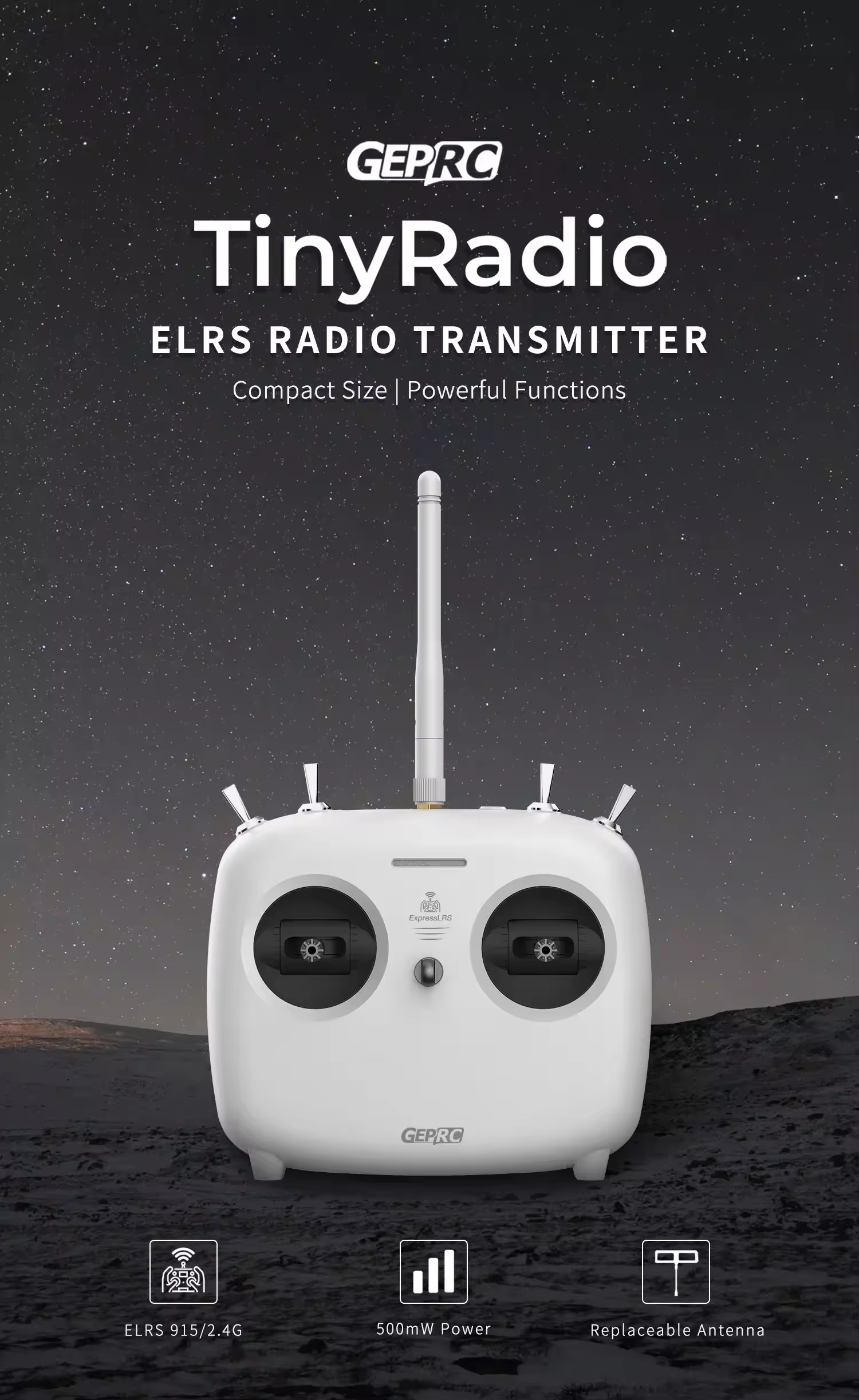
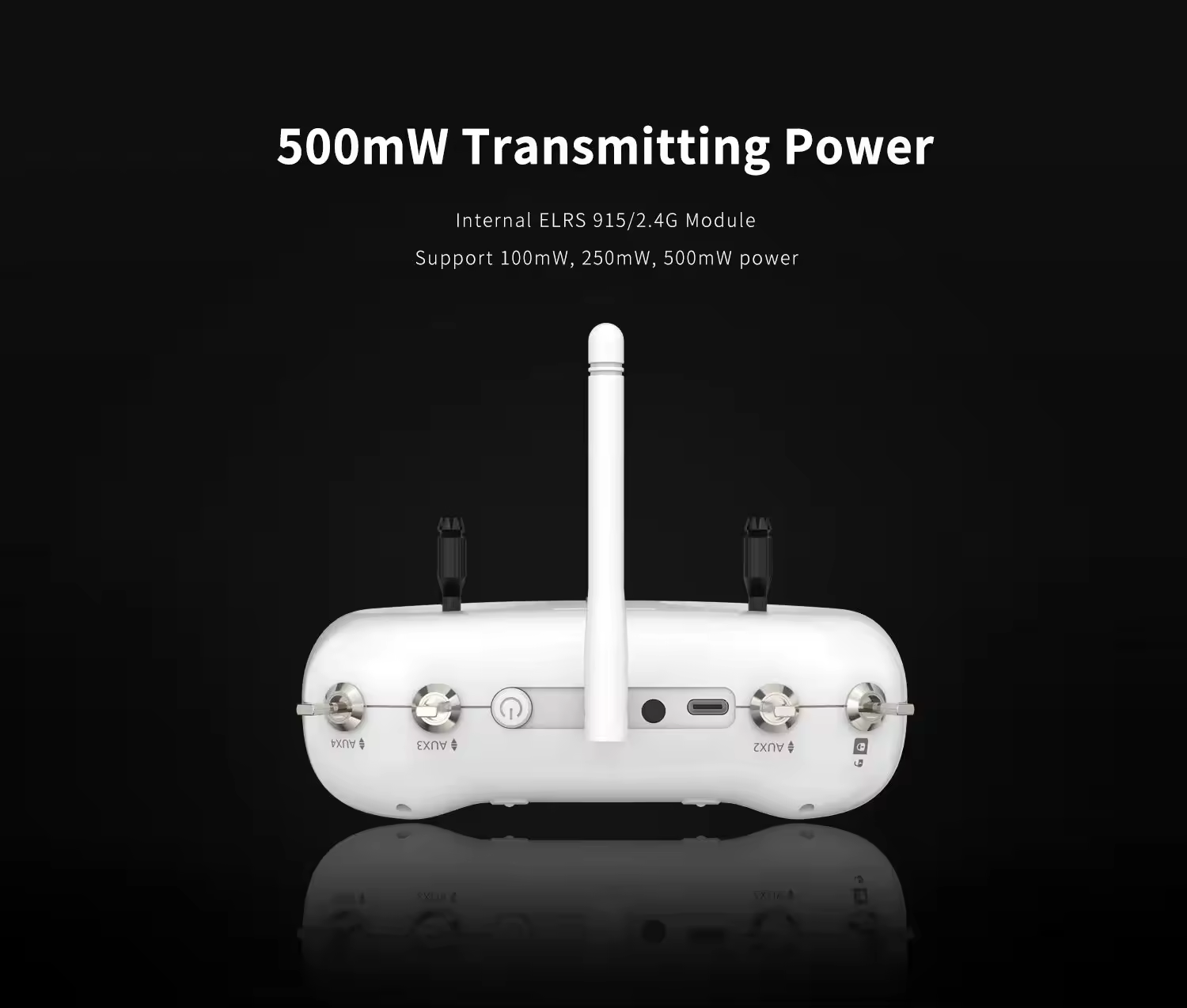
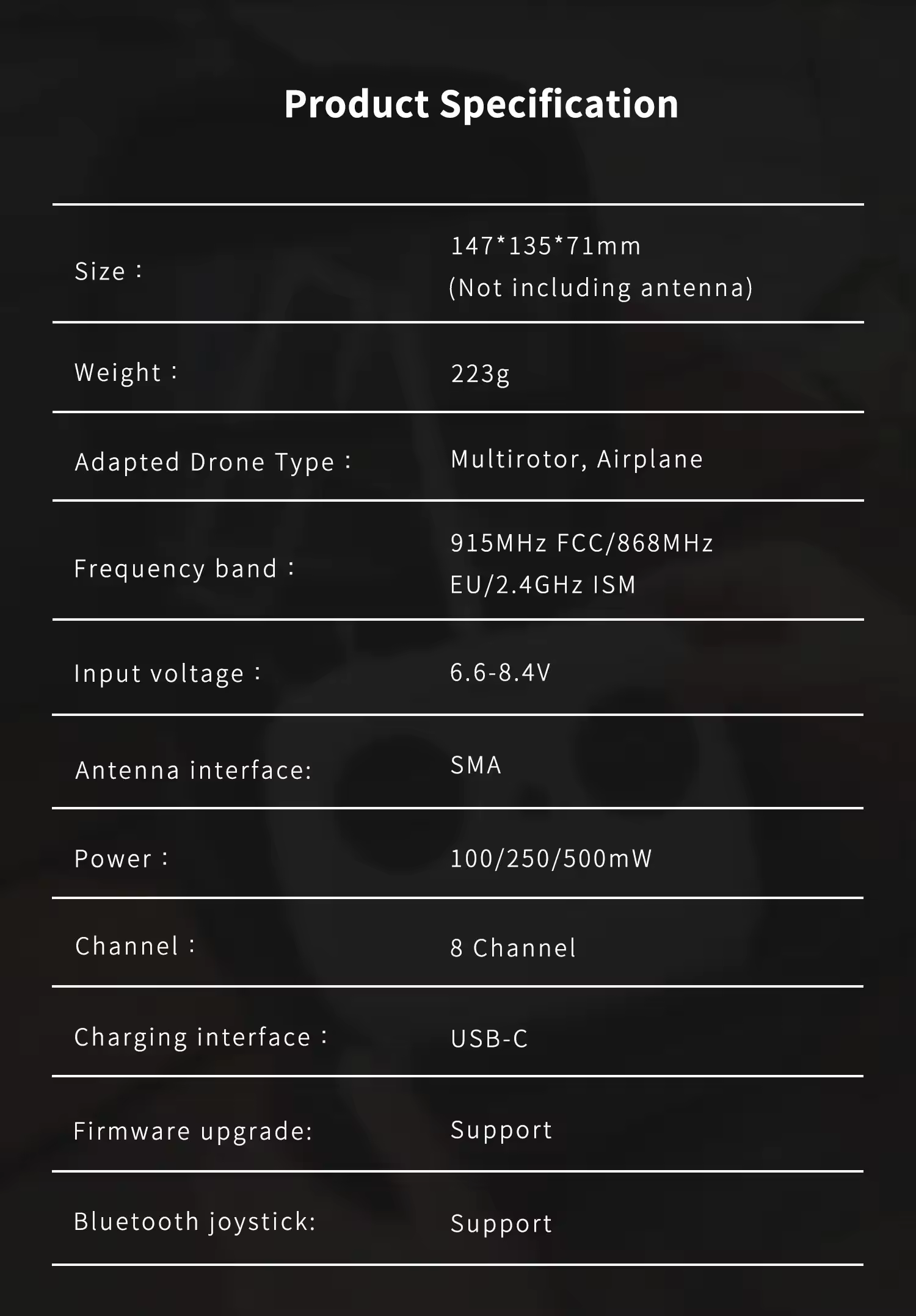
First long press the BIND button, then short press the SETUP button for 1 second, the 100/250/500mW power can be switched cyclically, and the current high performance Radio control link power can be observed through the indicator light.
WIFI mode
In the off state, long press the SETUP button to turn it on, and when the indicator light turns into quickly flashing runing led, it will enter the WIFI update mode, and the ELRS high performance Radio control link firmware can be updated.
Bluetooth joystick
In the off state, long press the BIND and SETUP buttons at the same time to turn on the device. When the indicator light turns into a slowly flashing running led, it will enter the Bluetooth simulator mode, and you can connect to the computer drone simulator to practice.
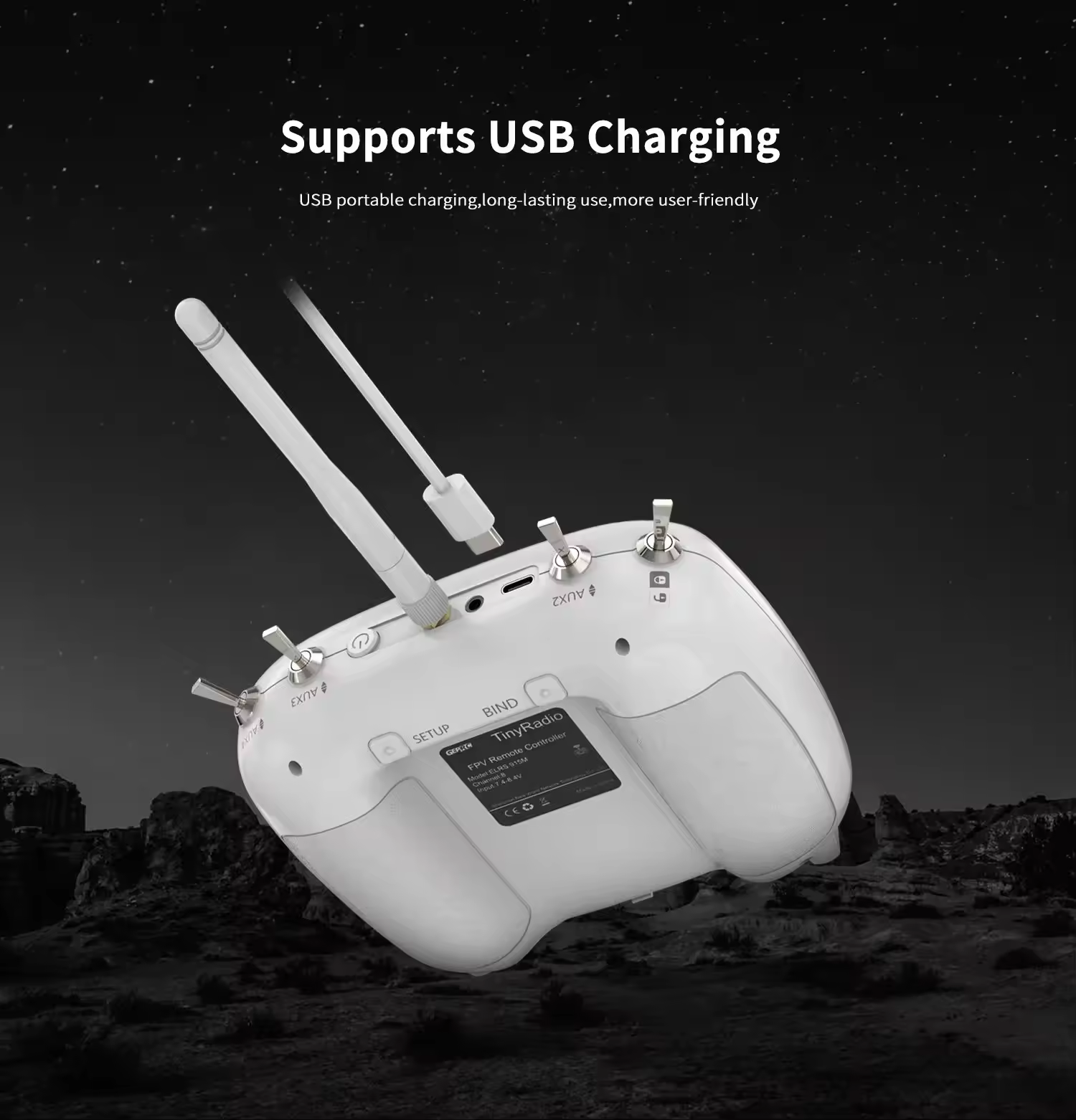
Charging
Plug in the USB-C cable in the off state, it will be in the charging state when the remote control indicator turns blue,and the indicator light will automatically turn off after charging is completed.
Includes
Standard:
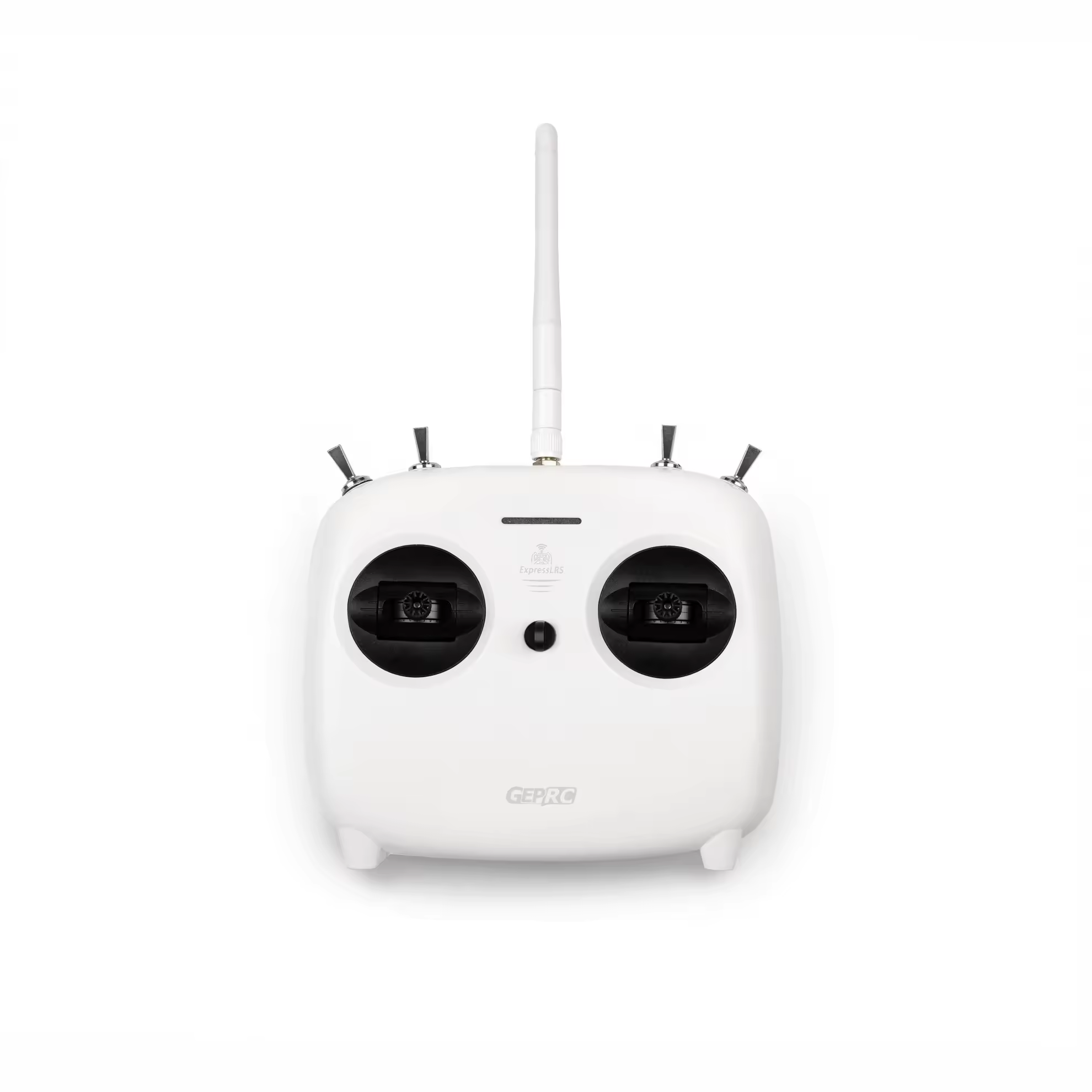
1 x TinyRadio
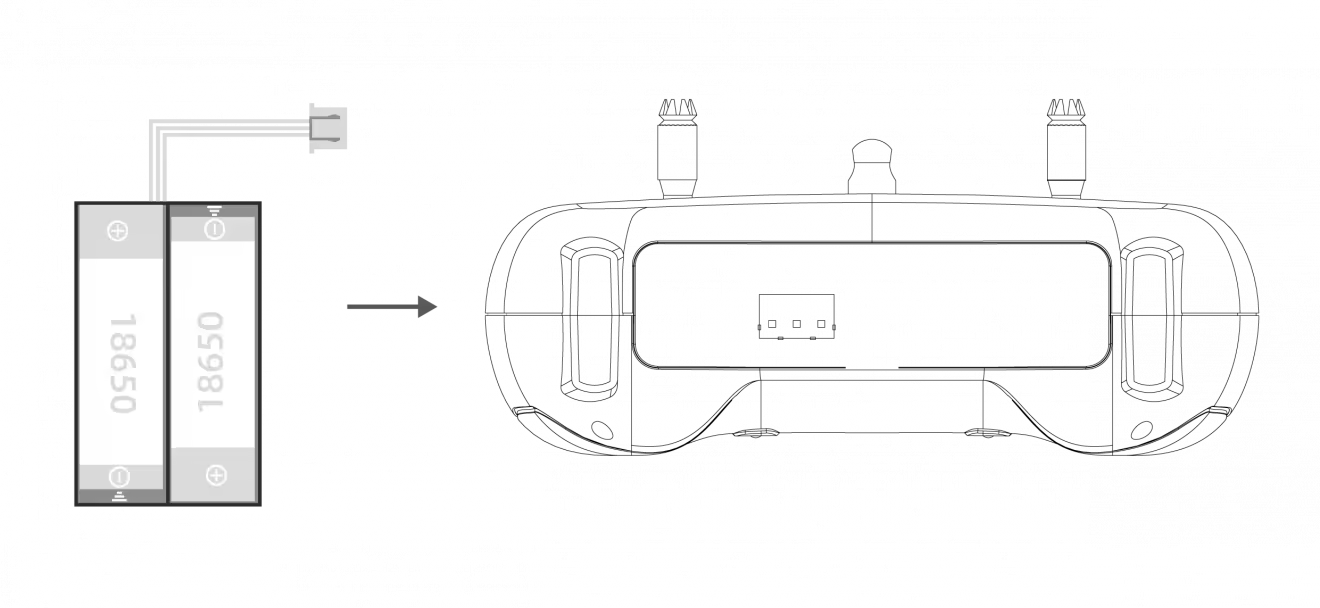
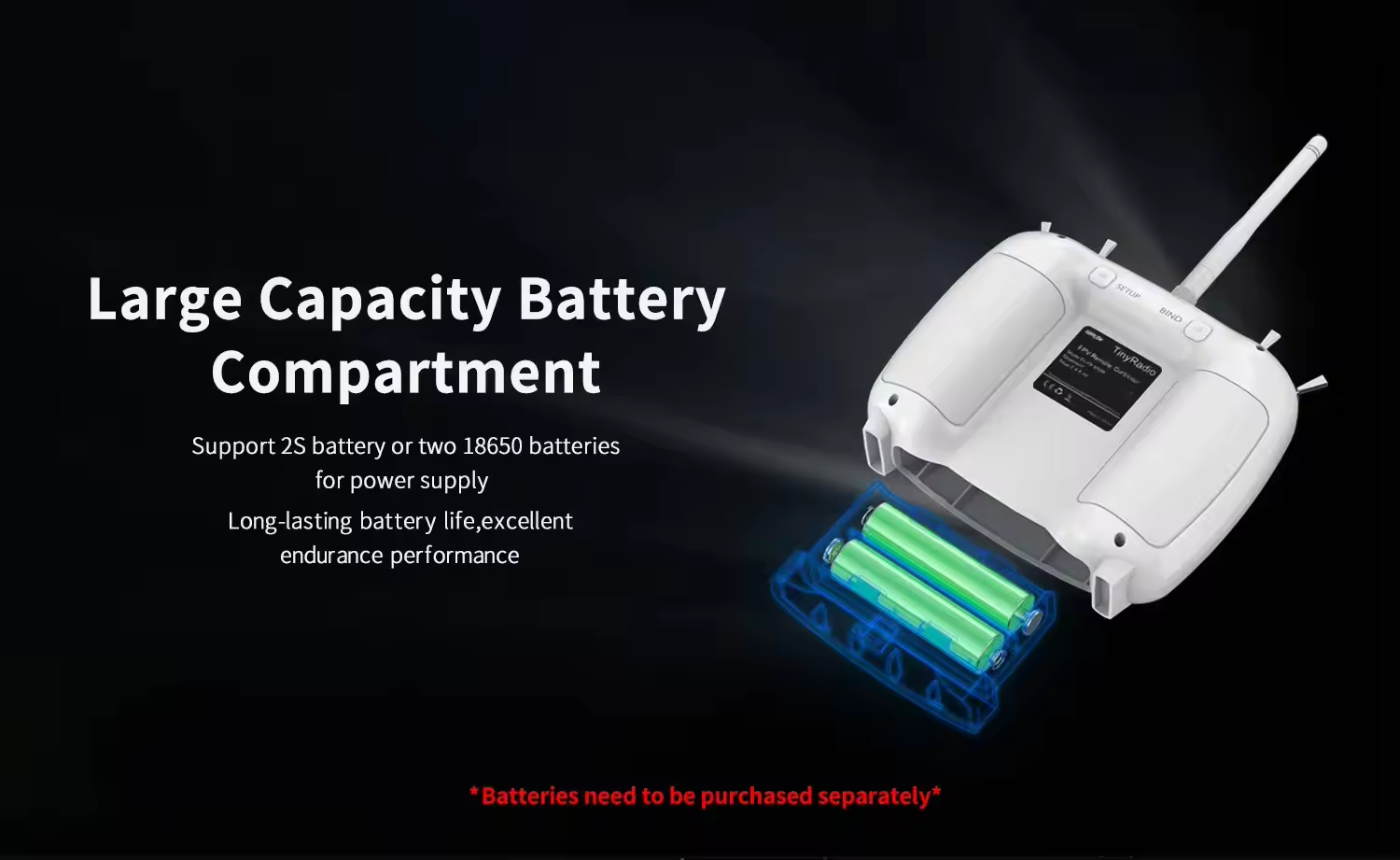
1x 18650 tray
1 x Instruction manual
Note: Batteries Not Included.
Combo:
1 x TinyRadio
1x 18650 tray
1 x Instruction manual
1 x Storage Case For TinyRadio
Note: Batteries Not Included.