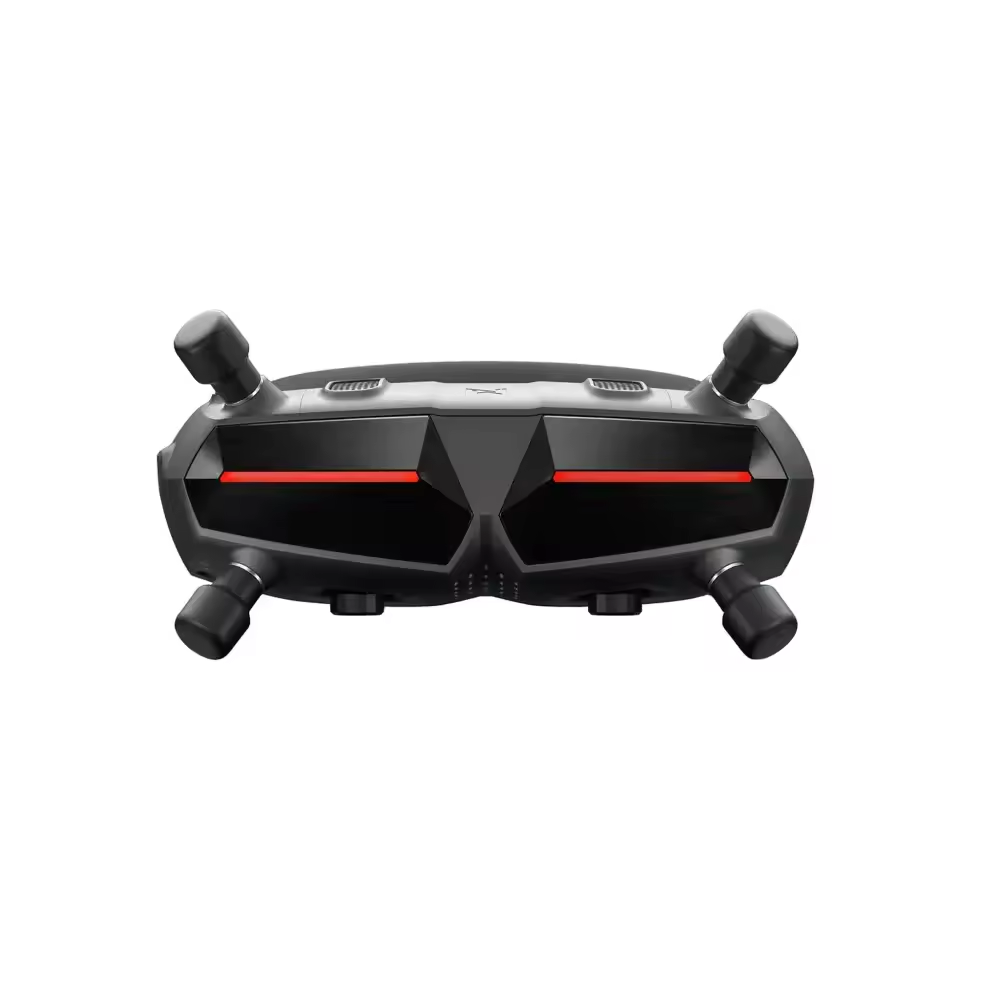
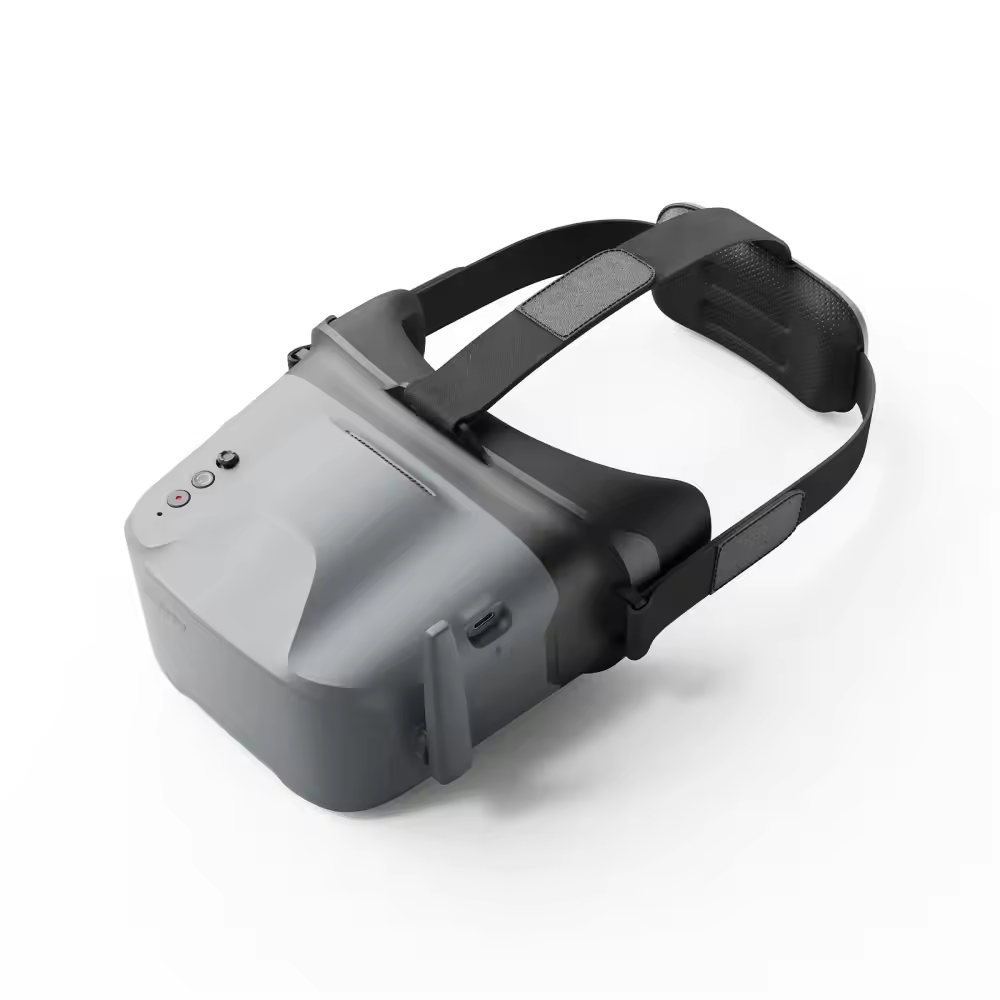
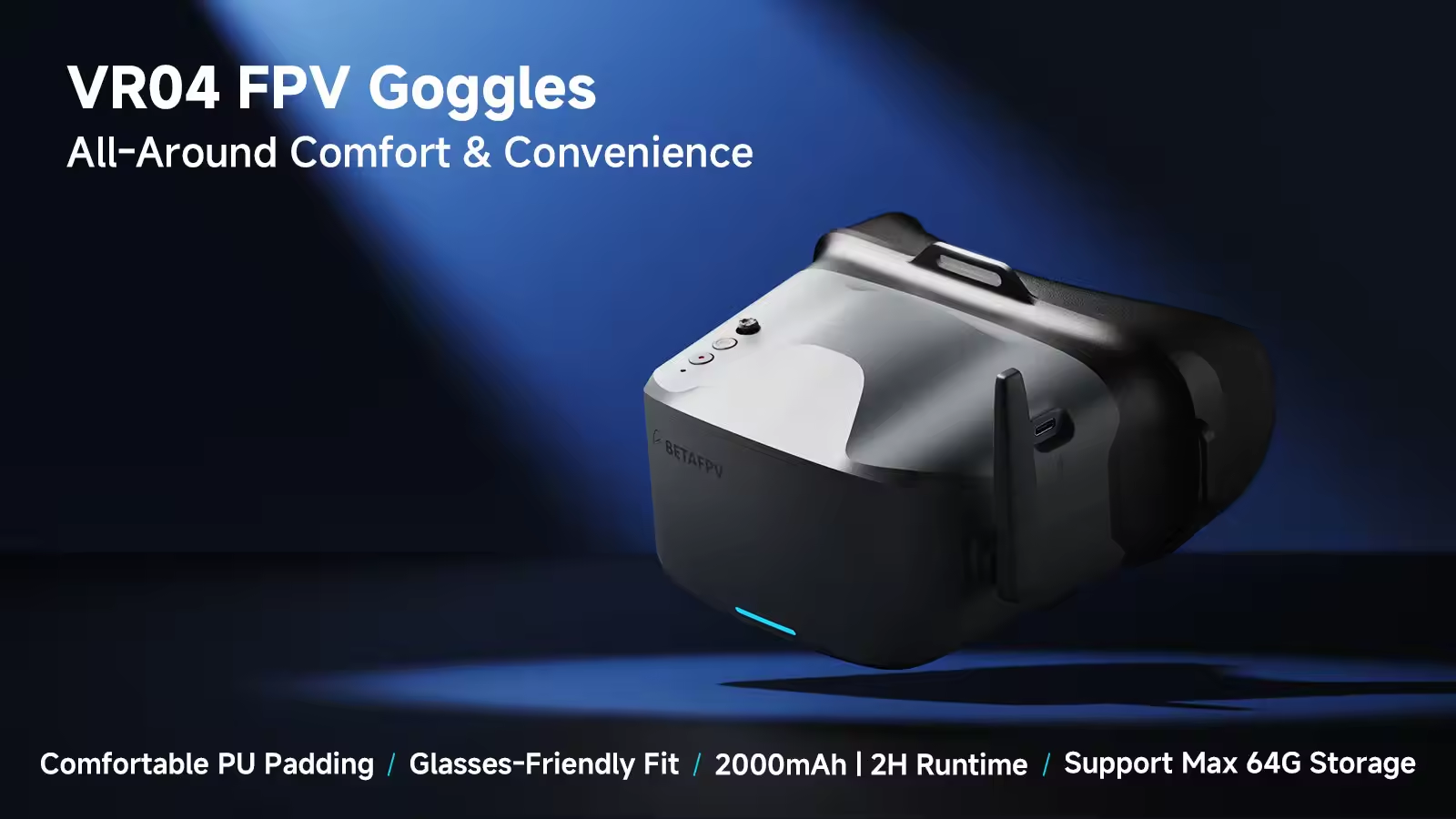
Designed for total immersion and comfort, the VR04 FPV Goggles feature a glasses-friendly design with ample space, so you never have to remove your eyewear. Enhanced with contoured face padding and a soft rubber nose bridge, they block outside light effectively while fitting securely for longer, more focused sessions. The 2000mAh built-in battery provides up to 2 hours of standby time, while one-button recording lets you effortlessly capture footage directly to a microSD card and relive your flights anytime.
Check out our VR04 FPV Goggles, all FPV GOGGLES Collection and the rest of our BETAFPV Products!
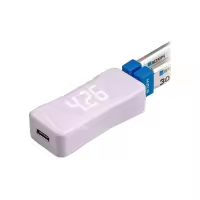
BETAFPV BT2.0 1S Charger and Voltage Tester V2 for Whoop Batteries
Options (1)
BT2.0 Battery Charger and Voltage Tester V2
BT2.0 Battery Charger and Voltage Tester V2
$15.19
Save $0.80
In Stock
Expected ship within 3 days after order.
Free Shipping Over $99 | Save on Orders $99+
24-Month Warranty | 2 Years Full Protection
30-Day Returns From Shipment | 7-Day No-Reason Returns
24h Support Response | 24h Fast Support Guarantee
Top highlights
4.3-inch screen delivers sharp and stable FPV video for immersive flight experience.
Built-in 48-channel 5.8GHz receiver with auto frequency scanning for stable signal.
Record flights easily via microSD card to save and replay FPV moments.
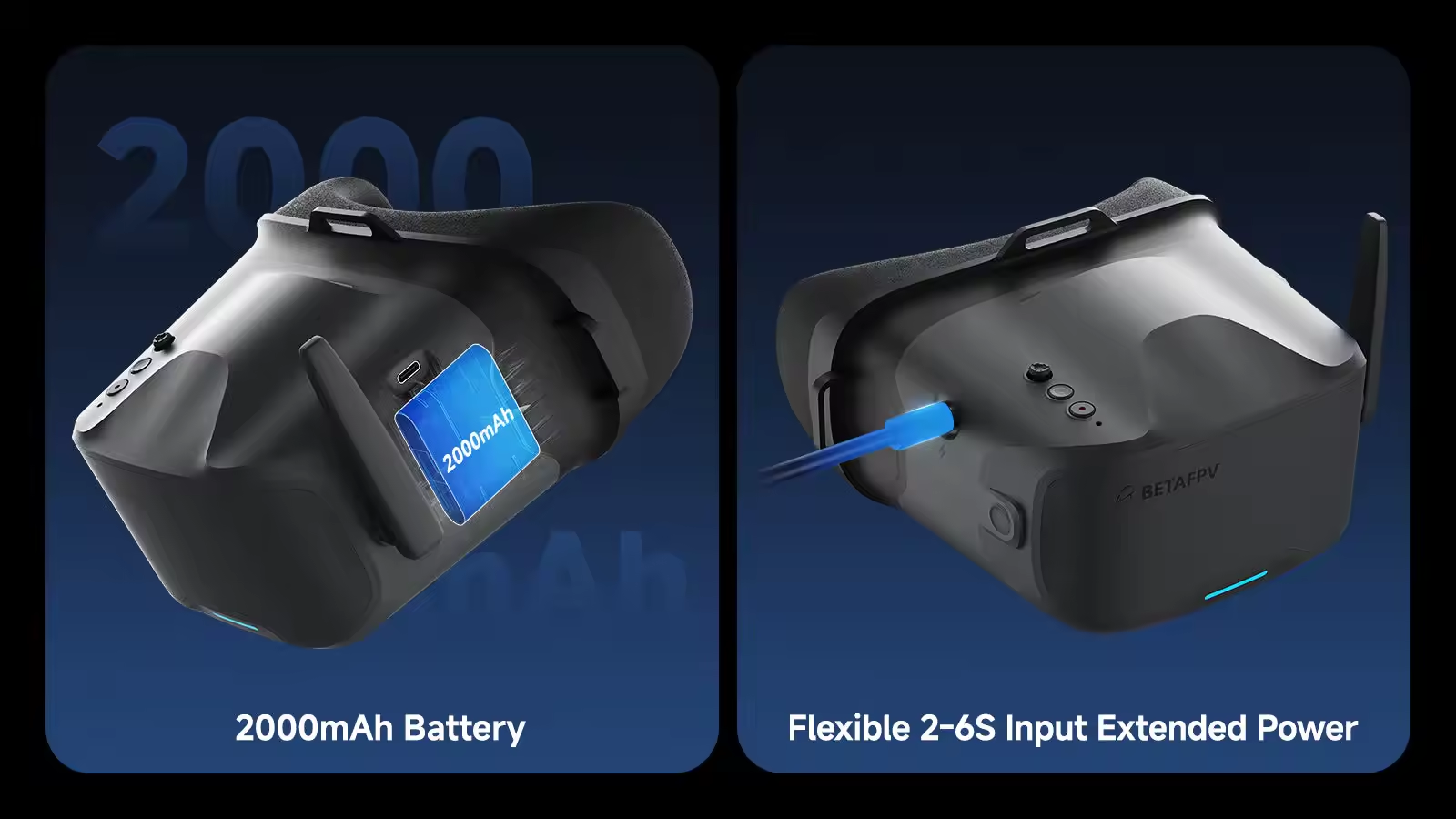
Up to 2 hours runtime with support for 2–6S external power input.
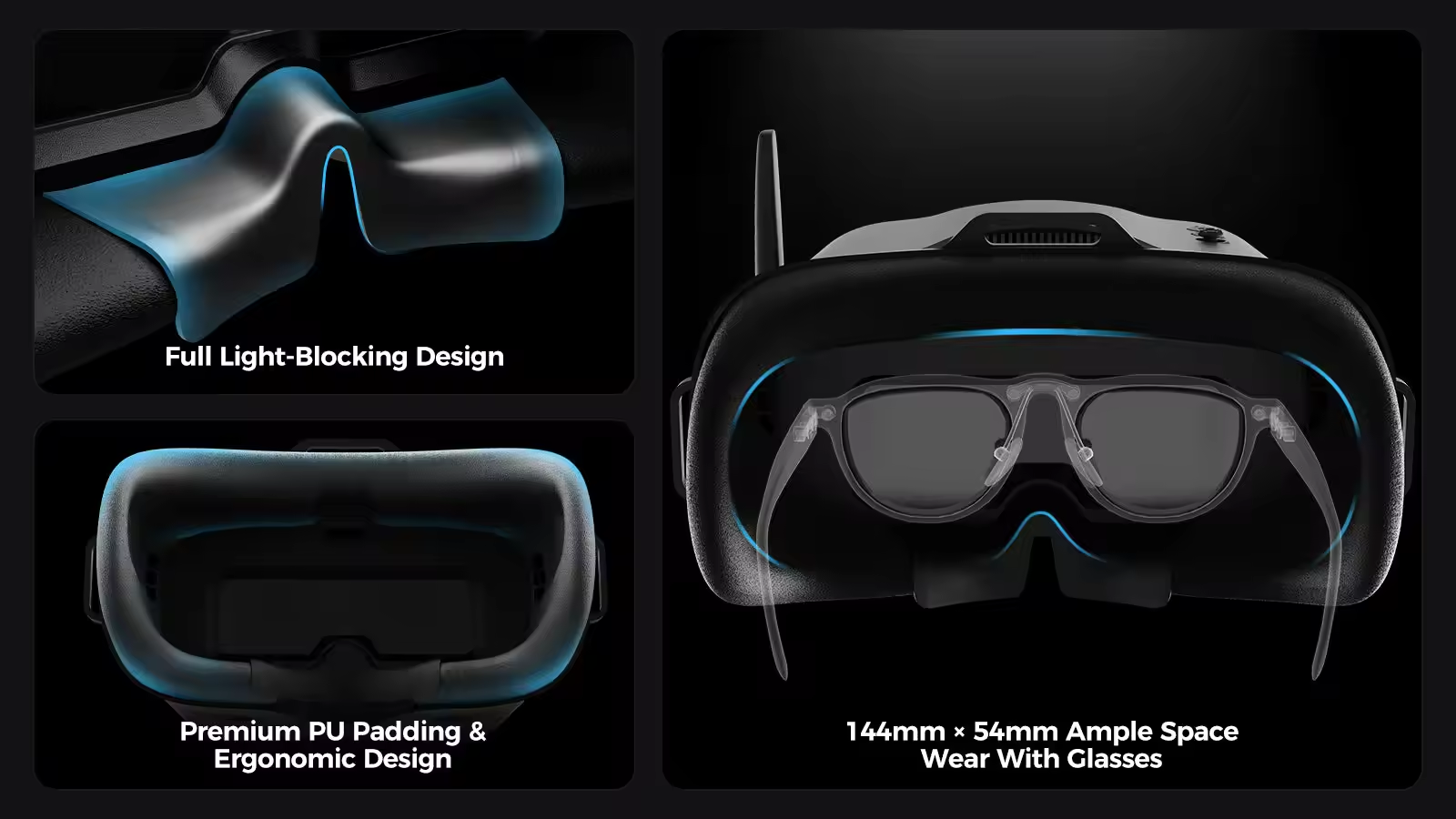
Glasses-friendly, soft foam padding, lightweight and beginner-friendly.
Payment | Every order you place with us is safe & secure
Share
Copy
Description
FAQ
Total Immersion & Comfort
The VR04 FPV Goggles are designed for extended-wear comfort, featuring a glasses-friendly interior that accommodates most eyewear. Premium PU face padding ensures a secure, comfortable fit, while a soft silicone nose bridge seals out external light to deliver a fully immersive flight experience.
Power Flexibility
Equipped with a built-in 2000mAh battery, the VR04 supports up to 2 hours of use on a single charge. For added flexibility, it can also be powered directly by any 2‑6S whoop battery—ideal for extended sessions or quick-swap setups.
Record & Replay
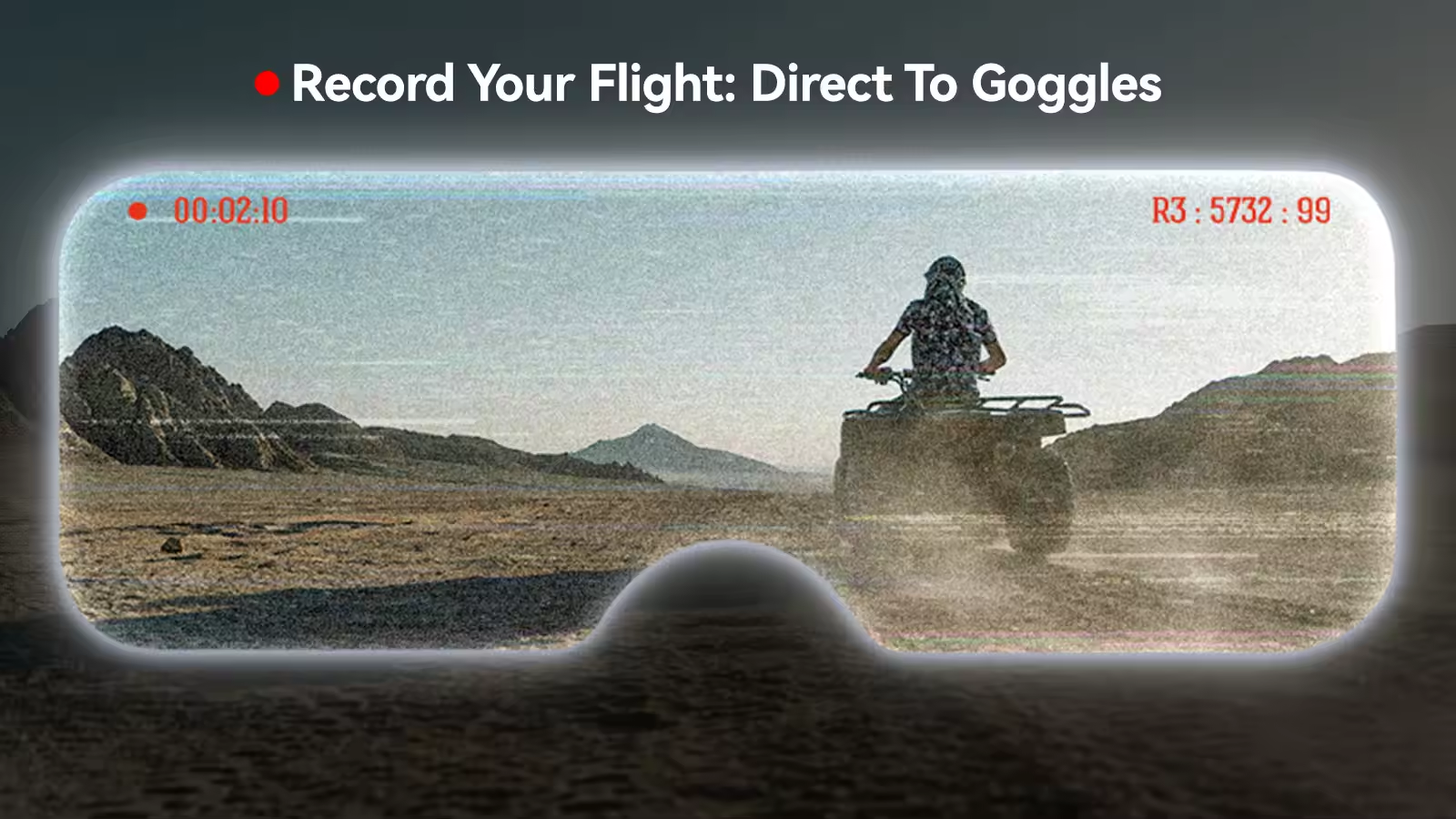
Capture each flight effortlessly with one-button recording directly to a microSD card (supports up to 64GB of storage). Relive your most thrilling moments anytime, with no extra gear required.
How to Record A Video?
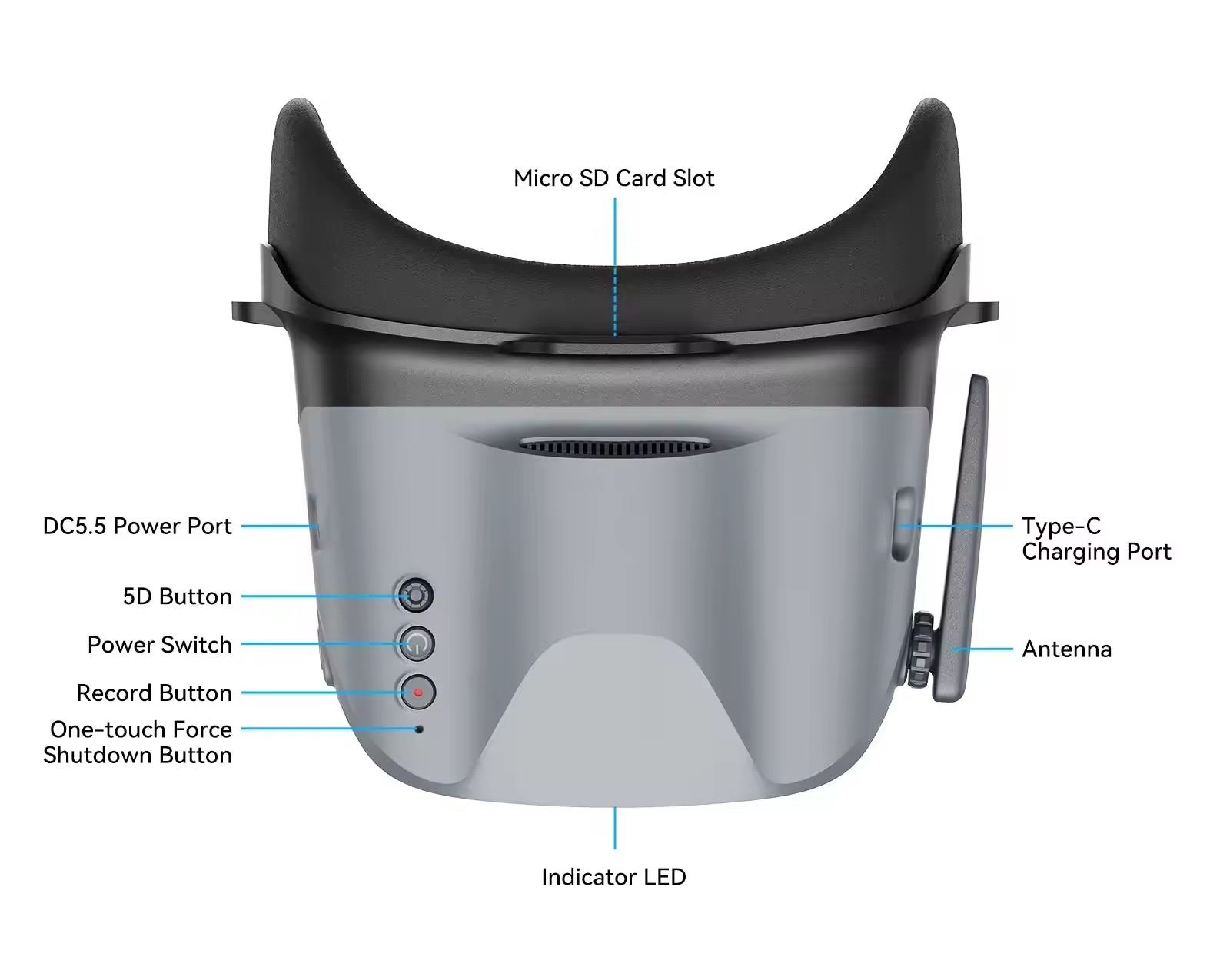
- Insert a microSD card into the card slot, FAT32 format only and maximum 64G;
- Short press the record button once, a red dot will appear in the upper left corner. Then there will be a "beep-beep" sound from FPV goggles;
- Wait for 8 seconds, the red dot and the recording LED indicator will start flashing. At the same time, a timer appears on the screen, indicating the start of recording;
- To stop the recording, short press the record button once again. After 2-3 seconds, the red dot on the upper left corner stop flashing, the timer disappears, and the red record LED indicator turns off.
Notes: 1. After pressing the record button, the DVR recording function will take about 8-10 seconds to be activated, please wait in patience. 2. The maximum length of each recording is 10 minutes. When a recording exceeds 10 minutes, a new recording file will be created automatically.
The VR04 FPV Goggles support 5.8G and 48 channels. Press and hold the 5D button for 2-3 seconds to activate frequency search. There will be a beep after 3 seconds, and the best available frequency will be selected automatically. Signal quality of each frequency is indicated by red, yellow and green.
- Green (0<RSSI<20): Frequency is available.
- Yellow (20<RSSI<70): Frequency has moderate interference from another transmitter.
- Red (70<RSSI): Frequency is completely in use by a transmitter.
- White: The strongest signal which the goggles received in this scan.
BETAFPV VR04 FPV Goggles Buying Guide
Why Choose the BETAFPV VR04 FPV Goggles?
- The BETAFPV VR04 FPV Goggles stand out by combining essential features with a beginner-friendly design, making them an excellent choice for pilots who want to start flying analog FPV without a steep learning curve.
- One of the biggest advantages is the built-in 2000mAh rechargeable battery, which eliminates the need to purchase and carry an external battery pack.
-The integrated DVR function also- allows you to record flights for practice, troubleshooting, or sharing your FPV experience.
-With 48 channels and automatic frequency search, connecting to most 5.8GHz analog drones is quick and straightforward.
-The VR04 is also designed for comfort. The ergonomic faceplate and lightweight construction make it suitable for longer flying sessions, while the goggles are compatible with most analog FPV systems used by Tiny Whoops, micro drones, and 5-inch freestyle quads.
Whether you're learning to fly indoors or practicing freestyle in open spaces, the VR04 offers reliable analog performance at an accessible price, making it one of the best entry-level FPV goggles for beginners.
Compatible with Most 5.8GHz Analog FPV Drones
- The BETAFPV VR04 FPV Goggles are compatible with virtually any drone that uses a 5.8GHz analog video transmitter (VTX). Whether you're flying a lightweight Tiny Whoop indoors or a larger analog freestyle quad outdoors, the VR04 provides a stable and easy-to-use viewing experience.
- These goggles are particularly well suited for beginner-friendly FPV drones such as the BETAFPV Air65, Air75, Meteor65, and Meteor75, as well as many popular 2-inch to 5-inch analog freestyle builds. The built-in 48-channel receiver supports common analog frequencies, allowing you to switch between different aircraft without additional hardware.
- For the best video quality, pair the VR04 with a quality circular polarized antenna and an analog FPV camera. Since the goggles are designed exclusively for analog transmission, they are not compatible with digital FPV systems such as DJI O4, Walksnail Avatar, or HDZero.
- If you're building your first analog FPV setup or looking for an affordable backup goggle, the VR04 offers broad compatibility with today's most popular analog FPV platforms.
BETAFPV VR04 vs. Eachine EV800D
- Both the BETAFPV VR04 and Eachine EV800D are excellent entry-level analog FPV goggles, but they are designed for different types of pilots.
- The BETAFPV VR04 focuses on simplicity, portability, and ease of use. Its lightweight design, built-in 2000mAh battery, automatic channel search, and integrated DVR make it an ideal choice for beginners, Tiny Whoop pilots, and anyone looking for a hassle-free analog FPV experience. If you're just getting started or mainly fly indoors and in local parks, the VR04 provides everything you need without unnecessary complexity.
- The Eachine EV800D is better suited to pilots who want stronger signal performance. It features a true diversity receiver, which automatically switches between two antennas to improve video reception in challenging environments. Combined with its larger 5-inch display, the EV800D is a popular choice for freestyle, racing, and longer-range analog flights.
- Both goggles include a built-in battery, DVR recording, and support for standard 5.8GHz analog FPV systems, so your choice mainly depends on your flying style.
Feature
BETAFPV VR04
Eachine EV800D
Best For
Beginners & Tiny Whoops
Freestyle, Racing & Longer Range
Receiver
Single Receiver
True Diversity Receiver
Screen Size
4.3-inch LCD
5-inch LCD
Battery
Built-in 2000mAh
Built-in 2000mAh
DVR
✔ Built-in
✔ Built-in
Auto Search
✔
✔
Design
Compact Goggles
Detachable Box Goggles
Signal Performance
Good for Everyday Flying
Better in Challenging Signal Conditions
Portability
More Compact
Larger but More Flexible
Which One Is Right for You?
- Choose the BETAFPV VR04 if you want an affordable, beginner-friendly FPV goggle that's easy to carry, quick to set up, and perfect for Tiny Whoops, indoor flying, and everyday analog practice.
- Choose the Eachine EV800D if you frequently fly larger analog drones, need more reliable video reception at longer distances, or want the advantages of a diversity receiver for freestyle and racing.
-Both models deliver excellent value for analog FPV, but the best choice depends on how—and where—you plan to fly.
Replied by MEPSKING:Thank you so much for your feedback! We’re happy to hear the product meets your expectations and hope to serve you again soon. Happy Flying!
E******.
Verified
Affordable goggles with decent features. Good choice for new pilots.
Specification:VR04 FPV Goggle
Purchased 2 times
M*****.
Verified
Great goggles for beginners. The screen is clear and the signal is stable. Very easy to set up and use.
Specification:VR04 FPV Goggle
Purchased 3 times
K******.
Verified
Perfect entry-level FPV goggles. Smooth video and simple controls.
Specification:VR04 FPV Goggle
Purchased 2 times
J******.
Verified
Very stable performance. No major interference issues during flights.
Specification:VR04 FPV Goggle
Purchased 2 times
R*****.
Verified
DVR recording is a great feature. I can review my flights easily.
Specification:VR04 FPV Goggle
Additional reviews after 21
days
Toujours stable après usage.
D*******.
Verified
Good value for the price. DVR works well and battery life is decent for casual flying.
Specification:VR04 FPV Goggle
A********e
Verified
Signal is stable most of the time. Auto scan feature is very convenient.
Specification:VR04 FPV Goggle
Purchased 2 times
Additional reviews after 31
days
Still perfect.
1
2
FAQFeel free to ask us any questions
ASK A QUESTION
What drones are compatible with VR04 goggles?
The VR04 supports most 5.8GHz analog FPV drones with 48-channel transmission.
Does it support DVR recording?
Yes, it has a built-in DVR that records video to a microSD card.
How long does the battery last?
The built-in 2000mAh battery lasts about 2 hours depending on usage.
Can I wear glasses while using it?
Yes, the goggles are designed to be glasses-friendly with enough internal space.
Does it support external power?
Yes, it supports 2–6S external power input for extended use.


















 Verified