Buying Guide: RadioMaster T8L Review and T8L vs Pocket
Is the RadioMaster T8L Worth Buying?
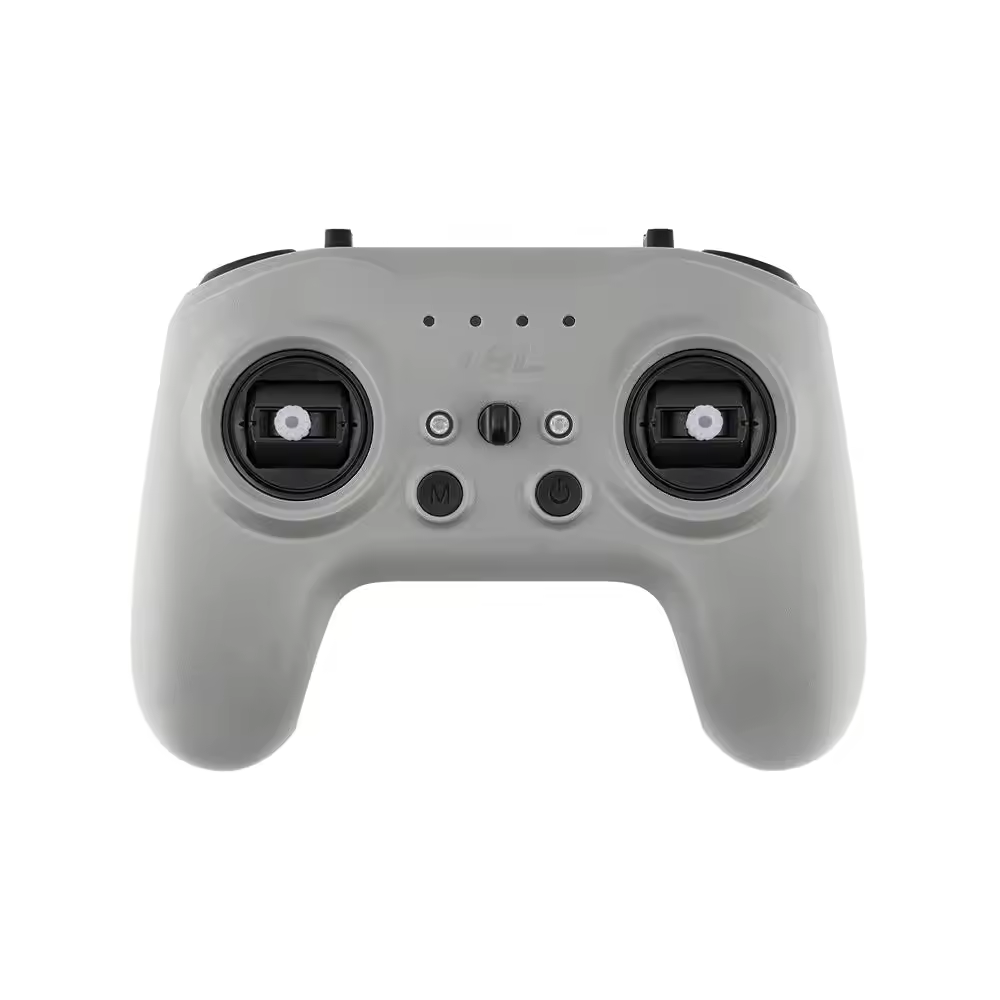
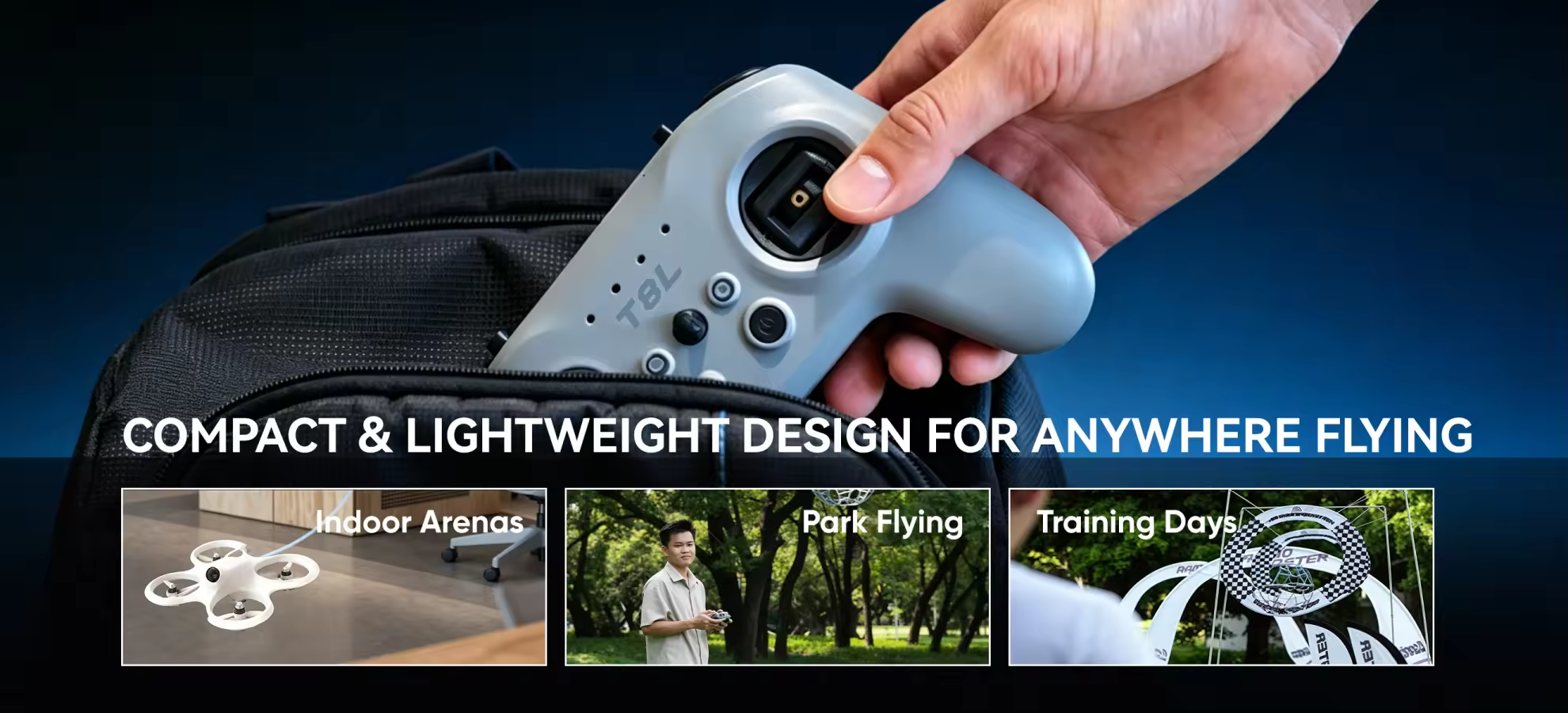
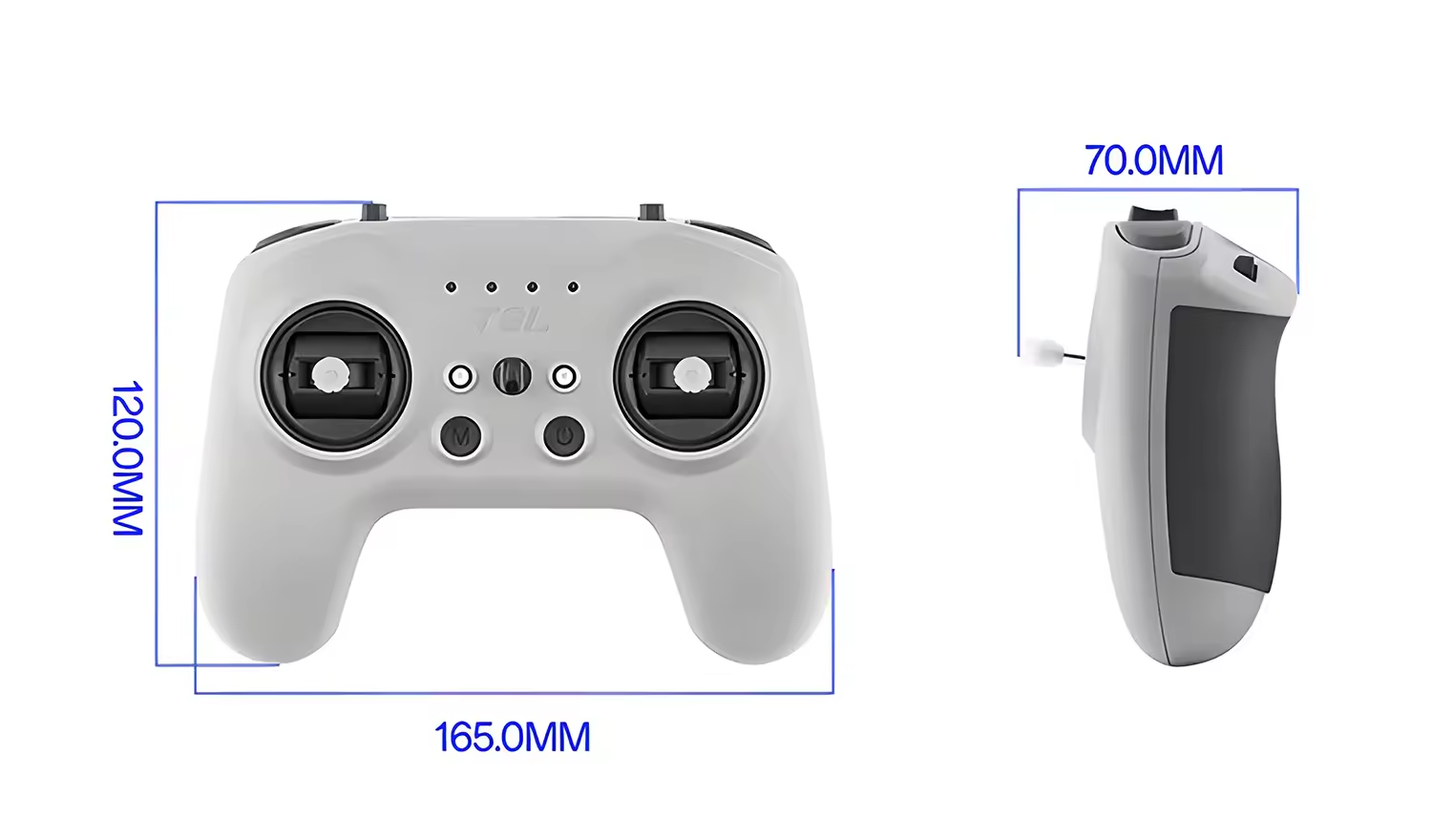
The RadioMaster T8L is worth considering if you want an affordable first ELRS radio for FPV simulator training, Tiny Whoops, indoor flying or short-range park sessions. Its lightweight 204g body, X5 quad-bearing Hall-effect gimbals and protected switches make it easy for beginners to hold, transport and practise with.
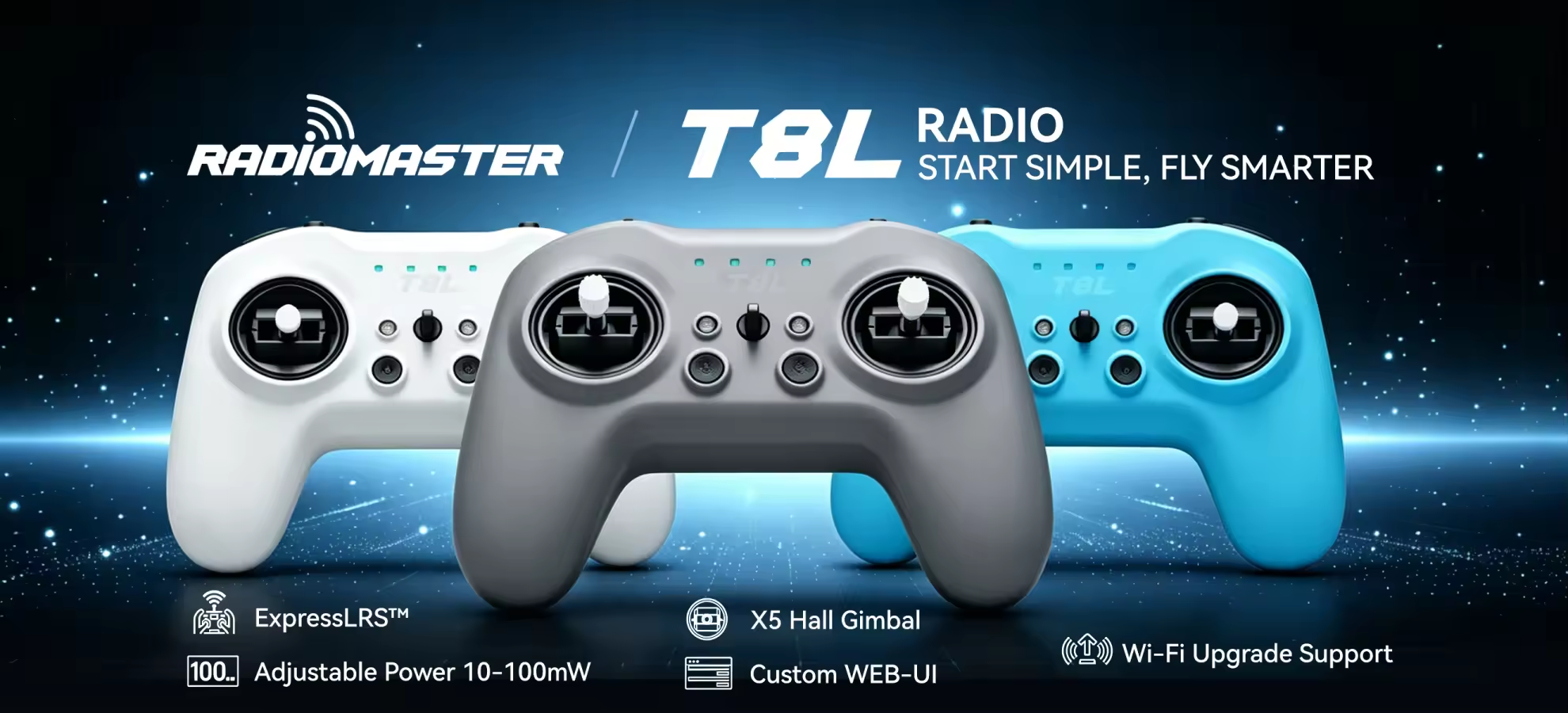
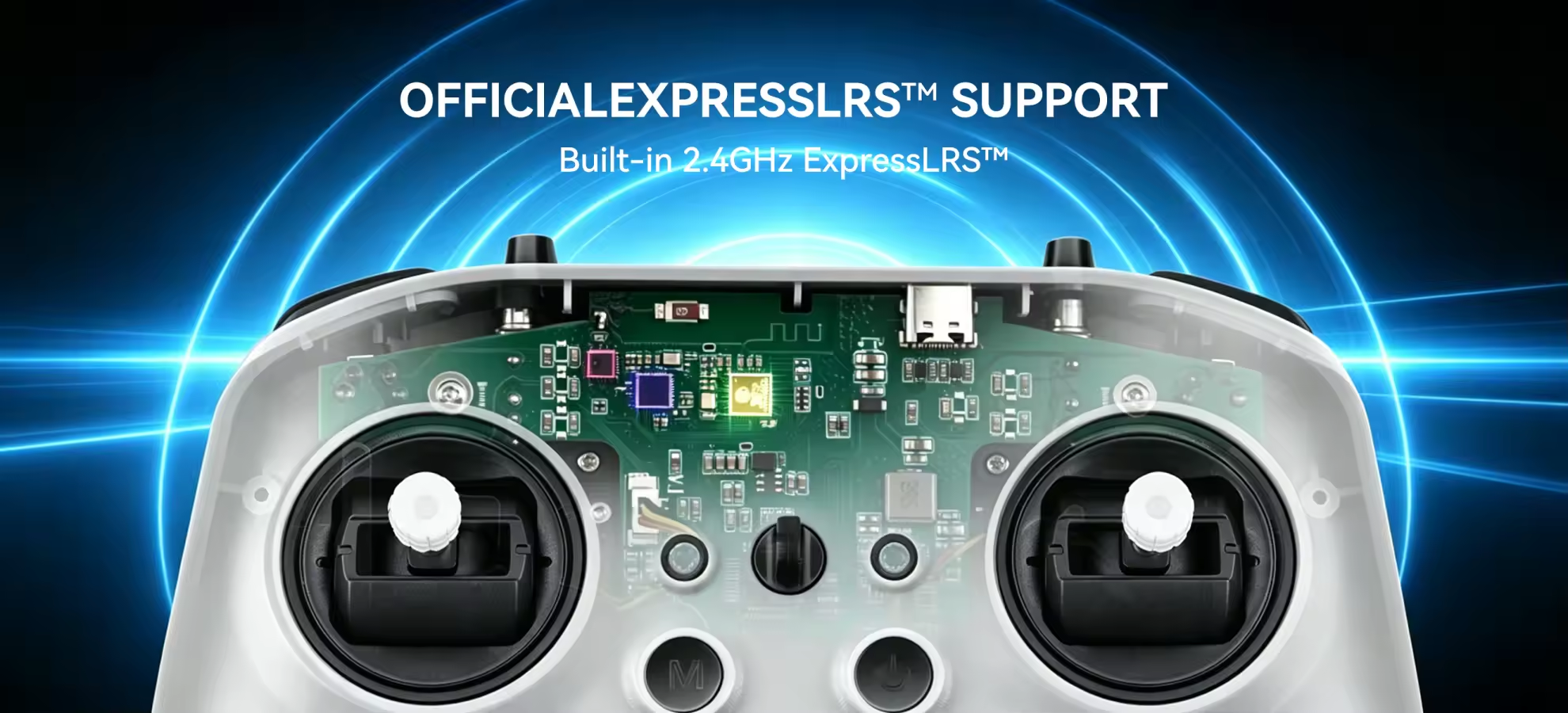
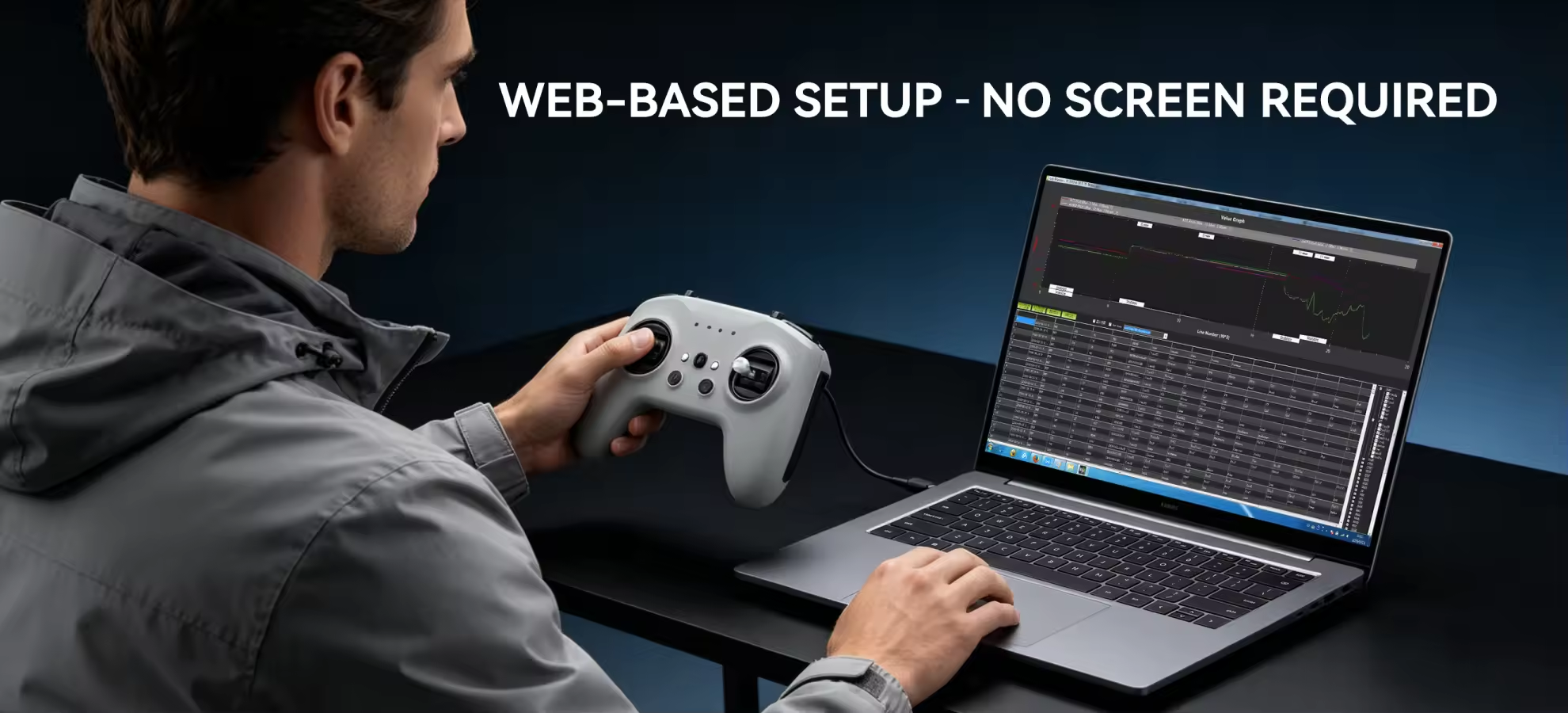
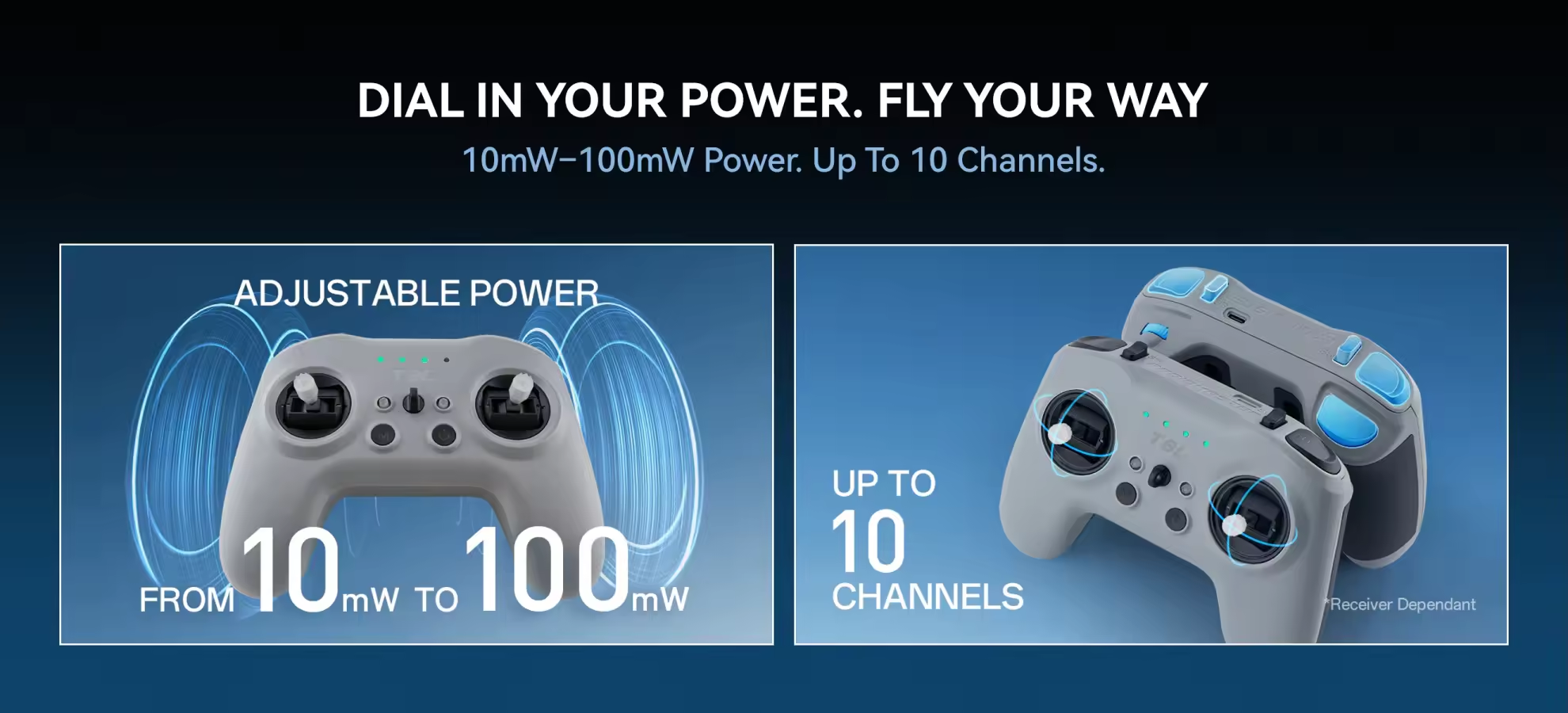
Instead of a display and complicated on-radio menus, the T8L uses a browser-based interface for calibration, channel mapping, switch configuration and ELRS settings. It supports 2.4GHz ExpressLRS, adjustable 10–100mW RF output and up to 10 channels, depending on the receiver.
Choose the T8L when affordability, portability and simplicity are the priorities. If you need a telemetry screen, full EdgeTX model programming, higher maximum RF power or an external module bay, the RadioMaster Pocket is the better long-term choice.
MEPSKING Expert Review: RadioMaster T8L
After reviewing multiple simulator tests, Tiny Whoop flights and a real 3.5-inch FPV flight, the MEPSKING team considers the RadioMaster T8L a strong entry-level or backup ELRS radio rather than a replacement for a full-featured transmitter.
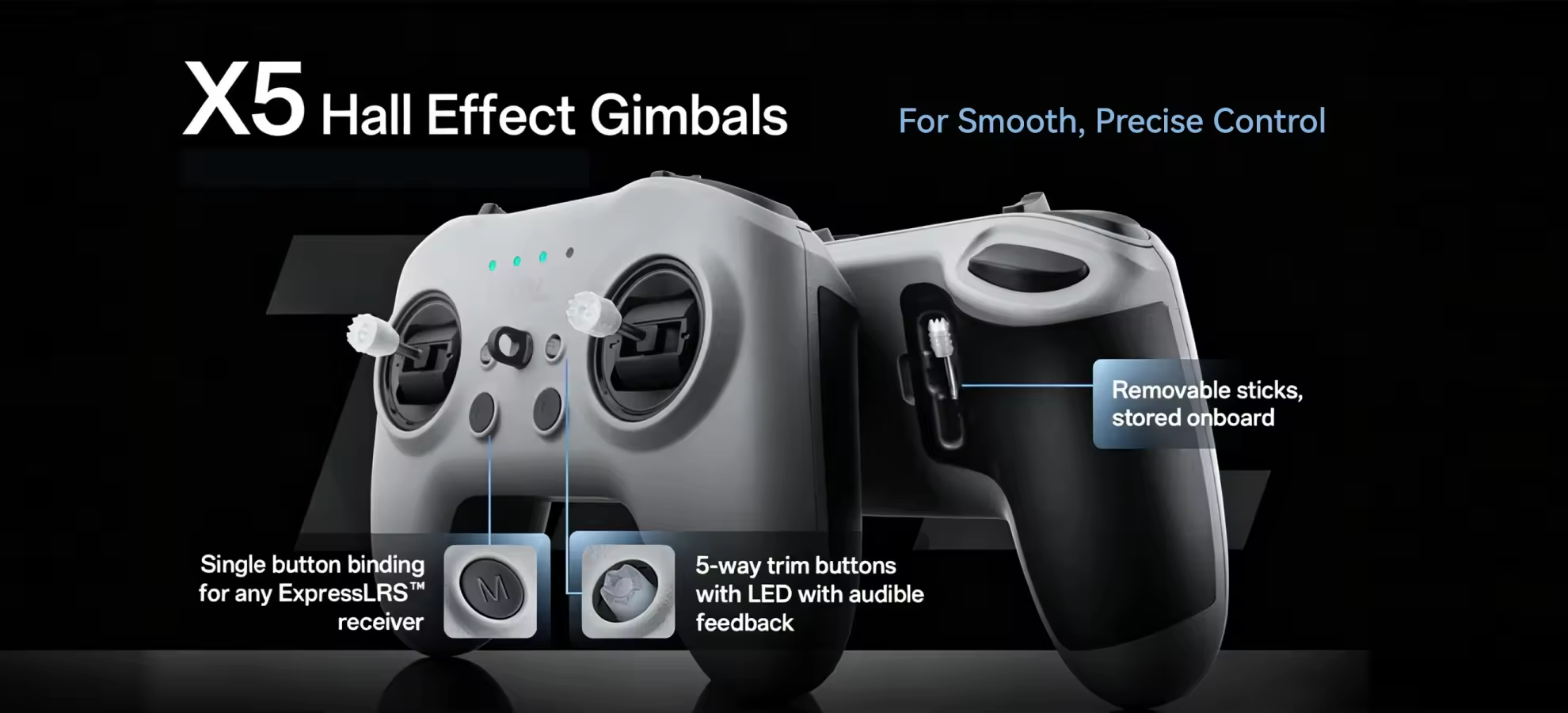
Its lightweight gamepad-style body feels natural for thumb control, while the Hall-effect gimbals provide smooth and responsive stick movement in simulators such as Liftoff. The protected switches, removable sticks and single USB-C port also make it practical for beginners and pilots who need a compact travel radio. The shorter sticks may feel less precise to pinch pilots, although the gimbal tension can be adjusted.
The reviewed 3.5-inch drone completed wooded and open-field flights without control problems, while a separate Tiny Whoop test received link-loss warnings earlier than expected. These different results show that receiver quality, antenna installation, obstacles and RF settings can significantly affect the control link.
MEPSKING’s verdict: Choose the T8L for FPV simulator practice, Tiny Whoops, indoor flying, short-range park sessions or backup use. Its 100mW maximum RF output and internal antenna are not intended for dedicated long-range FPV. Because the radio has no telemetry screen, we recommend displaying ELRS Link Quality and RSSI dBm in the goggles’ OSD during every real flight.
RadioMaster T8L vs Pocket
| Feature | RadioMaster T8L | RadioMaster Pocket |
|---|
| Best For | Beginners, simulators, Tiny Whoops and backup use | Long-term main radio, multiple models and advanced setups |
| Screen and Software | Screenless with browser-based configuration | LCD screen with full EdgeTX model programming |
| ELRS RF Power | Adjustable from 10mW to 100mW | Up to 250mW on the FCC ELRS version |
| Supported Channels | Up to 10 channels | Up to 16 channels |
| Model Programming | Basic channel mapping without advanced model management | Model profiles, mixes, curves and advanced EdgeTX functions |
| Telemetry Feedback | LED and audible warnings; check link data in the goggles OSD | On-radio screen for telemetry, warnings and model information |
| External Module Bay | No | Yes, Nano module bay |
| Weight Without Batteries | 204g | 288g |
| Buying Advice | Choose it for the simplest and most affordable ELRS entry | Choose it for greater flexibility and future expansion |
Which RadioMaster Radio Should You Buy?
Buy the T8L if this is your first ELRS radio, you mainly practise in an FPV simulator, or you fly Tiny Whoops and short-range park builds. It is also a practical travel or backup controller for pilots who do not need a display or complex model programming.
Choose the RadioMaster Pocket if this will be your long-term primary radio, you own several aircraft, or you need a screen, advanced EdgeTX functions, more RF power and an external module bay.
Application and Receiver Compatibility
The RadioMaster T8L is best suited to FPV simulators, Tiny Whoops, indoor racing drones, beginner FPV builds and short-range park flying. It works with drones equipped with a compatible 2.4GHz ExpressLRS receiver.
A DJI video system does not determine radio compatibility. A DJI-equipped FPV drone can use the T8L only when its flight controller is connected to a 2.4GHz ELRS receiver. The T8L does not directly bind to FrSky, FlySky, CC2500 or 900MHz ELRS receivers, and it has no external module bay for adding another protocol.
Web Setup and First-Flight Checklist
1. Install two matched 18650 batteries and confirm the polarity.
2. Hold the M button while powering on the radio, connect it to a computer through USB-C and open the RadioMaster web configuration page in Chrome or Edge.
3. Calibrate the gimbals and check the channel monitor. The default switch mapping may not match an existing Pocket or Boxer setup.
4. Confirm that Channel 5 is assigned to the preferred arm switch. If SA is used for arming, change it from momentary to single-press operation when required.
5. Configure the ELRS binding phrase or use the M button to enter binding mode, then test the arm switch, flight modes and failsafe with the propellers removed.
This product is a Mode 2 controller, with the throttle on the left.
Using the T8L with an FPV Simulator
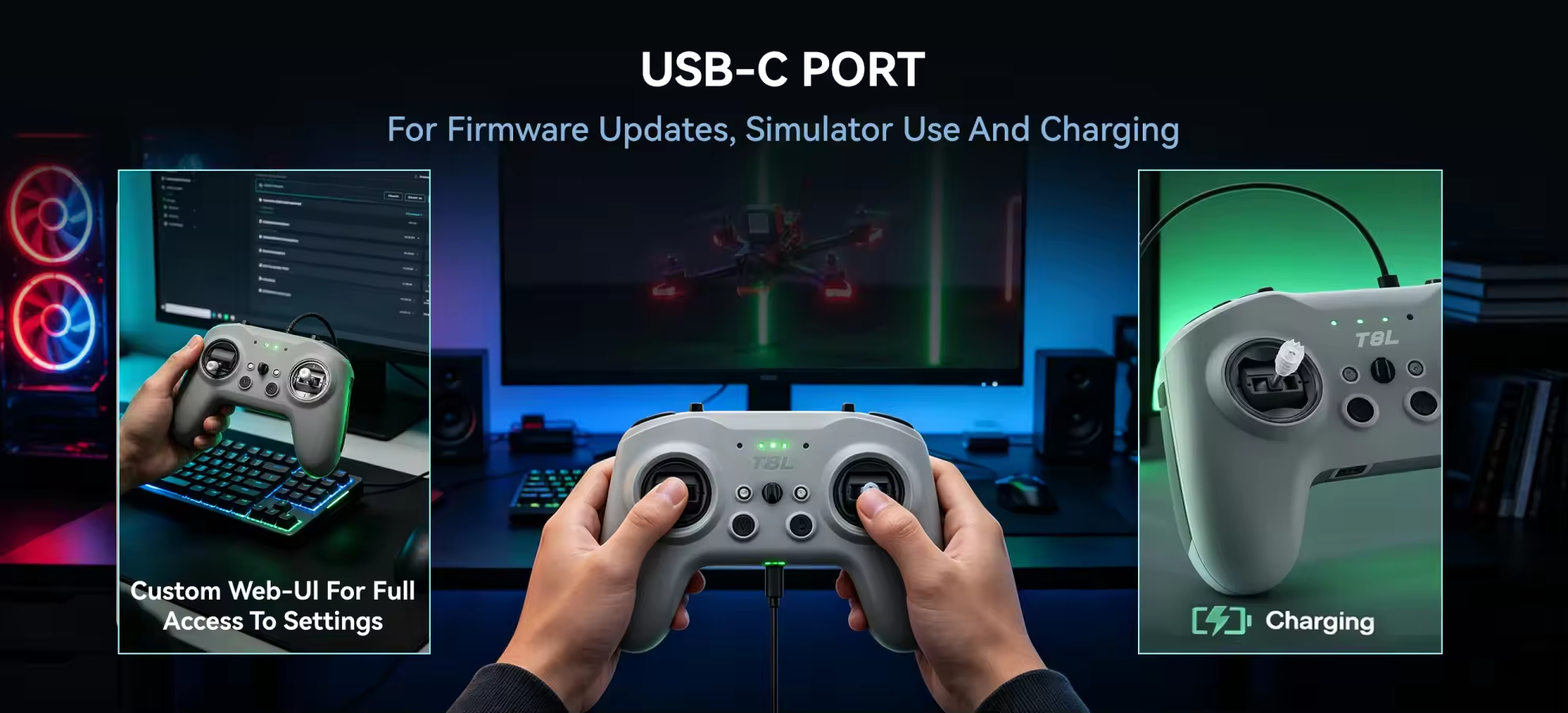
The T8L works with FPV simulators such as Liftoff and Velocidrone through its USB-C port. Its Hall-effect gimbals provide more realistic FPV practice than a standard game controller and allow beginners to learn Acro mode before risking a real drone.
For simulator use, power on the T8L normally and then connect the USB-C cable. Do not enter the web-configuration mode used for channel mapping and firmware settings.
Battery and Flight-Safety Tips
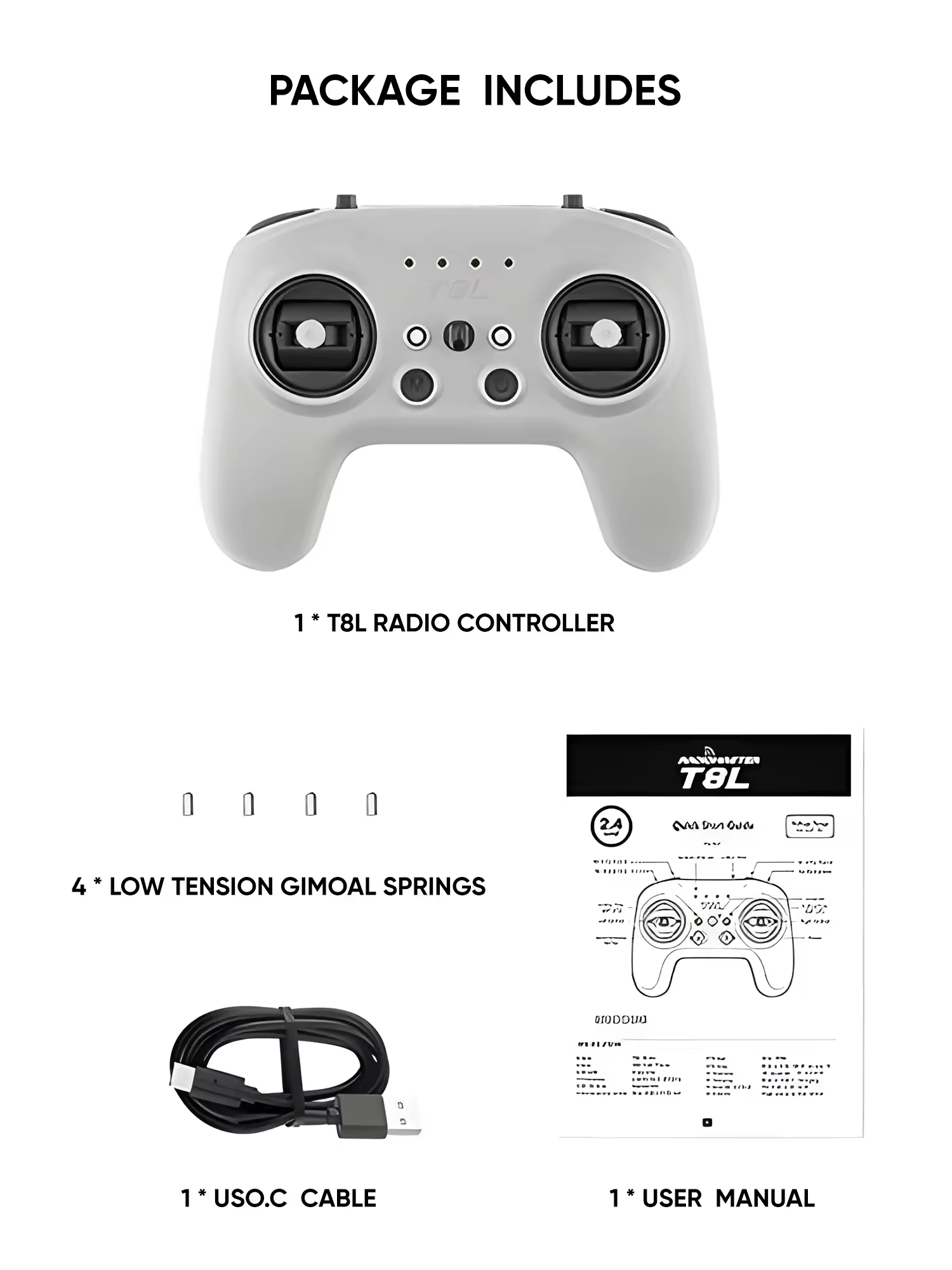
Batteries are not included. Use two matched, genuine flat-top 18650 cells with the same capacity, age and charge level. Add a pair of RadioMaster 3200mAh 18650 batteries to complete the setup.
An independent test estimated approximately 25 hours of operation with 3000mAh batteries, although actual runtime depends on RF power, battery condition and operating temperature. Recharge the radio when the battery indicator reaches one LED instead of waiting only for the final low-voltage warning.
Because the T8L has no telemetry screen, display ELRS Link Quality and RSSI dBm in the Betaflight OSD. Monitor the link during flight and turn back before the connection becomes unstable. Browse more FPV radio controllers if your build requires a screen, higher RF output or advanced model programming.



 RadioMaster 18650 3200mAh 1S 3.7V Li-ion Battery (2pcs) for TX16S / Boxer / TX12/ Pocket / MT12 Radios1S 3200mAh$12.21 Save $0.78







 Verified