Buying Guide: BETAFPV LiteRadio 4 ELRS Transmitter
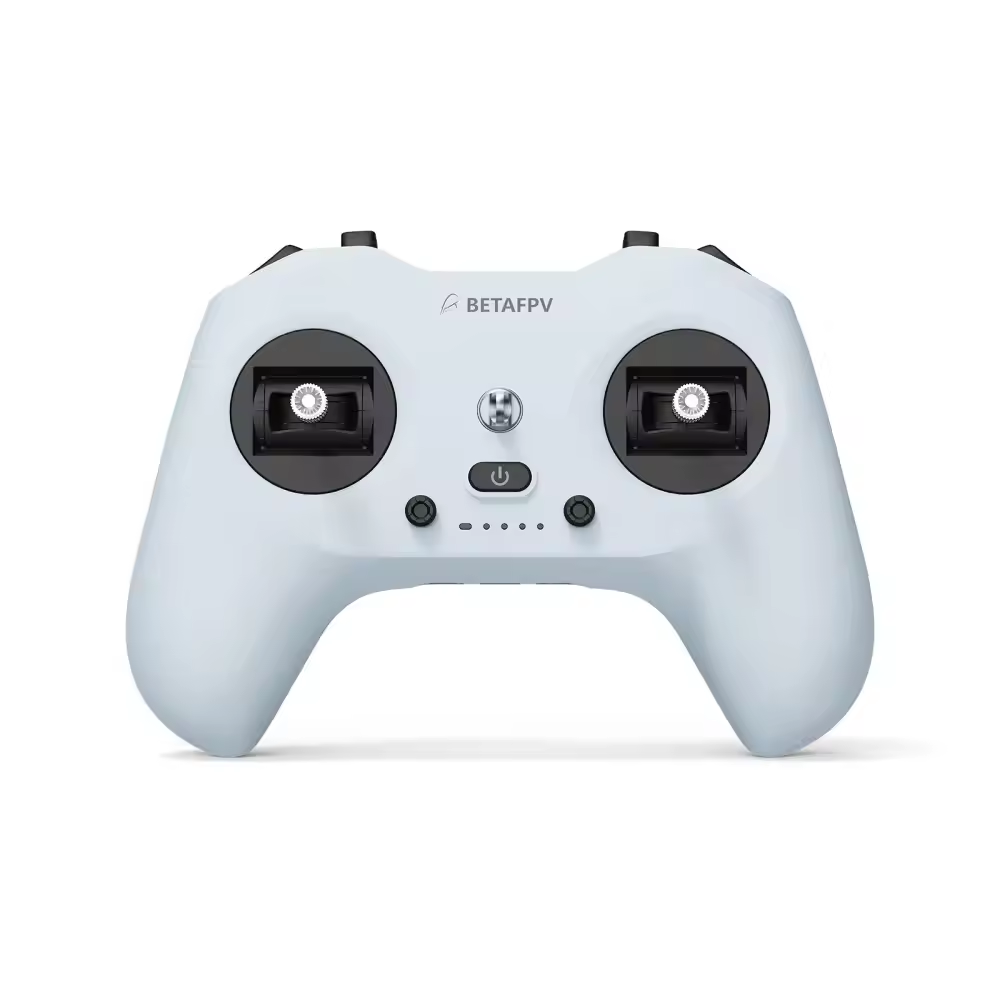
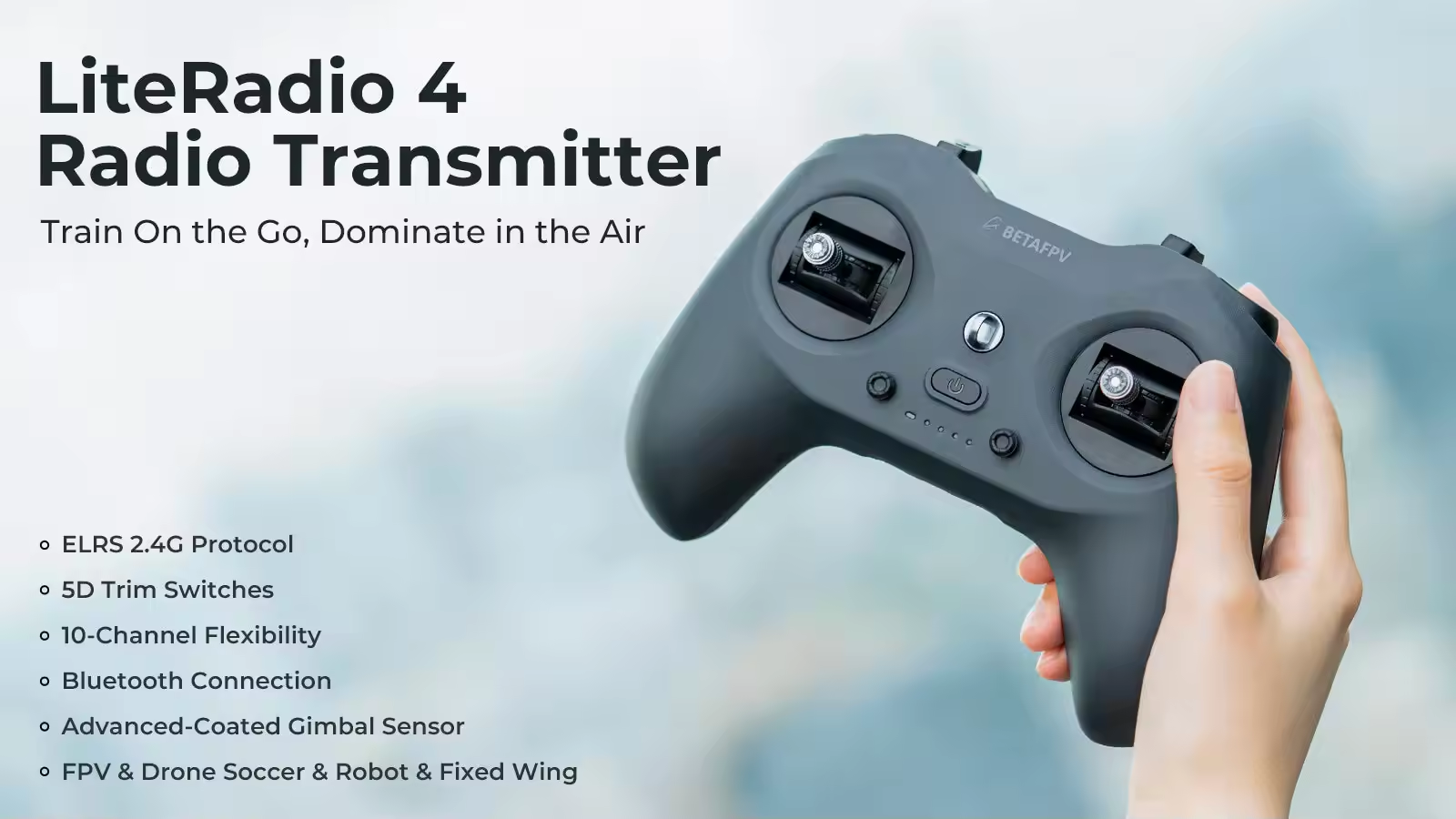
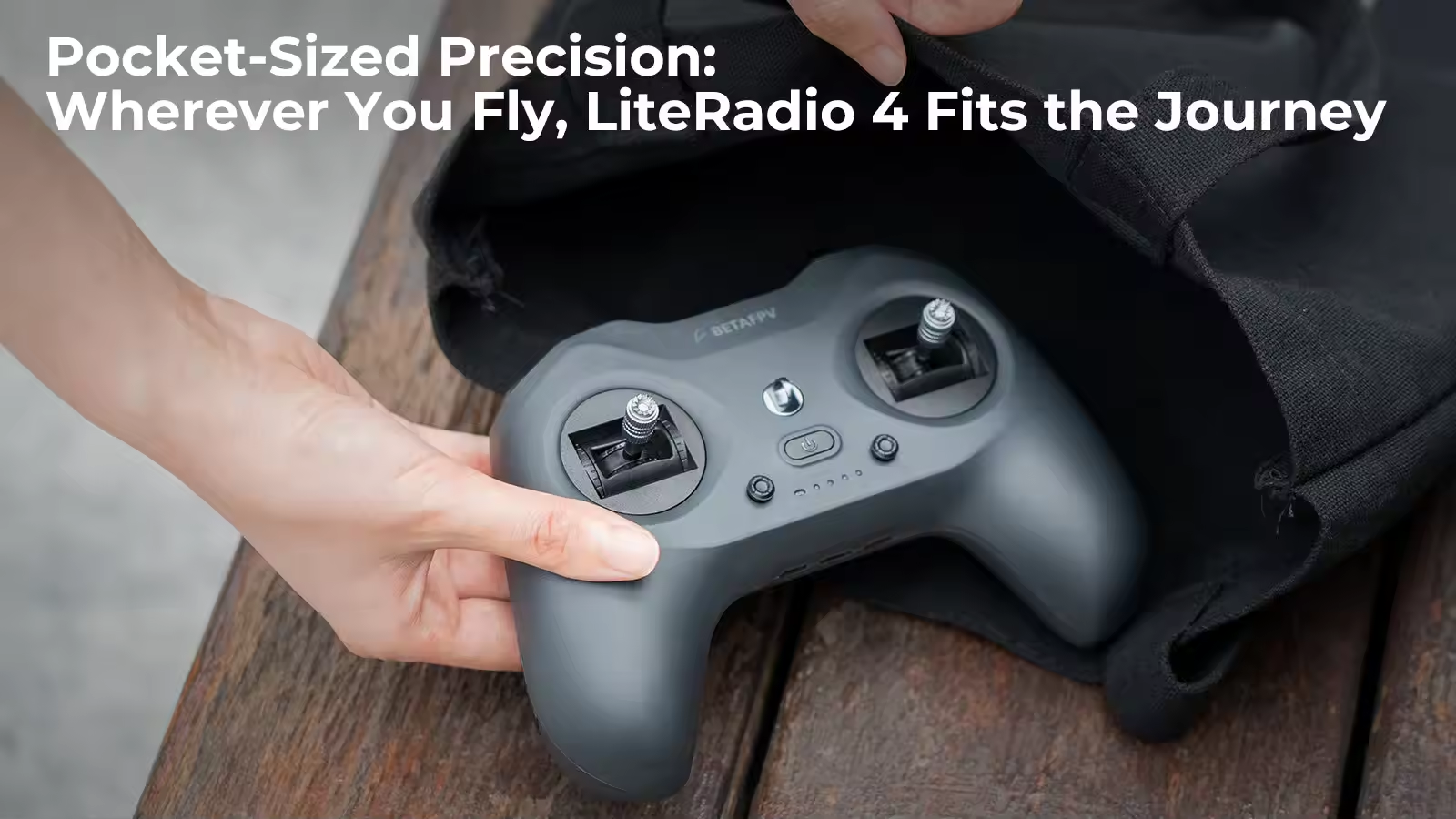
The BETAFPV LiteRadio 4 is designed for pilots who want to start flying without immediately learning the deeper menus of an EdgeTX radio. It combines a compact gamepad-style body, built-in ExpressLRS 2.4GHz, Bluetooth simulator support and a rechargeable internal battery.
Choose the LiteRadio 4 when you need an affordable first FPV controller for simulator training, indoor tiny whoops or normal park flying. Pilots who require model memory, adjustable gimbal tension, higher RF output or external modules should consider a more expandable controller. Browse more BETAFPV products for compatible FPV equipment.
MEPSKING Expert Review
Across the supplied hands-on tests, the BETAFPV LiteRadio 4 consistently performed like a capable beginner radio rather than a basic toy. The standard potentiometer gimbals felt smooth, returned to center reliably and showed no obvious jitter after calibration.
In one outdoor test, the radio controlled a Pavo20 Pro around a familiar park at 100mW without a failsafe. Link quality remained approximately 94%–100%, including an area with known RF interference. This is encouraging evidence for indoor whoops and normal park flying, but it should not be interpreted as a guaranteed maximum range.
The MEPSKING verdict is that the LiteRadio 4 improves portability, simulator access and beginner convenience. It is not a replacement for a full EdgeTX radio when multiple model profiles, advanced programming, external modules or higher RF output are required.
Control Feel and Simulator Experience
One comparison test measured the LiteRadio 4 at 218g and the LiteRadio 3 at 240g. The lighter and narrower body feels natural for thumb pilots and users familiar with PlayStation- or DJI-style controllers.
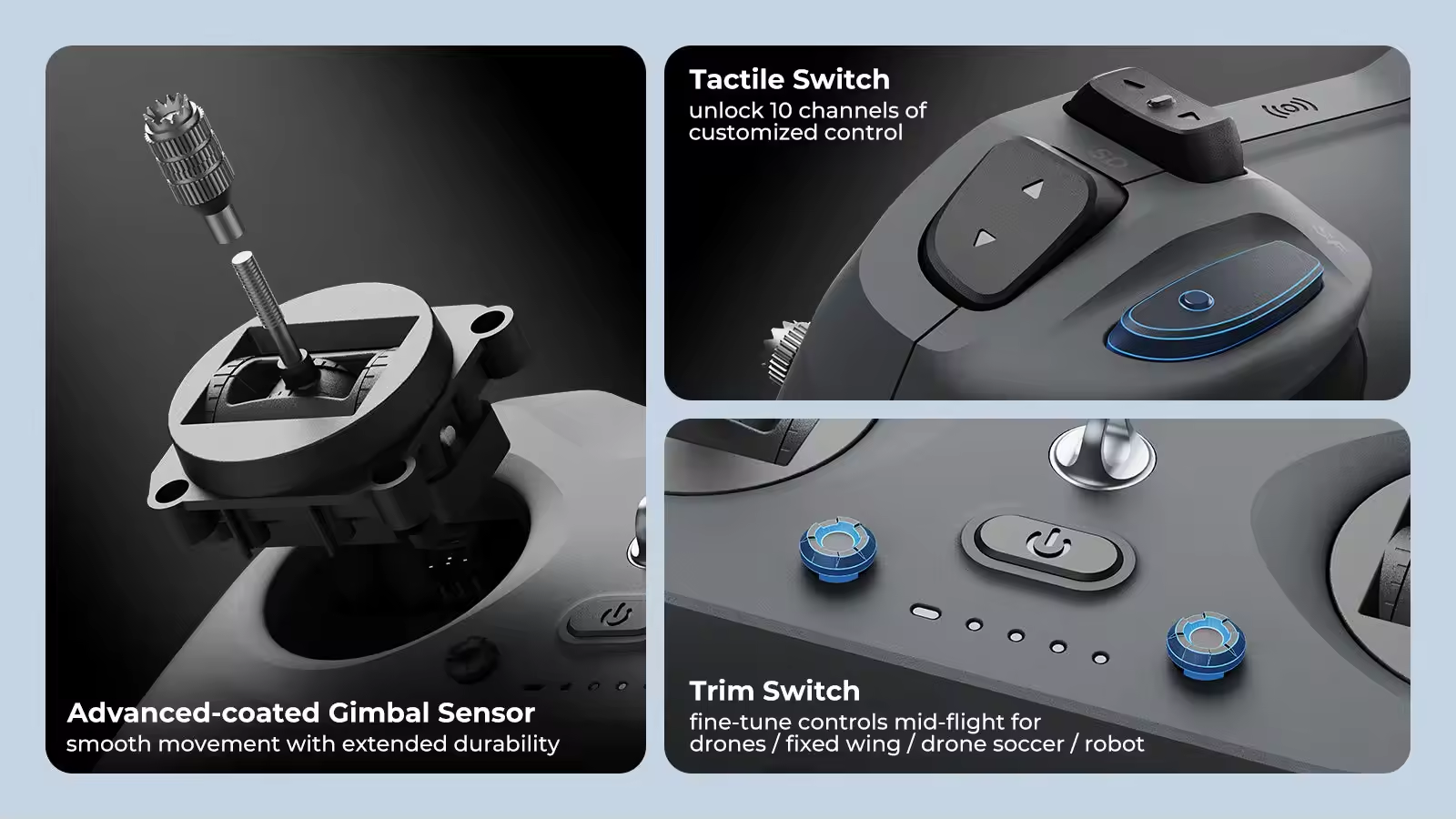
The gimbals feel smooth for the price, but their tension cannot be externally adjusted. Larger hands and pinch-style pilots may prefer the wider LiteRadio 3 body. The LiteRadio 4 also has less grip across the front shell, which can become noticeable when flying outdoors with sweaty hands.
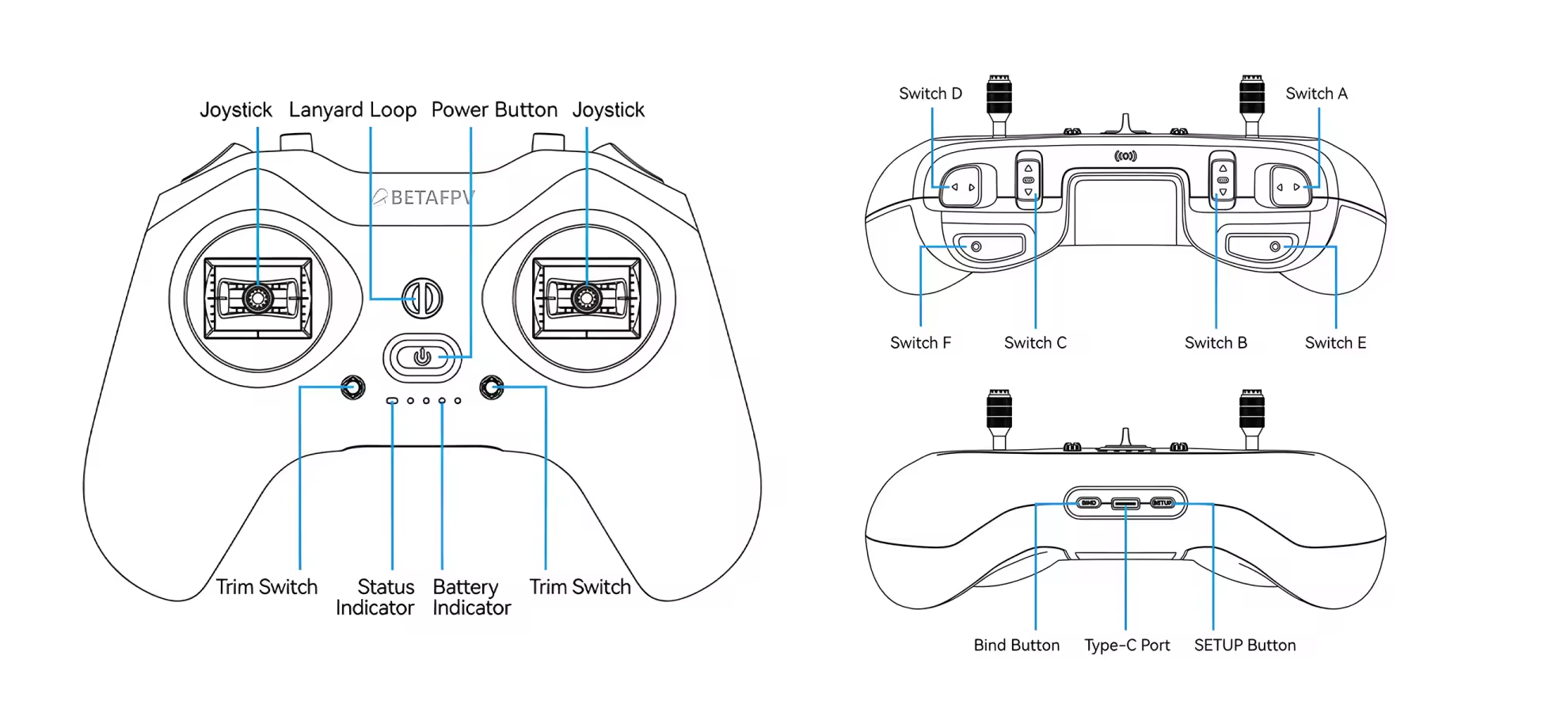
Its two-position switches, three-position switches and rear momentary buttons provide enough controls for arming, flight modes, turtle mode, beeper and OSD functions. Practise the switch positions before flying under goggles because the revised layout may take several flights to learn.
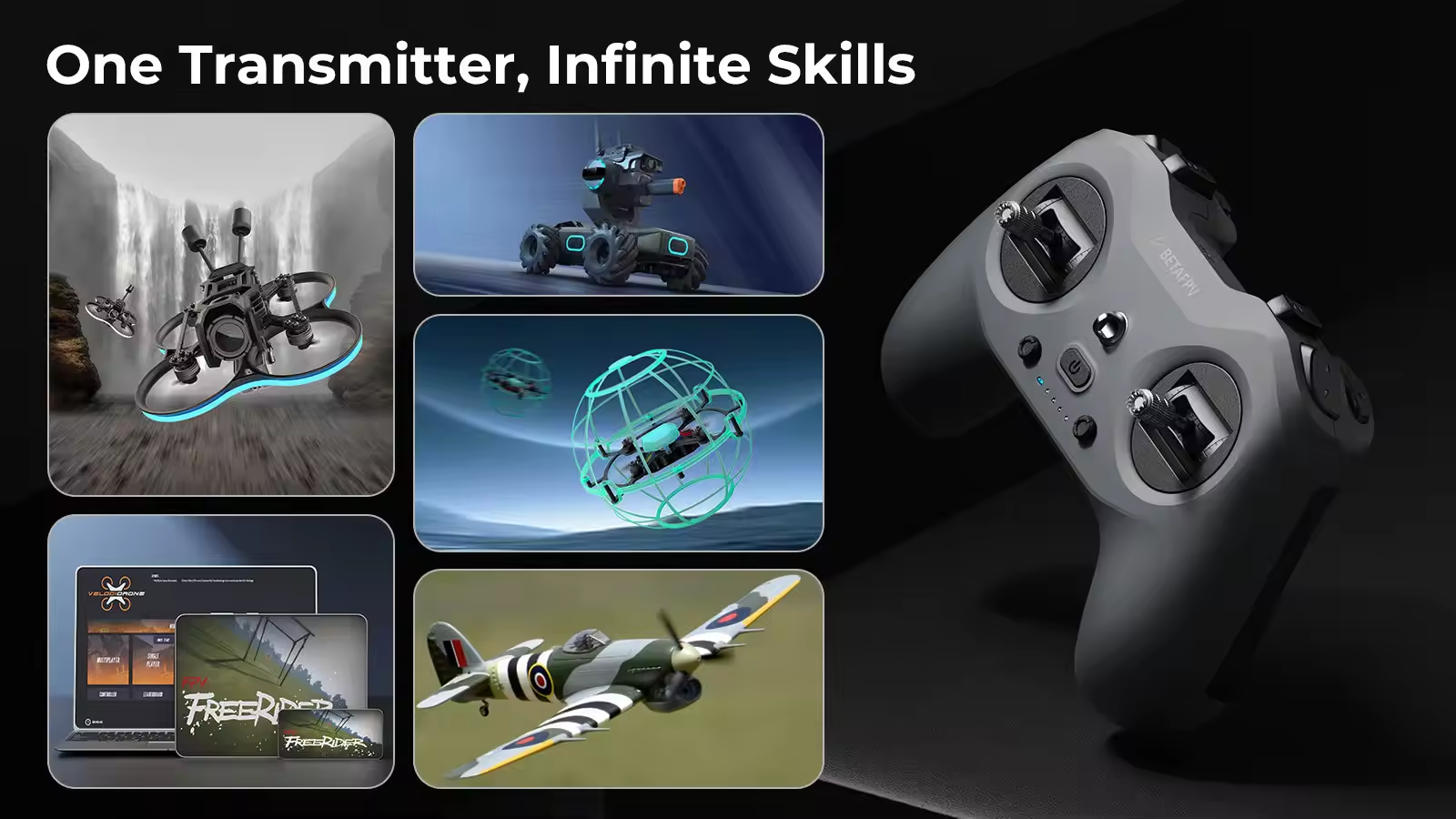
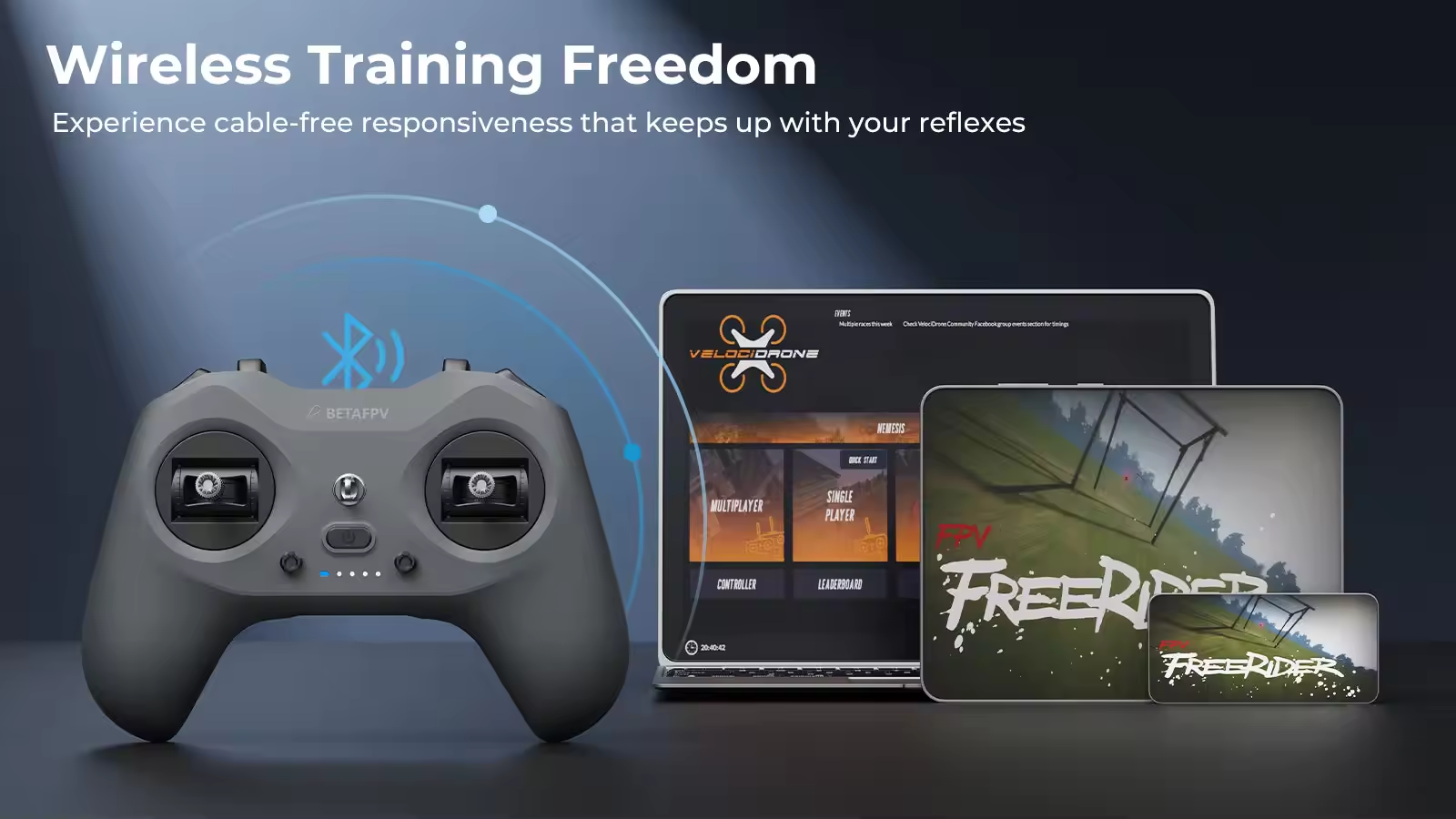
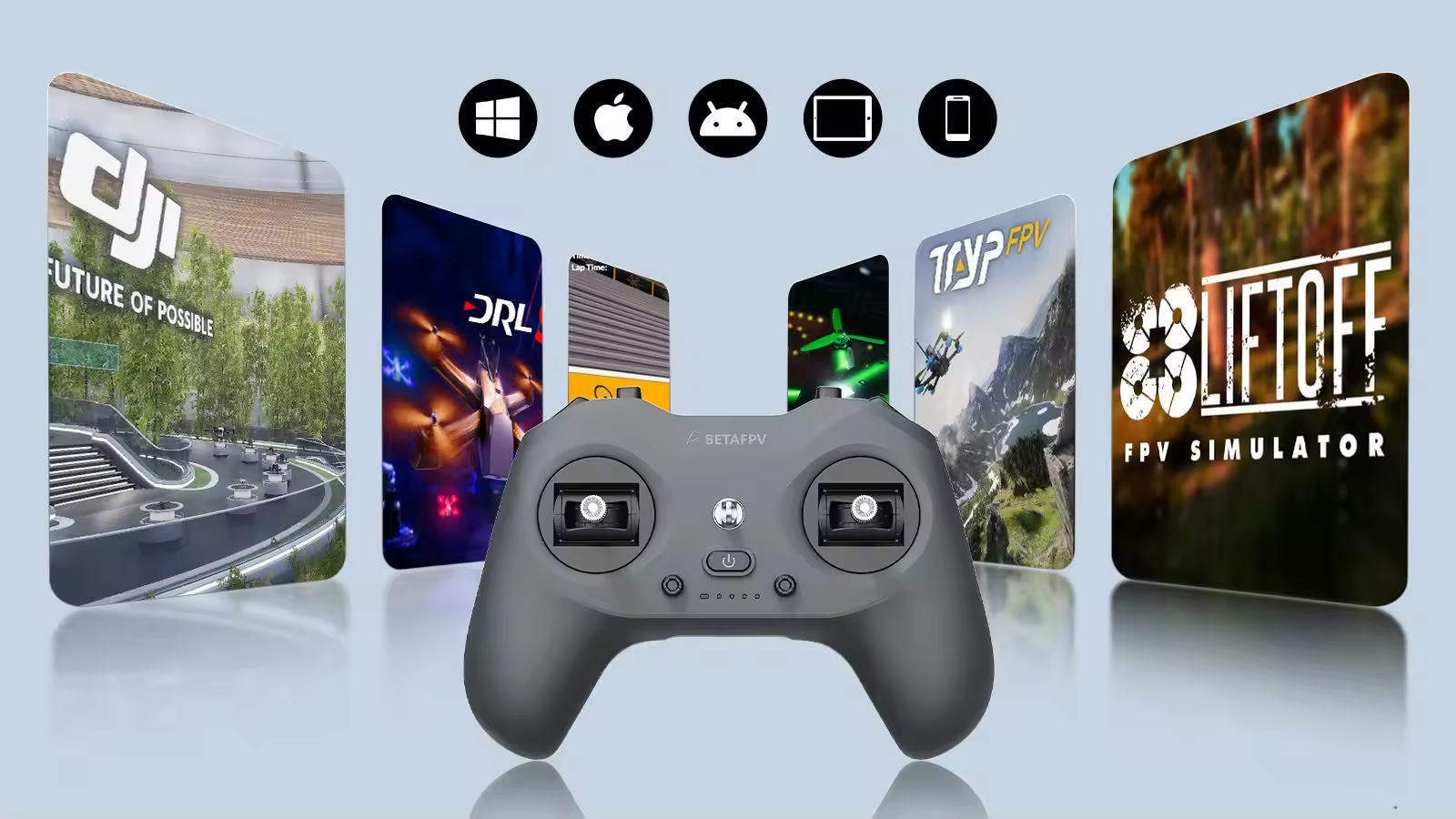
Bluetooth Joystick Mode removes the cable during casual simulator practice. For competitive simulator sessions, minimum input delay or situations where Bluetooth recognition is inconsistent, the wired USB-C connection remains the more reliable choice.
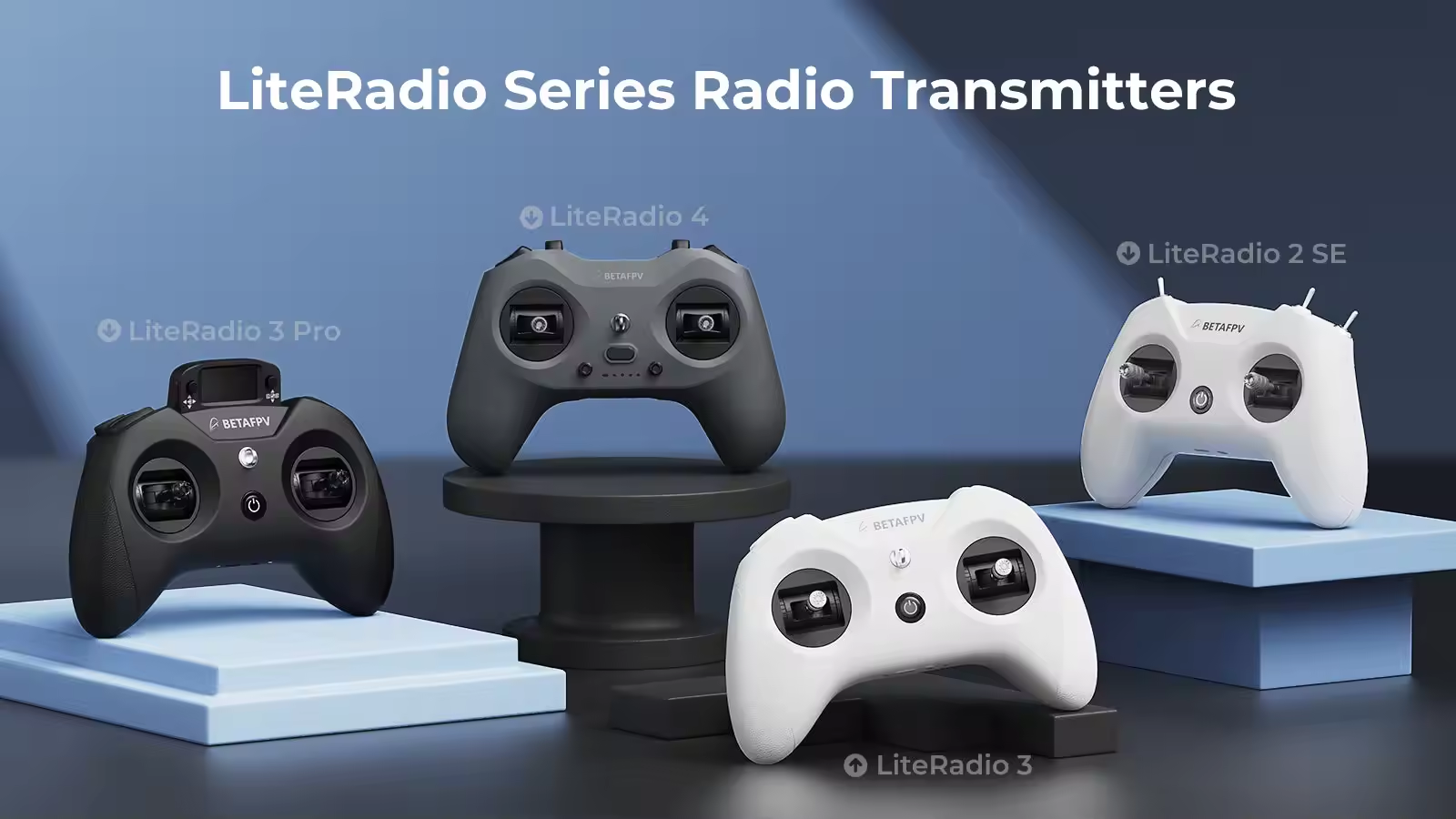
BETAFPV LiteRadio 3 vs LiteRadio 4
| Comparison | LiteRadio 4 | LiteRadio 3 |
|---|
| Channels | 10 channels | 8 channels |
| Internal RF System | ELRS 2.4GHz, up to 100mW | ELRS or FrSky by version; ELRS up to 100mW |
| Gimbals | Coated potentiometer; Hall on Twilight Edition | Potentiometer gimbals |
| Controls | 2× two-position, 2× three-position, 2× momentary and trim controls | 2× two-position and 2× three-position switches |
| Simulator Connection | Bluetooth and USB-C | Primarily USB-C |
| External Module Bay | No | Nano module bay included |
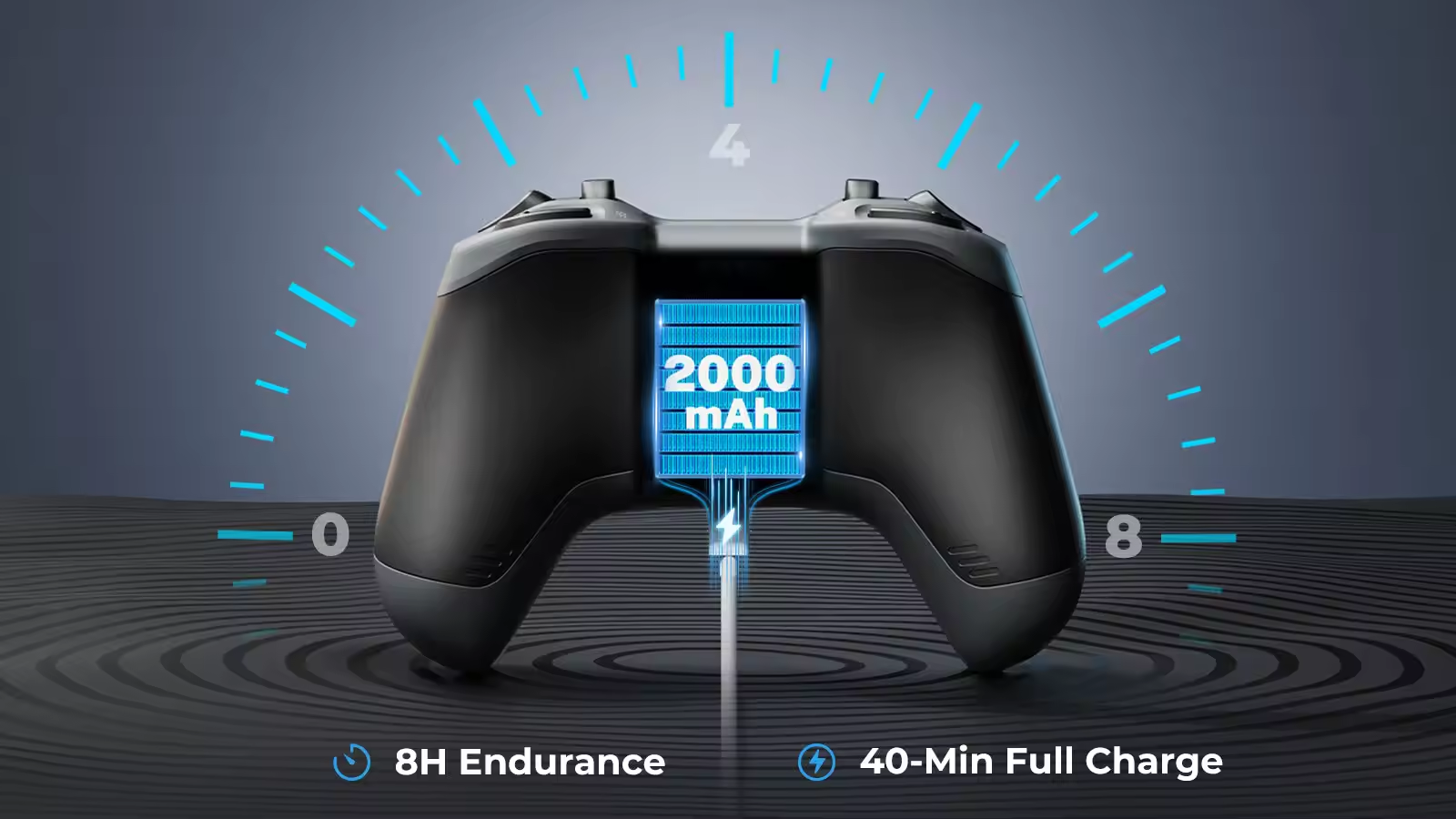
| Battery | 1S 2000mAh with 15W fast charging | 1S 2000mAh with standard USB charging |
| Approximate Weight | 210g official; 218g in one test | Approximately 240g in comparison testing |
| Best Buyer | New ELRS pilots prioritizing portability and wireless simulation | Pilots who prefer a larger grip or need an external module bay |
LiteRadio 4 adds two channels, Bluetooth, trim controls, lower weight and faster charging. The BETAFPV LiteRadio 3 retains two important advantages: a larger grip and a Nano external module bay. Both are screenless radios configured through BETAFPV software rather than EdgeTX.
Standard Edition or Twilight Limited Edition?
Choose the Standard Edition when price is the priority. It uses coated potentiometer gimbals that performed smoothly in the reviewed samples, but the sensors still rely on physical contact and may wear over time.
Choose the Twilight Limited Edition when Hall-effect gimbals and better long-term resistance to sensor wear justify the upgrade. Hall gimbals do not increase RF output or add EdgeTX—the channels, battery and simulator features remain the same.
Who Should Buy the LiteRadio 4?
Choose the LiteRadio 4: If this is your first ELRS controller, you mainly fly 65mm–85mm tiny whoops, you want Bluetooth simulator training or you prefer a lightweight gamepad-style radio.
Choose the LiteRadio 3: If you strongly prefer its larger grip or already own a compatible external Nano RF module.
Choose the RadioMaster Pocket: If you need a screen, EdgeTX, Hall gimbals, multiple model profiles, adjustable stick tension, higher internal RF power or an external module bay.
Pilots comparing simple entry-level options can also consider the RadioMaster T8L.
Setup Before the First Flight
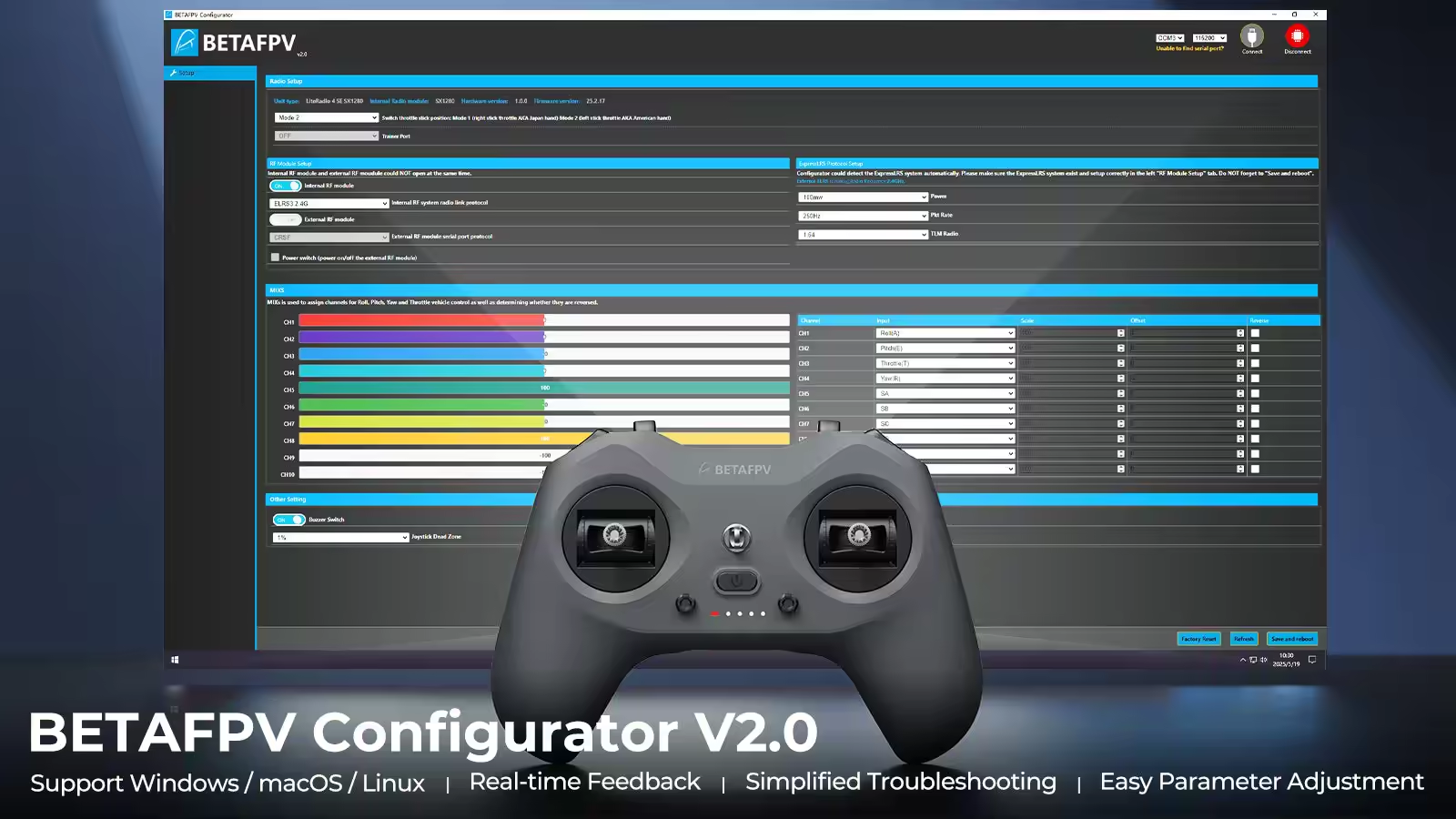
Connect the transmitter to BETAFPV Configurator while the radio is powered off. Configure the stick mode, channel assignments, RF output and packet rate, then calibrate the gimbals before binding a drone.
For a Betaflight multirotor, assign arming to AUX1 or channel 5 and confirm that the arm switch cannot be activated accidentally. Transmitter trims should normally remain centered; persistent drift should be corrected through stick, accelerometer or flight-controller calibration.
Confirm that the receiver uses ExpressLRS 2.4GHz and a compatible ELRS major firmware version. A Sub-G 868MHz or 915MHz ELRS receiver cannot bind to the LiteRadio 4.
BETAFPV currently recommends Configurator V2.0.1. Its April 2026 ELRS module firmware addresses an issue that could cause low transmitter output. Check the installed firmware, recalibrate the gimbals after flashing and complete a safe range test before the first outdoor flight.
Still deciding? Browse all FPV radio controllers to compare ELRS power, gimbals, firmware and model-management features.



 Flywoo GOKU F405 HD 1S 1S 5A ELRS AIO V2.0 For O4 / walksnail / HDZero1S 5A AIO$56.39 Save $3.60










 Verified