Buying Guide: BETAFPV LiteRadio 2 SE ELRS Transmitter
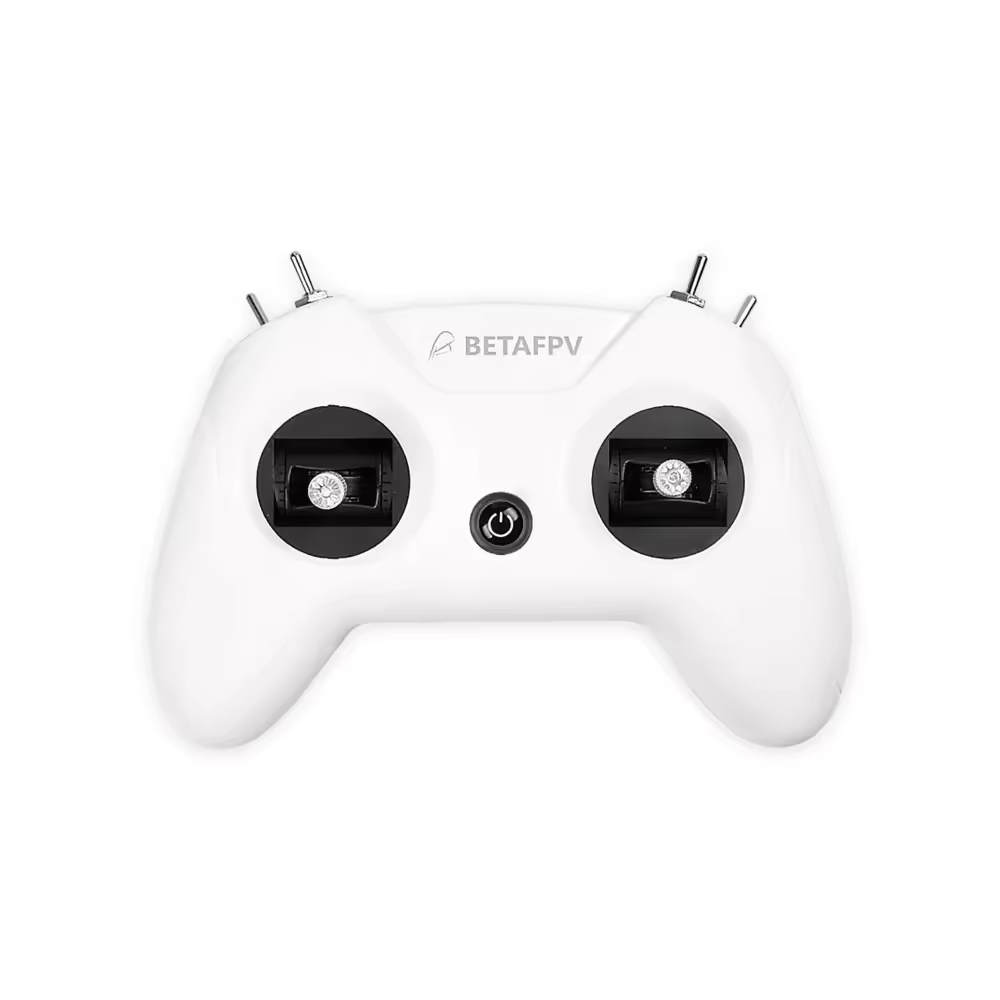
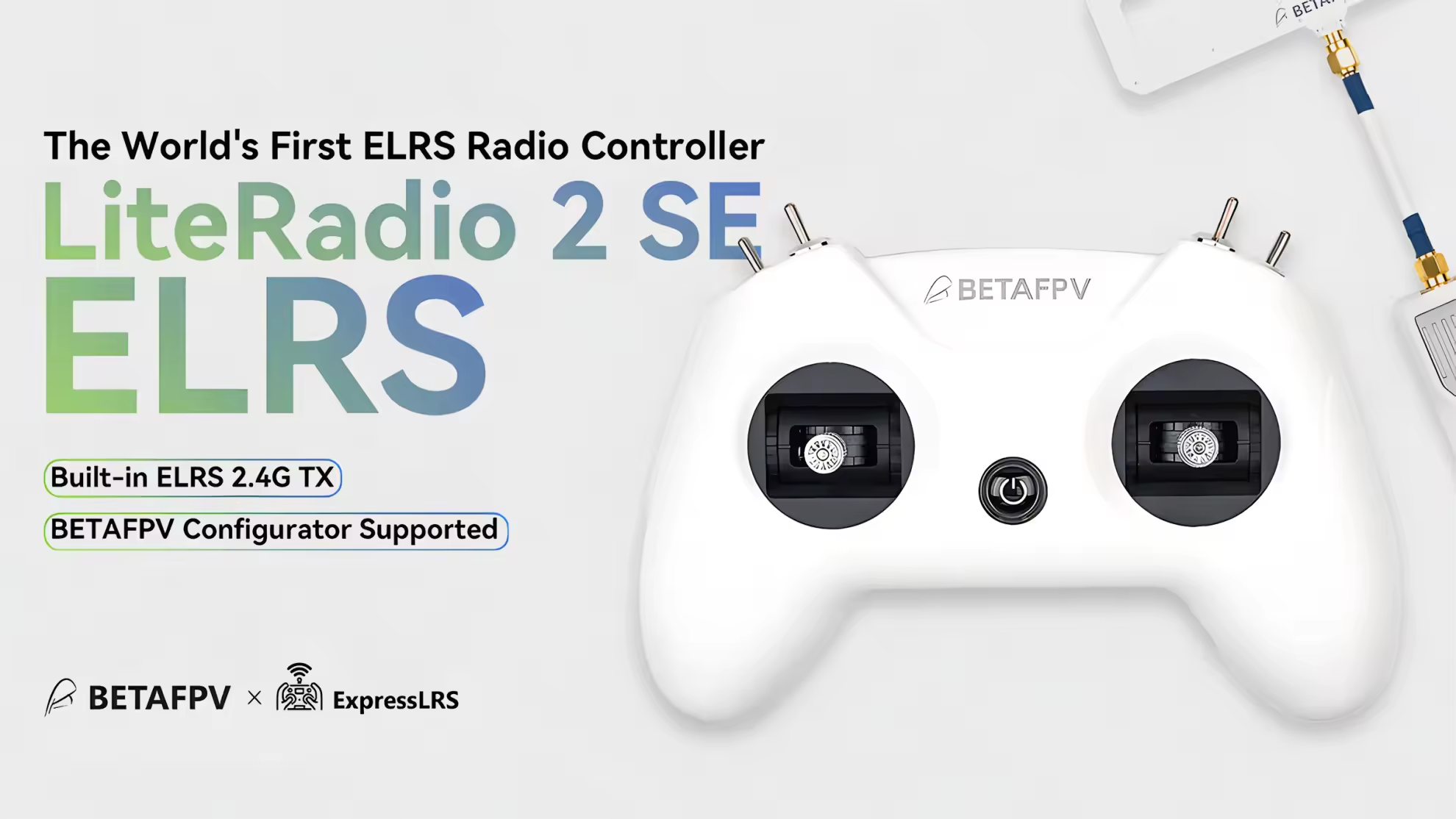
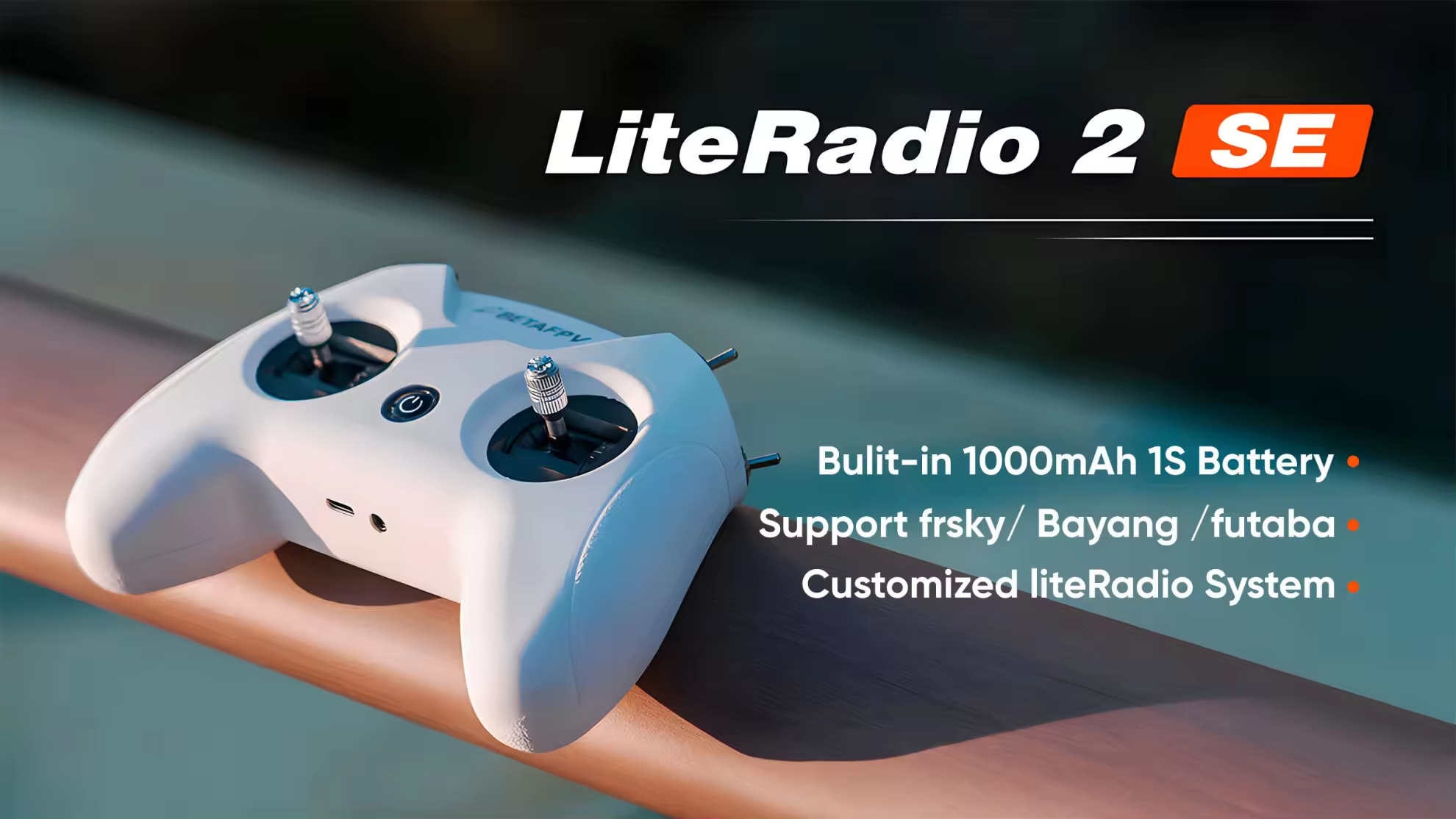
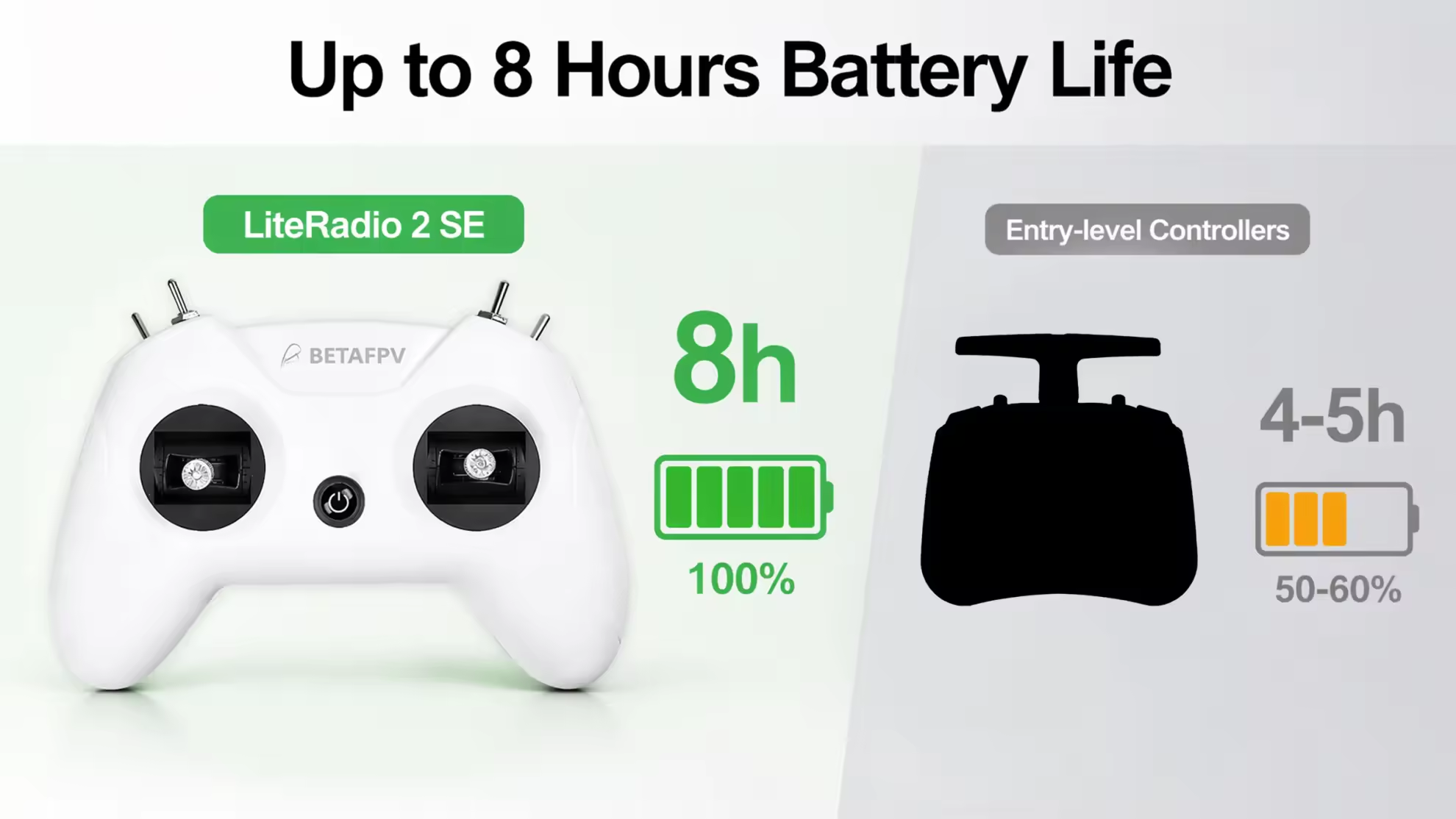
The BETAFPV LiteRadio 2 SE is a simple, lightweight FPV transmitter built for pilots who want an affordable way to control a small drone and practise in a simulator without dealing with the complexity of a full EdgeTX radio. The ELRS 2.4GHz version provides up to 100mW of RF output, while the built-in 1000mAh 1S battery provides up to 8 hours of claimed endurance.
Choose the LiteRadio 2 SE when you prioritize easy operation, a comfortable gamepad-style design and low cost. It is particularly suitable for beginners, tiny whoops and simulator practice. Pilots who need a display, multiple model profiles, adjustable stick tension or an external RF module should move up to a more advanced radio such as the RadioMaster Pocket.
MEPSKING Expert Review
The LiteRadio 2 SE is best understood as an entry-level FPV radio rather than a miniature version of a professional transmitter. Its biggest advantage is simplicity: the gamepad-style shell is easy to hold, the controls are straightforward and the radio can be used as a USB joystick for simulator training.
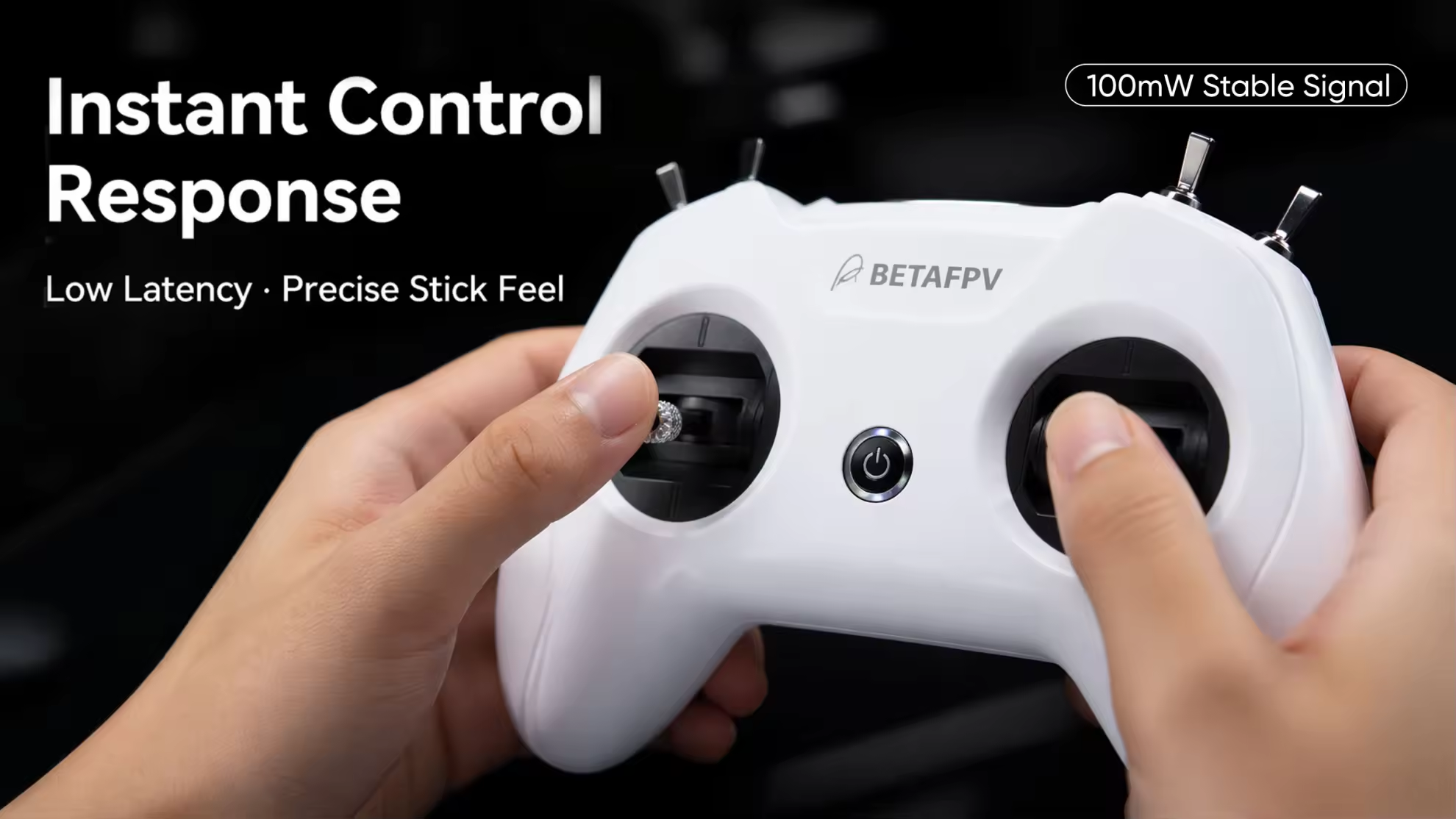
The ELRS 2.4GHz version supports up to 100mW of transmitting power and is a practical match for small FPV quads. BETAFPV also supports packet rates of 50Hz, 150Hz, 250Hz and 500Hz on the ELRS version, giving pilots flexibility between control range, responsiveness and link performance.
The main limitation is expandability. The LiteRadio 2 SE has no screen, no external TX module bay and no EdgeTX operating system. That makes it easier for a beginner to start flying, but also means it is less suitable for pilots who expect to build a large model fleet or customize advanced radio functions.
Control Feel and Simulator Experience
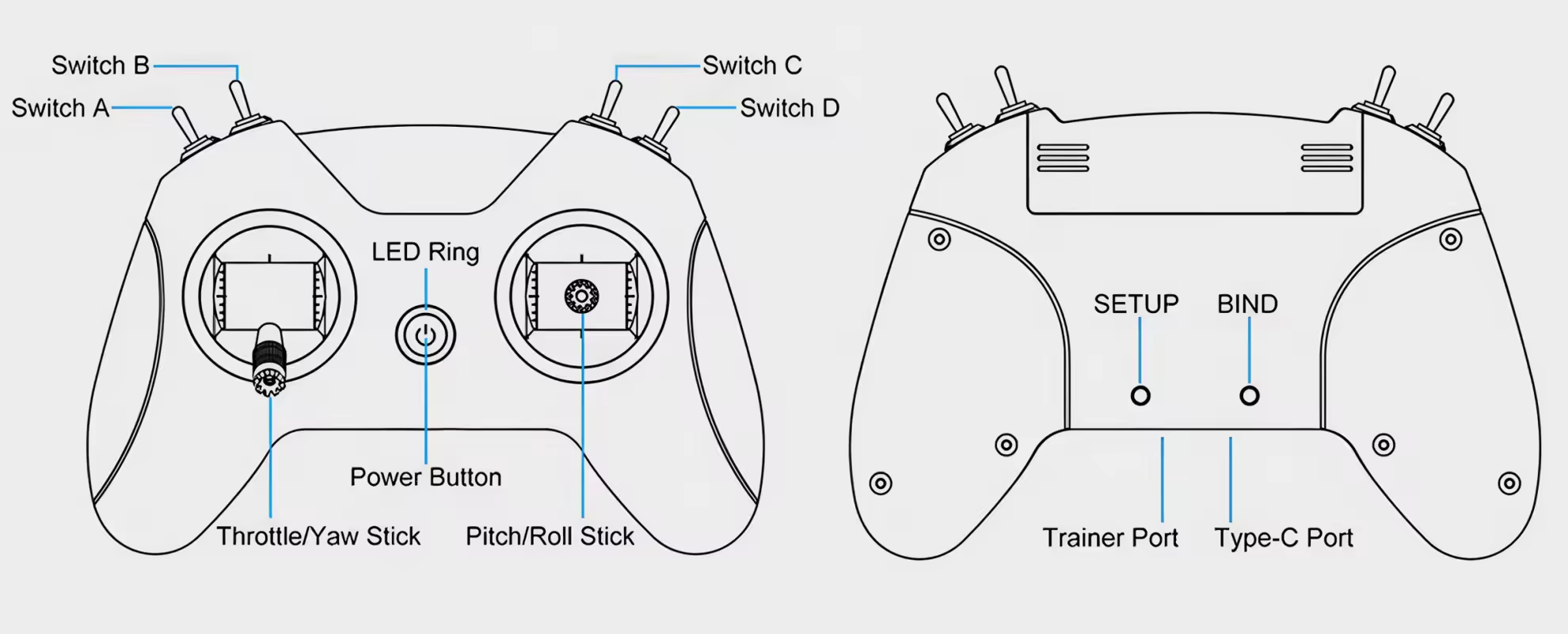
The LiteRadio 2 SE uses a compact gaming-controller shape with a rubberized exterior and anti-slip texture on the handles. This design makes it familiar to users who are more comfortable with gamepad-style controllers than traditional box-shaped RC transmitters.
Its gimbals use potentiometer sensors rather than Hall-effect sensors. They are suitable for beginner flying and simulator practice, but pilots looking for maximum long-term sensor durability and more refined stick customization may prefer a Hall-gimbal radio.
For simulator training, the transmitter connects to a computer through USB and works as a USB joystick. Updated firmware also expands compatibility to platforms including Steam-based FPV simulators, Android devices and the Windows version of DJI Flight Simulator. This makes the LiteRadio 2 SE more useful as a training controller than its simple hardware design might suggest.
One important limitation is that the LiteRadio 2 SE does not provide wireless Bluetooth simulator mode. If wireless simulator control is important to you, a newer transmitter such as the LiteRadio 4 is a better fit.
BETAFPV LiteRadio 2 SE vs LiteRadio 4
| Comparison | LiteRadio 2 SE | LiteRadio 4 |
|---|
| Channels | 8 channels | 10 channels |
| Internal RF System | ELRS 2.4GHz, up to 100mW | ELRS 2.4GHz, up to 100mW |
| Gimbals | Potentiometer gimbals | Potentiometer; Hall on Twilight Edition |
| Simulator Connection | USB-C wired connection | Bluetooth and USB-C |
| External Module Bay | No | No |
| Battery | 1S 1000mAh, up to 8 hours | 1S 2000mAh with fast charging |
| Firmware / System | BETAFPV LiteRadio System | BETAFPV LiteRadio System |
| Best Buyer | Budget-conscious beginners and tiny-whoop pilots | Newer ELRS pilots wanting wireless simulation and more controls |
The LiteRadio 4 is the newer and more feature-rich option, with 10 channels, Bluetooth simulator support, a larger 2000mAh battery and additional controls. The LiteRadio 2 SE remains attractive when the priority is keeping the transmitter simple and affordable while retaining 100mW ELRS 2.4GHz capability.
ELRS 2.4GHz or FrSky Version?
Choose the ELRS 2.4GHz version if you are buying a new FPV setup or using a modern ELRS receiver. ExpressLRS offers a strong combination of low latency, configurable packet rates and broad compatibility across current FPV equipment.
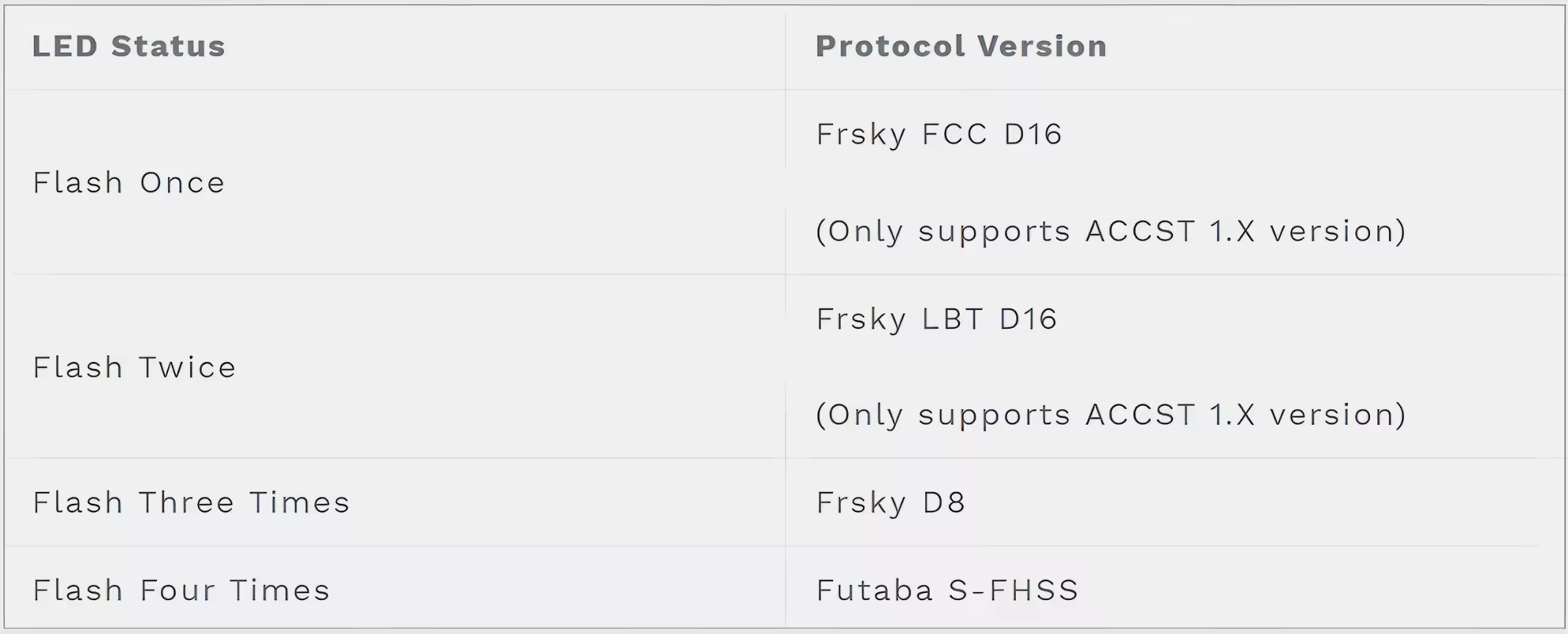
Choose the FrSky version only when you already have compatible FrSky receivers or older FrSky-based aircraft. The LiteRadio 2 SE platform supports FrSky D8, FCC D16, LBT D16 and Futaba S-FHSS on the relevant CC2500 version, but the FrSky D16 implementation has firmware compatibility limitations with newer ACCST 2.0+ receivers.
For a new FPV build, ELRS 2.4GHz is generally the more future-oriented choice. Always match the transmitter protocol to the receiver installed on your drone.
Who Should Buy the LiteRadio 2 SE?
Choose the LiteRadio 2 SE: If you are buying your first FPV radio, mainly fly small whoops or beginner-friendly micro quads, want a simple gamepad-style controller or need an inexpensive transmitter for simulator practice.
Choose the LiteRadio 4: If you want Bluetooth simulator support, a larger battery, more channels and a newer control layout without moving to a full EdgeTX radio.
Choose the RadioMaster Pocket: If you need a screen, EdgeTX, Hall gimbals, multiple model profiles, adjustable stick tension, higher RF output or an external module bay.
Pilots comparing other entry-level controllers can also consider the RadioMaster T8L.
Setup Before the First Flight
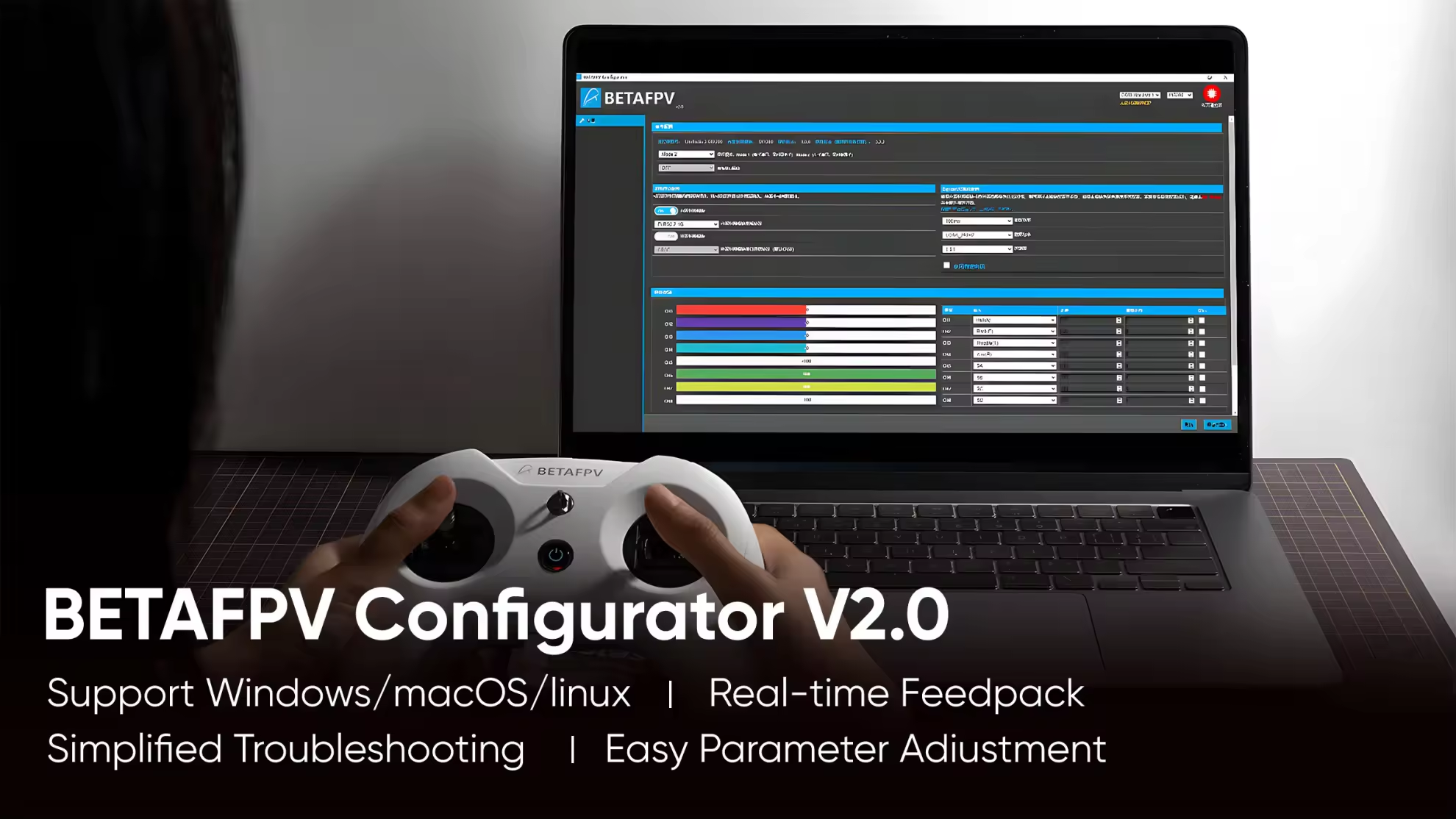
Before connecting the LiteRadio 2 SE to BETAFPV Configurator, power the transmitter off. Connect it to your computer with a USB-C data cable and then use BETAFPV Configurator to check the firmware, configure the transmitter and calibrate the gimbals.
For the ELRS version, make sure the transmitter and receiver use compatible ELRS firmware. Current BETAFPV firmware releases support ELRS 3.x on the LiteRadio 2 SE V2. After flashing firmware, recalibrate the gimbals before flying.
For a Betaflight multirotor, assign arming to a dedicated switch or AUX channel and verify the switch direction before the first flight. Keep the sticks centered and complete a safe range test before flying farther away.
One important USB procedure: do not power on the transmitter before connecting it to the PC for configuration. If the transmitter is not detected, first check that the USB-C cable supports data transmission and that the radio is powered off before connecting.
Still deciding? Browse all FPV radio controllers to compare ELRS power, gimbals, firmware, simulator support and model-management features.



 RadioMaster 18650 3200mAh 1S 3.7V Li-ion Battery (2pcs) for TX16S / Boxer / TX12/ Pocket / MT12 Radios1S 3200mAh$11.95 Save $1.04














 Verified