

1904382154690330626
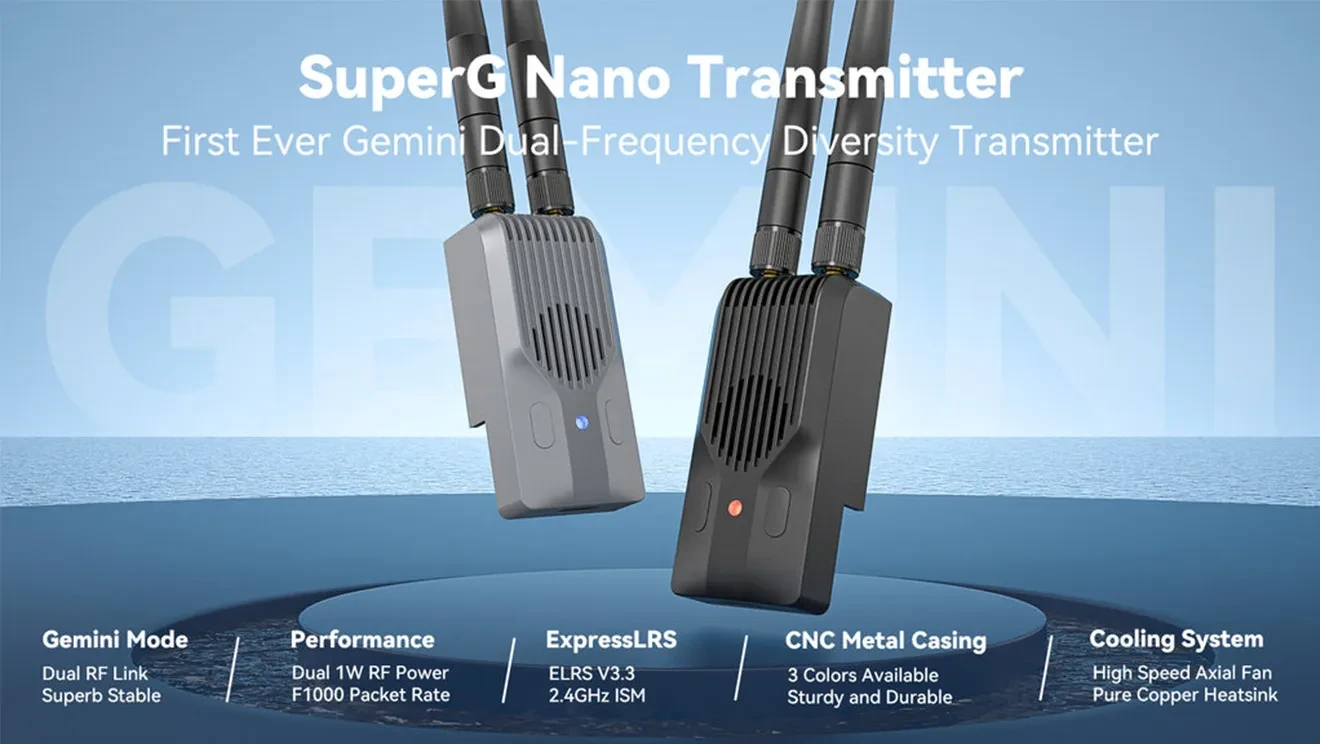
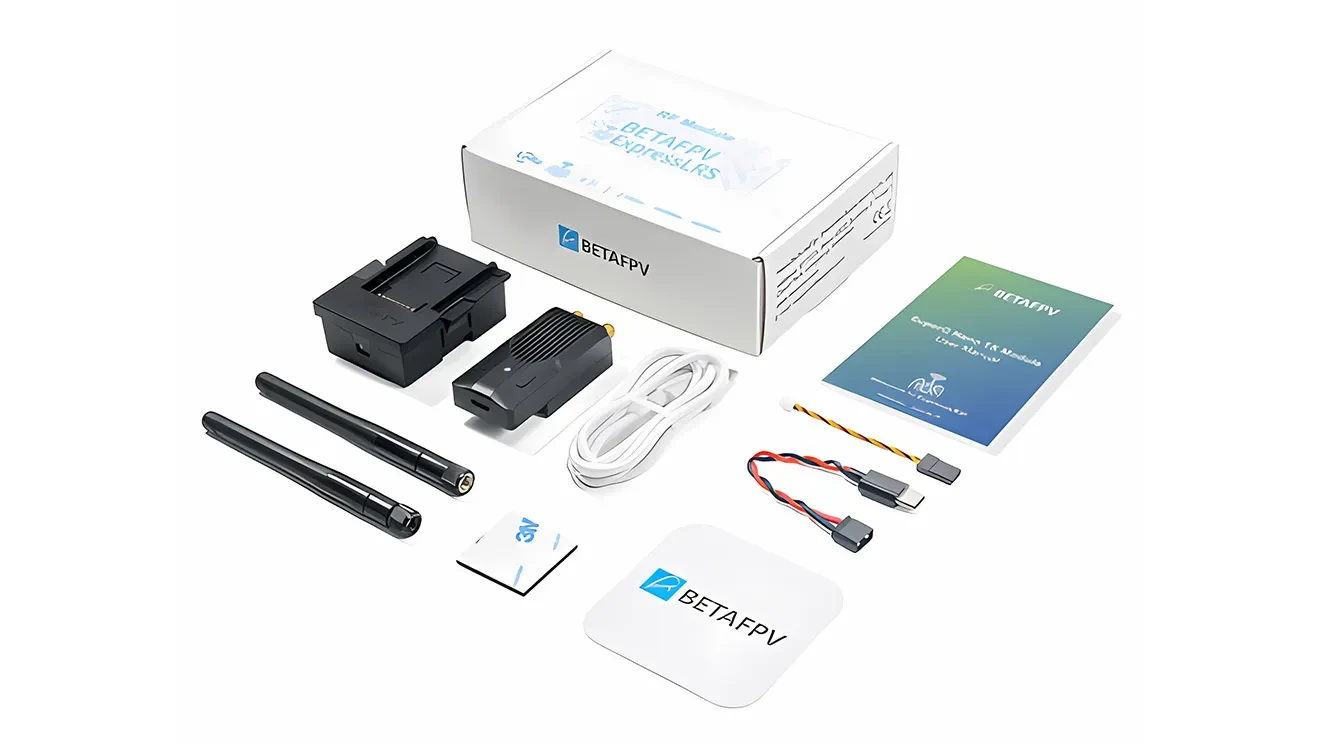
BetaFPV SuperG Nano Transmitter
About SuperG Nano Transmitter
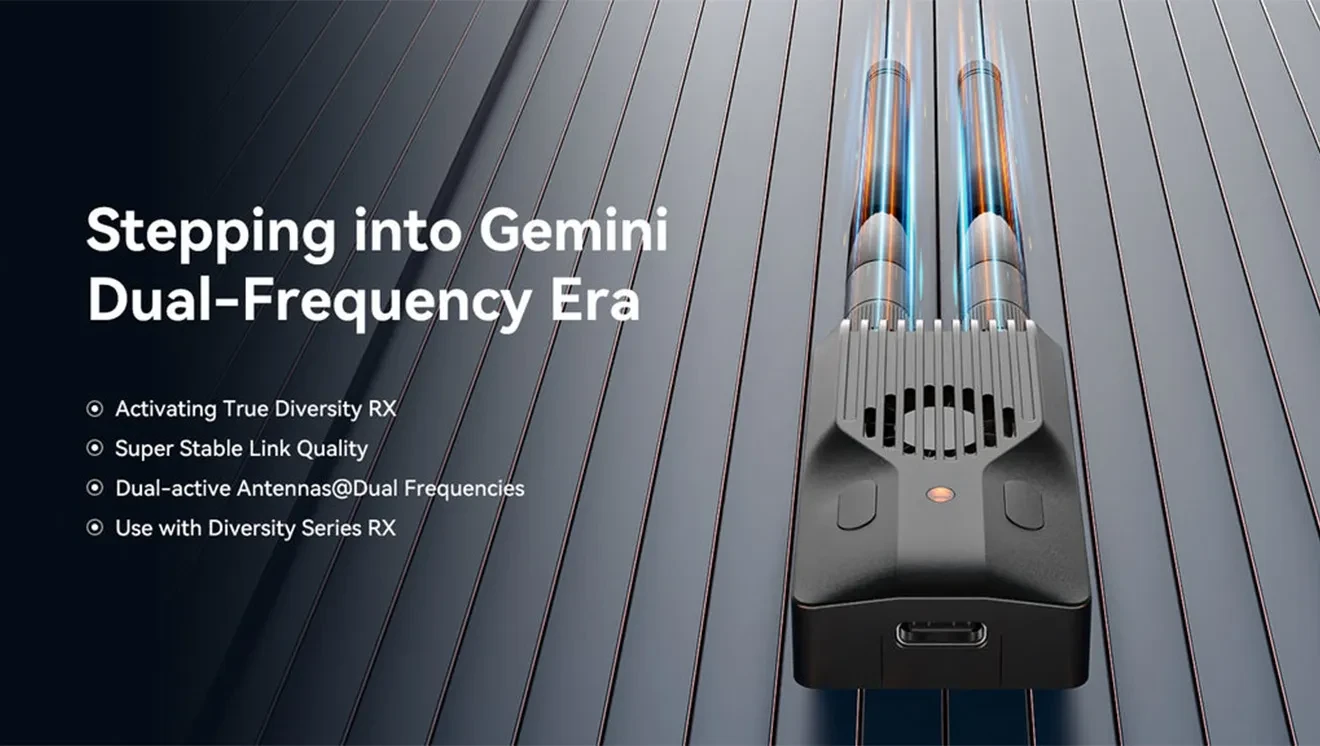
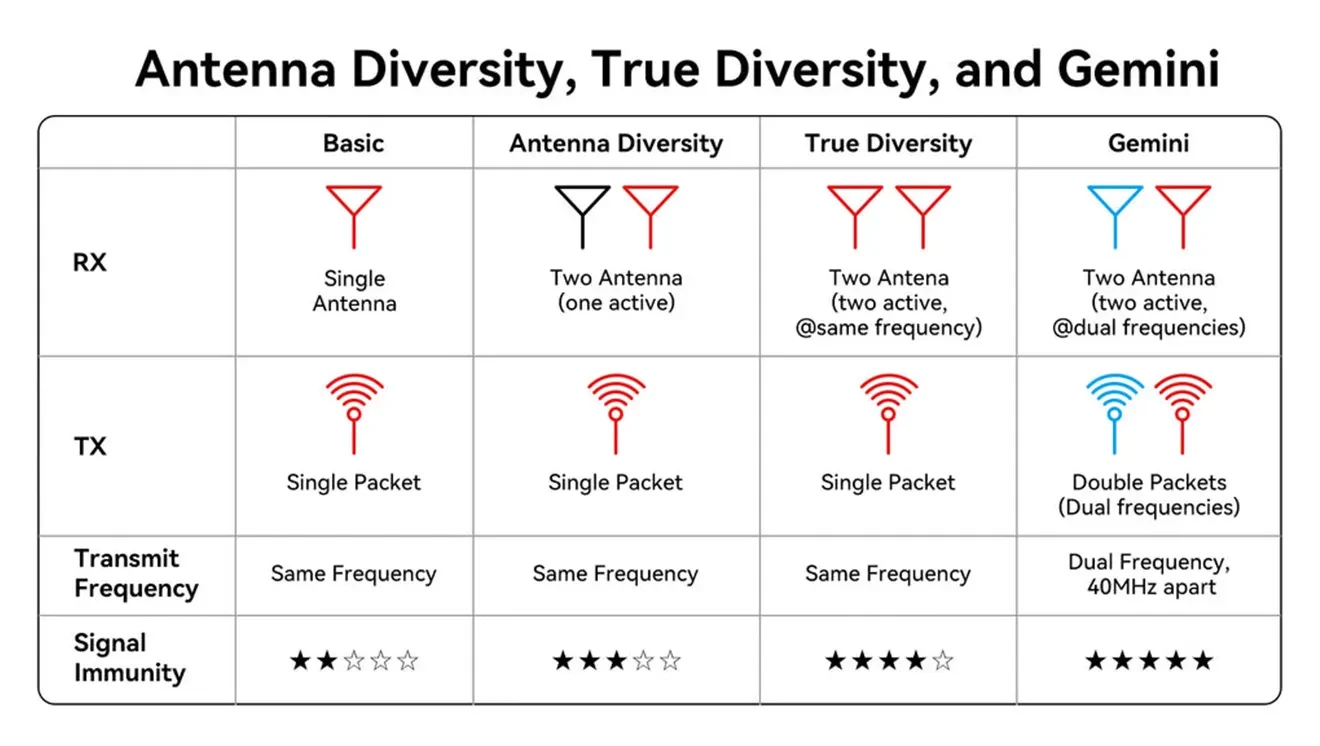
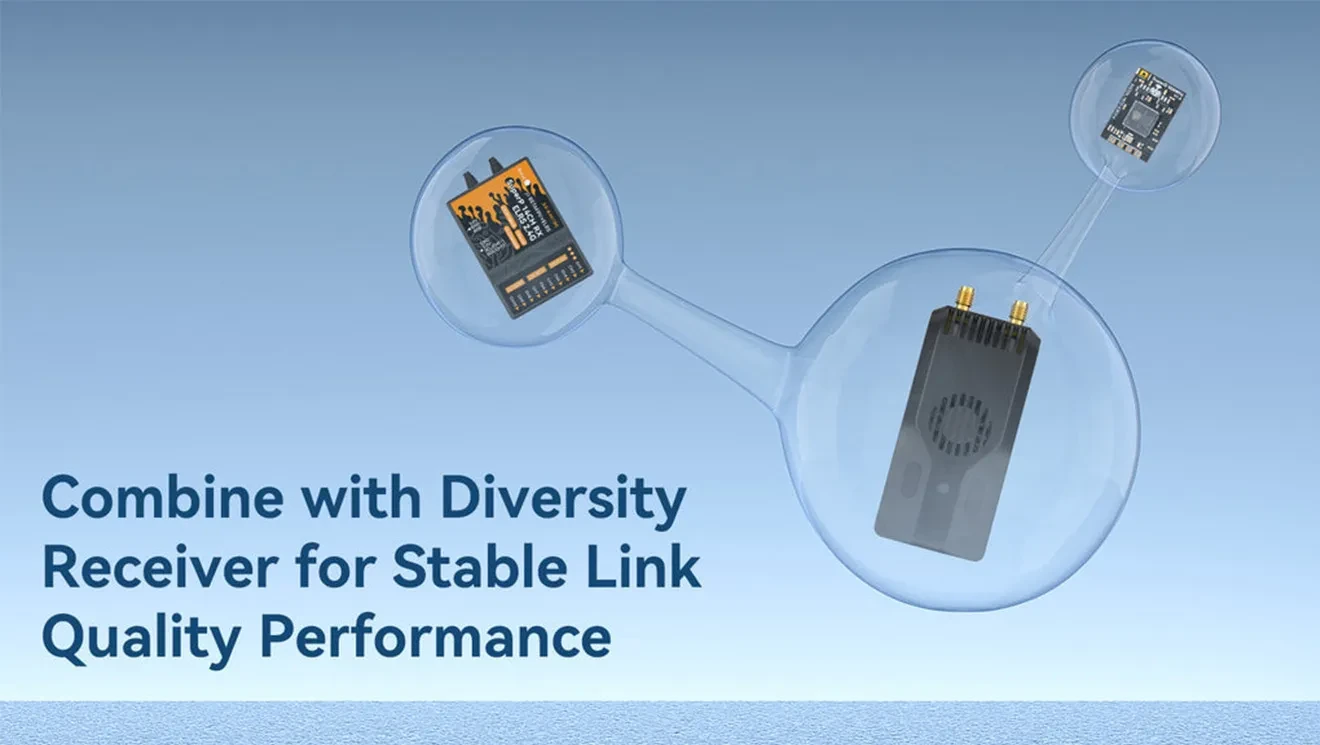
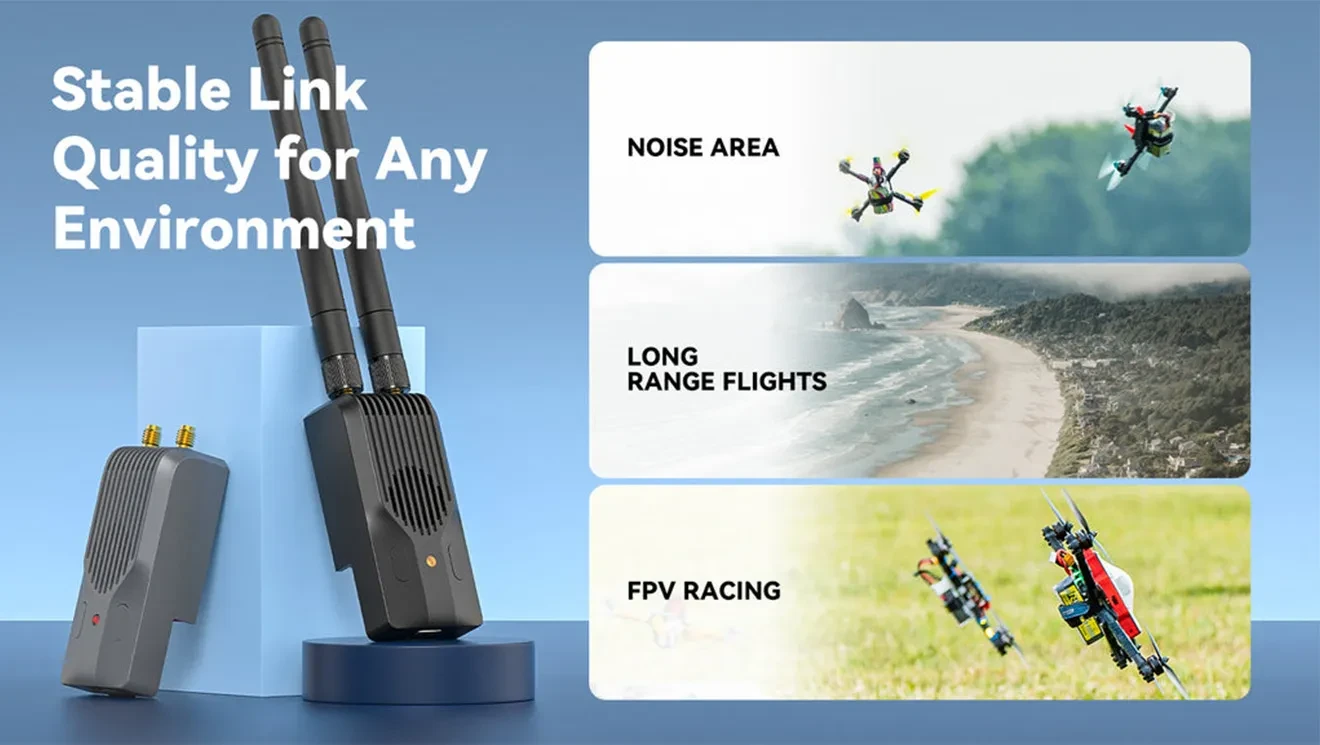
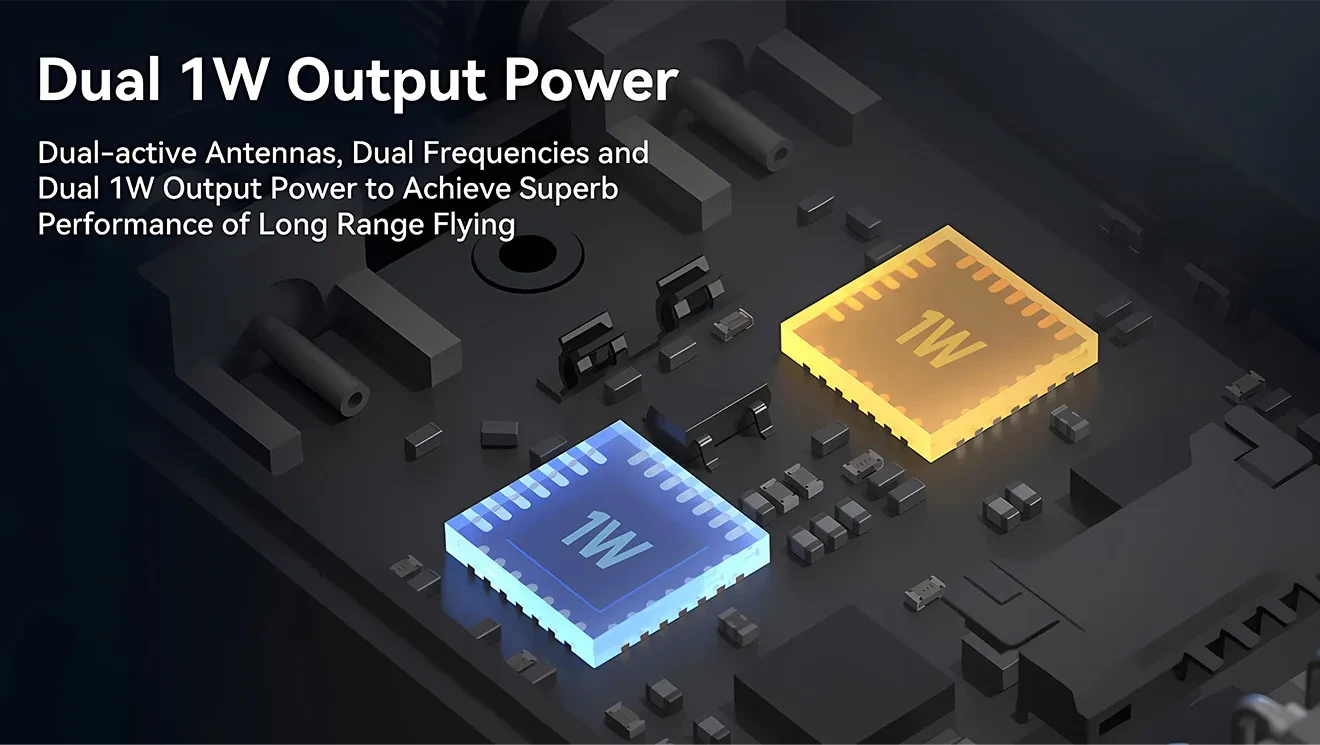
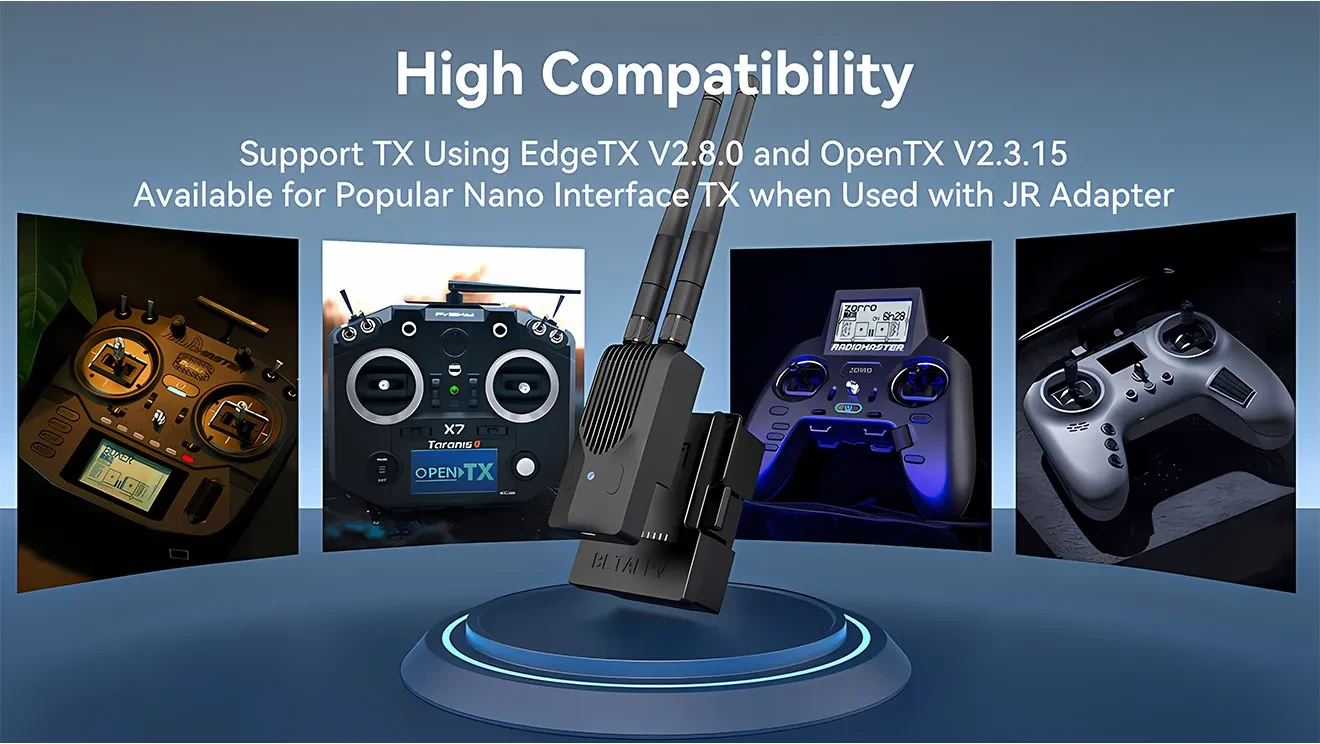
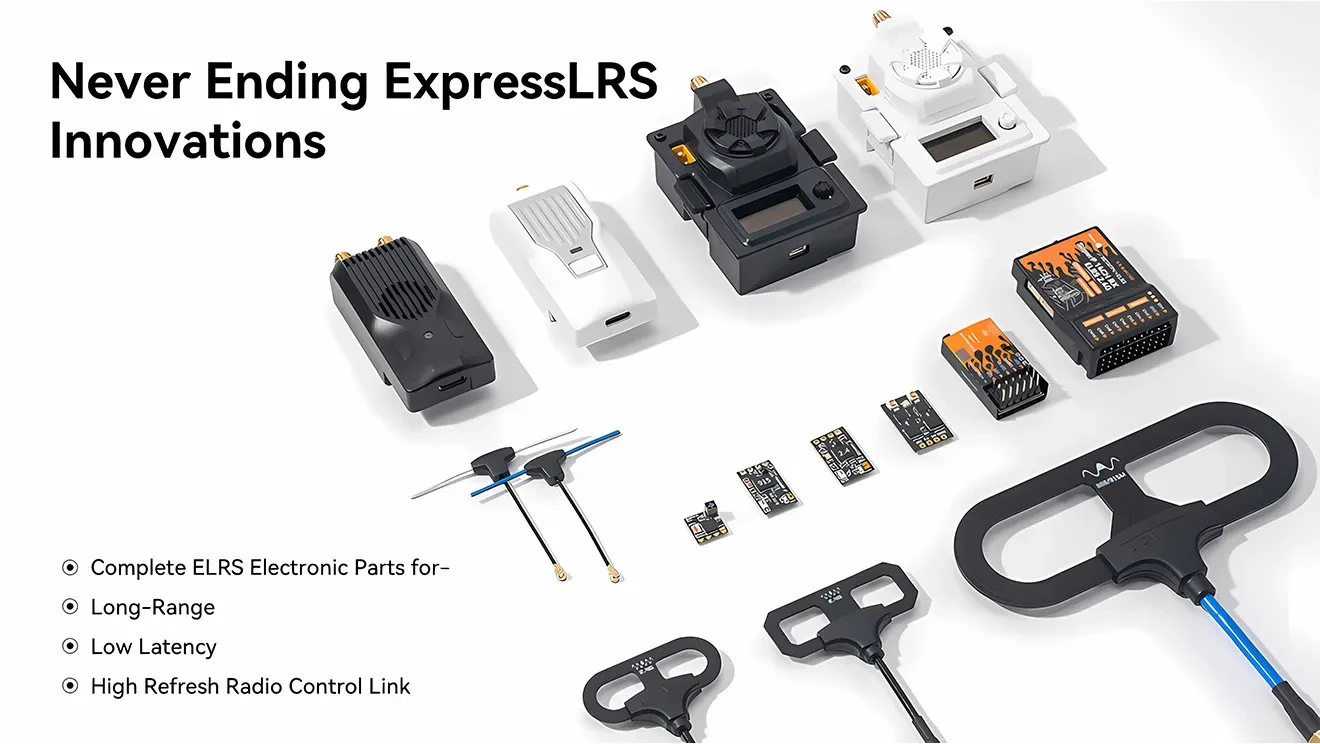
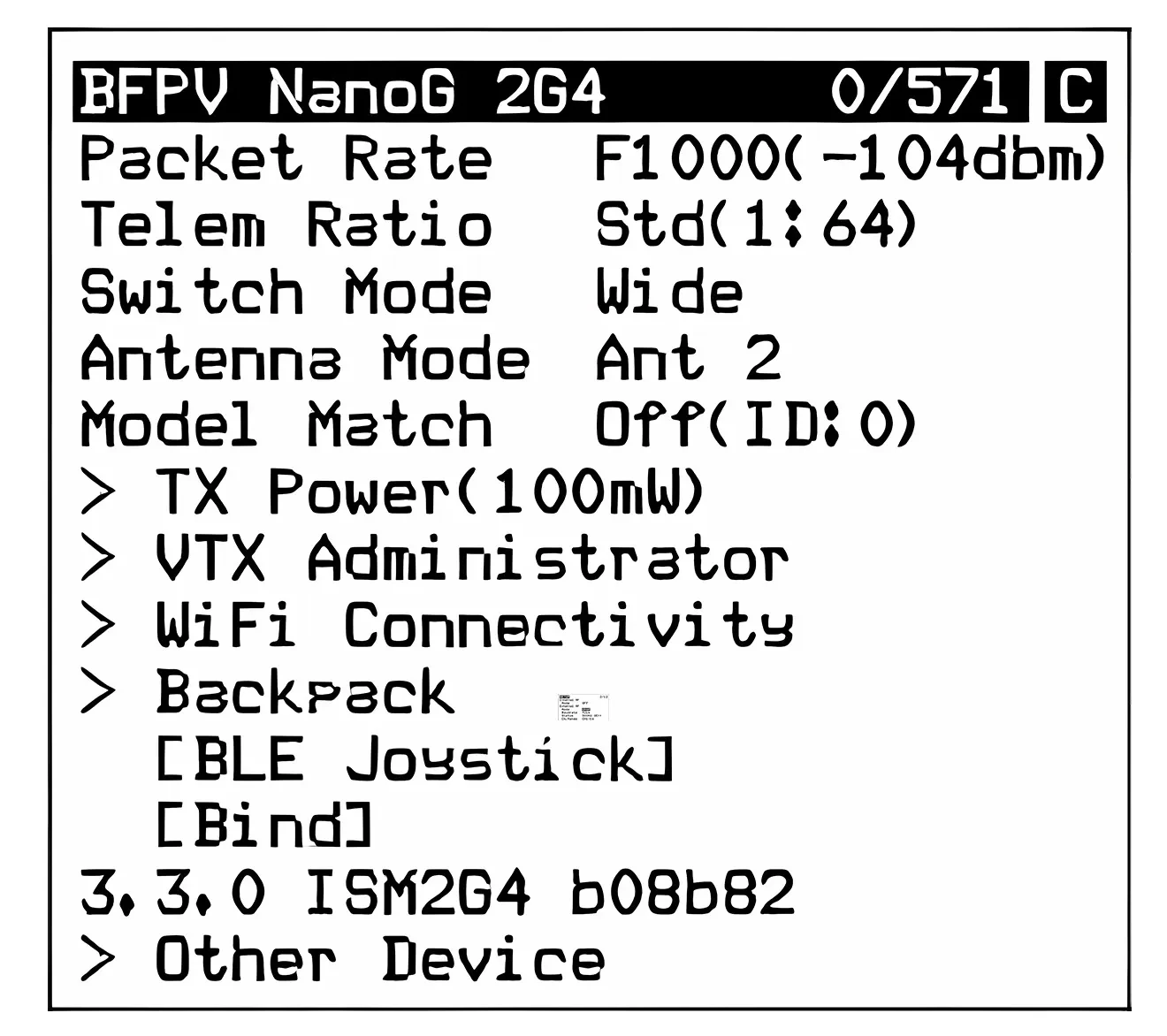
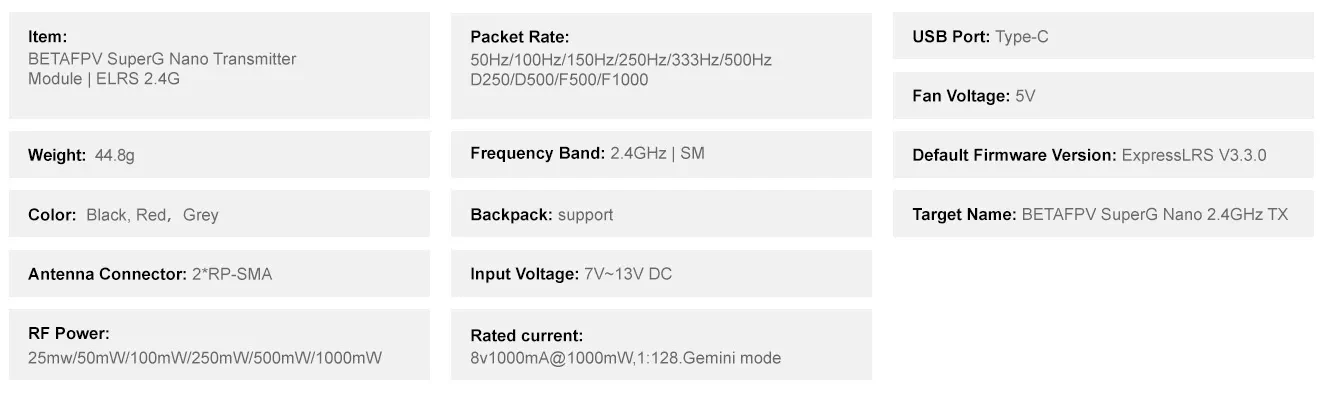
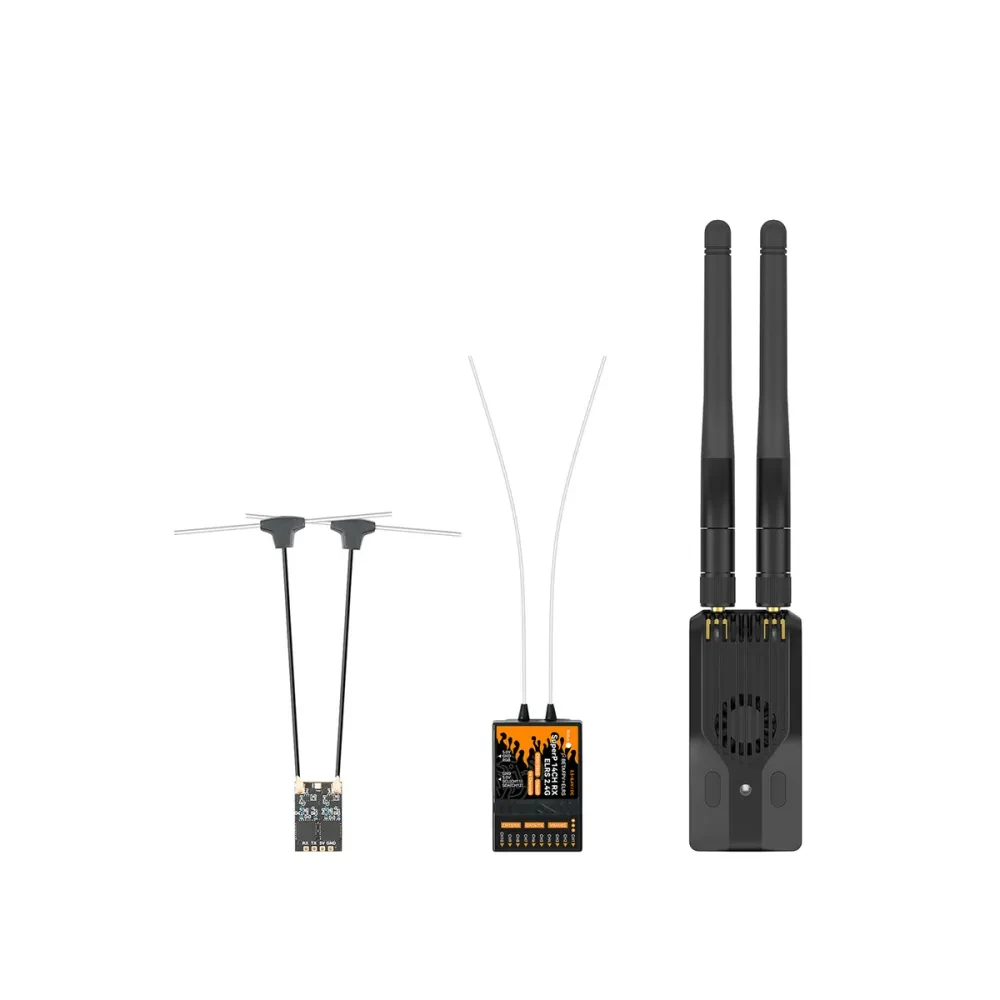
Based on ELRS V3.3 and collaborated with ELRS developer team, the First Ever Gemini Dual-Frequency Diversity Transmitter comes out! At present, SuperG Nano Transmitter can be fully activated to achieve the best link quality ever combined with diversity rx such as SuperD receiver or SuperP receiver. With dual 1W transmit power, it excels in anti-interference performance and stability, making it the ideal solution for demanding applications like FPV racing, long-range flight, and professional photography.
$5 Off Orders $79+
$10 Off Orders $139+
$ 69.99
$95.50
-27% 5.0 | 79Sold
Options (1)
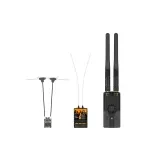
SuperG Nano
Quantity
In Stock
Expected ship within 5 days after order.
Estimated Transit Time: 15-20 Days.


Free Shipping | For orders over $99

2 Years Warranty | Hassle-free 24-month warranty

Easy Return and Exchange | Return within 15days

Professional Support | 24-hour response
Payment | Every order you place with us is safe & secure 


Share
Copy