BETAFPV LiteRadio 2 SIM Controller for FPV Simulator Training
About LiteRadio 2 SIM Controller:
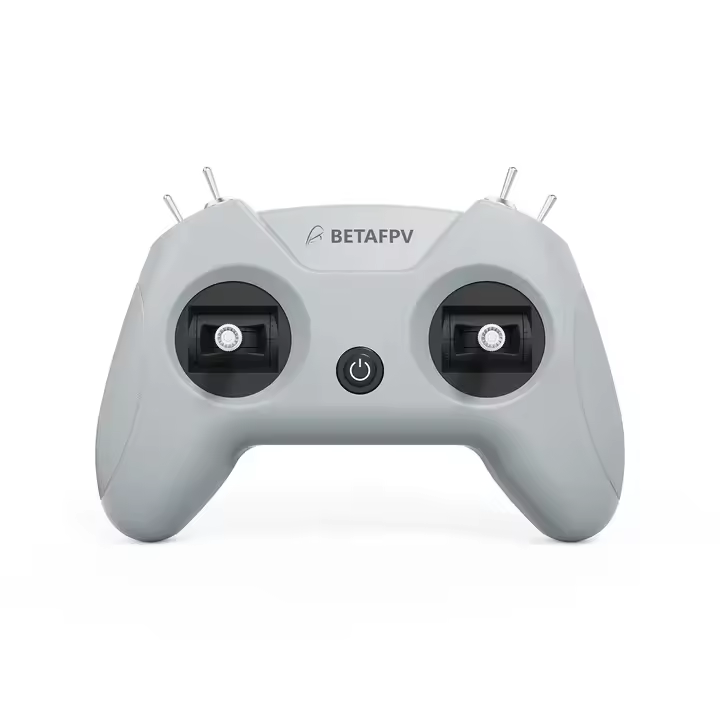
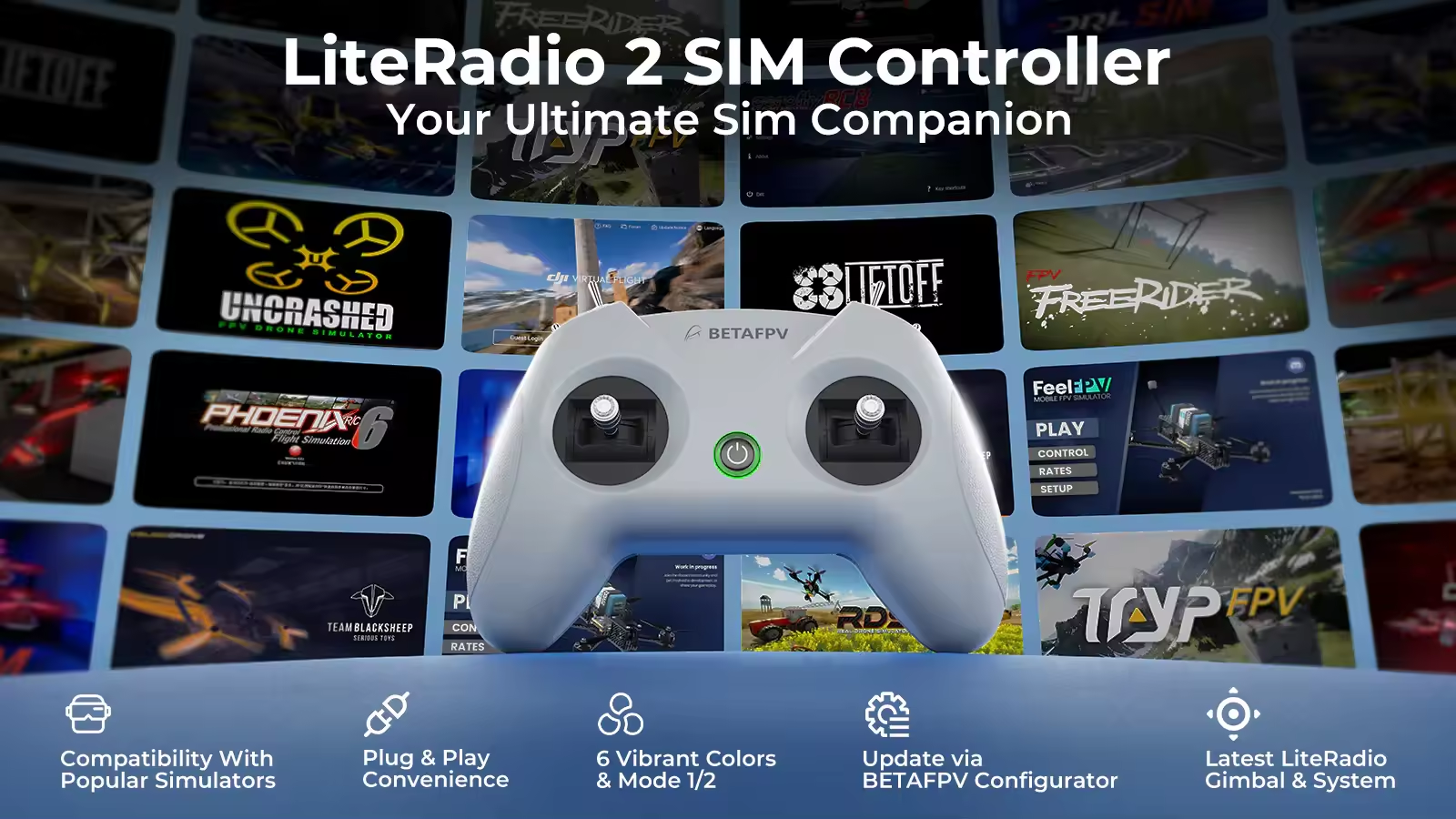
Engineered exclusively for simulator training, the LiteRadio 2 SIM Controller delivers authentic FPV flight feel without real-world risks. Unlock universal compatibility across every major simulator platform – from DRL and VelociDrone to DJI Virtual Flight and Phoenix RC – through its triple-mode connectivity (Joystick/Xbox/Dongle). Customize your setup with vibrant color options and select Mode 1 or Mode 2 configurations. The front-facing Type-C port ensures tangle-free connections to PCs, tablets or mobiles, while BETAFPV Configurator support keeps firmware updated with one click. LiteRadio 2 SIM, your ultimate sim companion!
● Triple-Mode Sim Access: Practice on every major FPV simulator
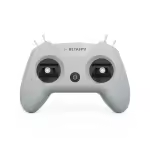
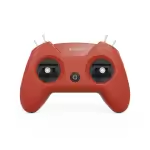
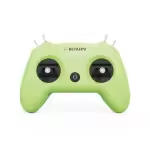
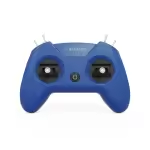
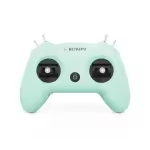
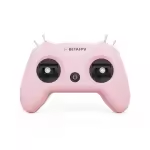
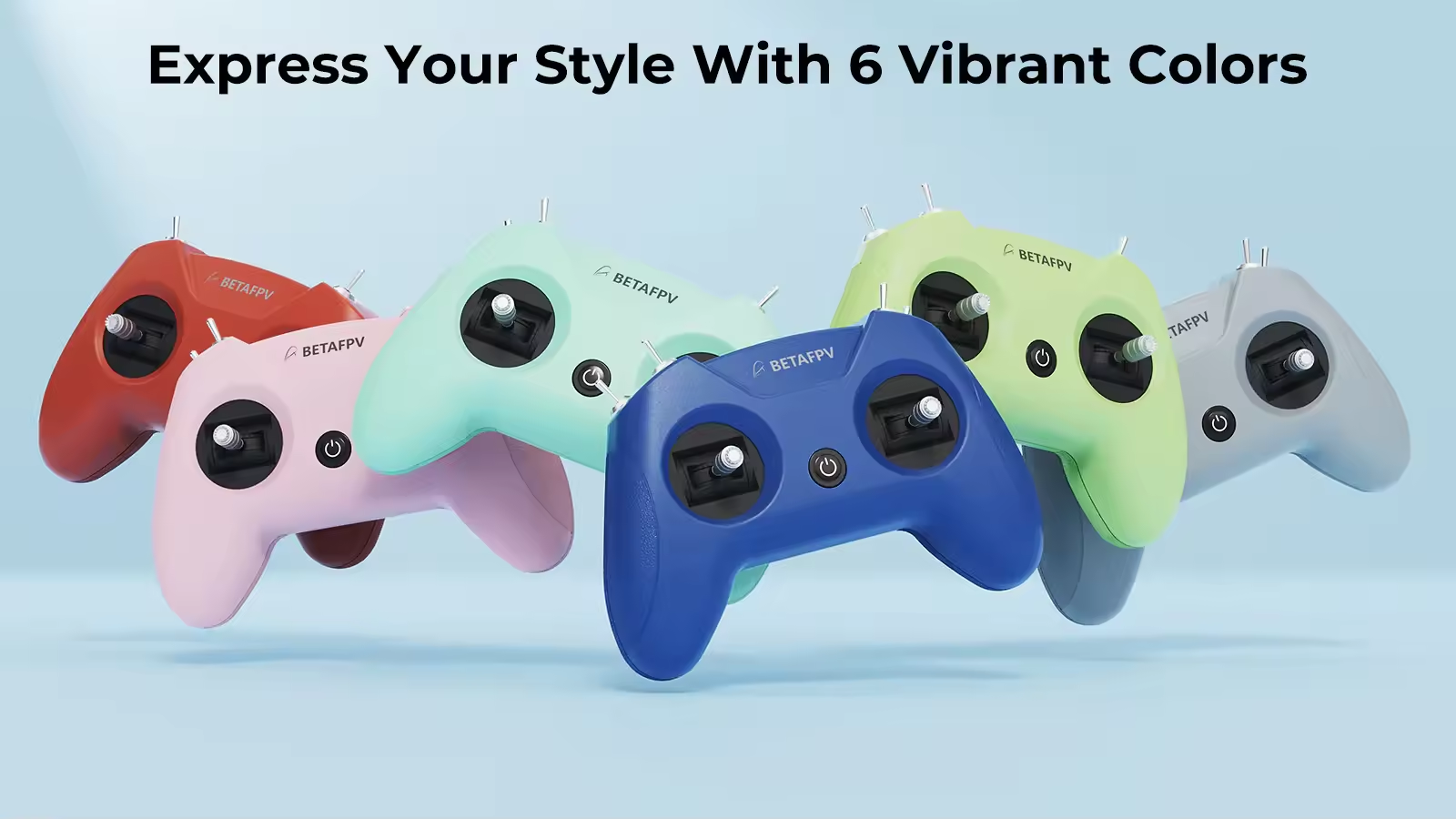
● 6 Vibrant Colors + Mode 1/2: Express your style with Light Gray, Crimson Red, Dark Blue, Light Cyan, Lime Green, and Pink
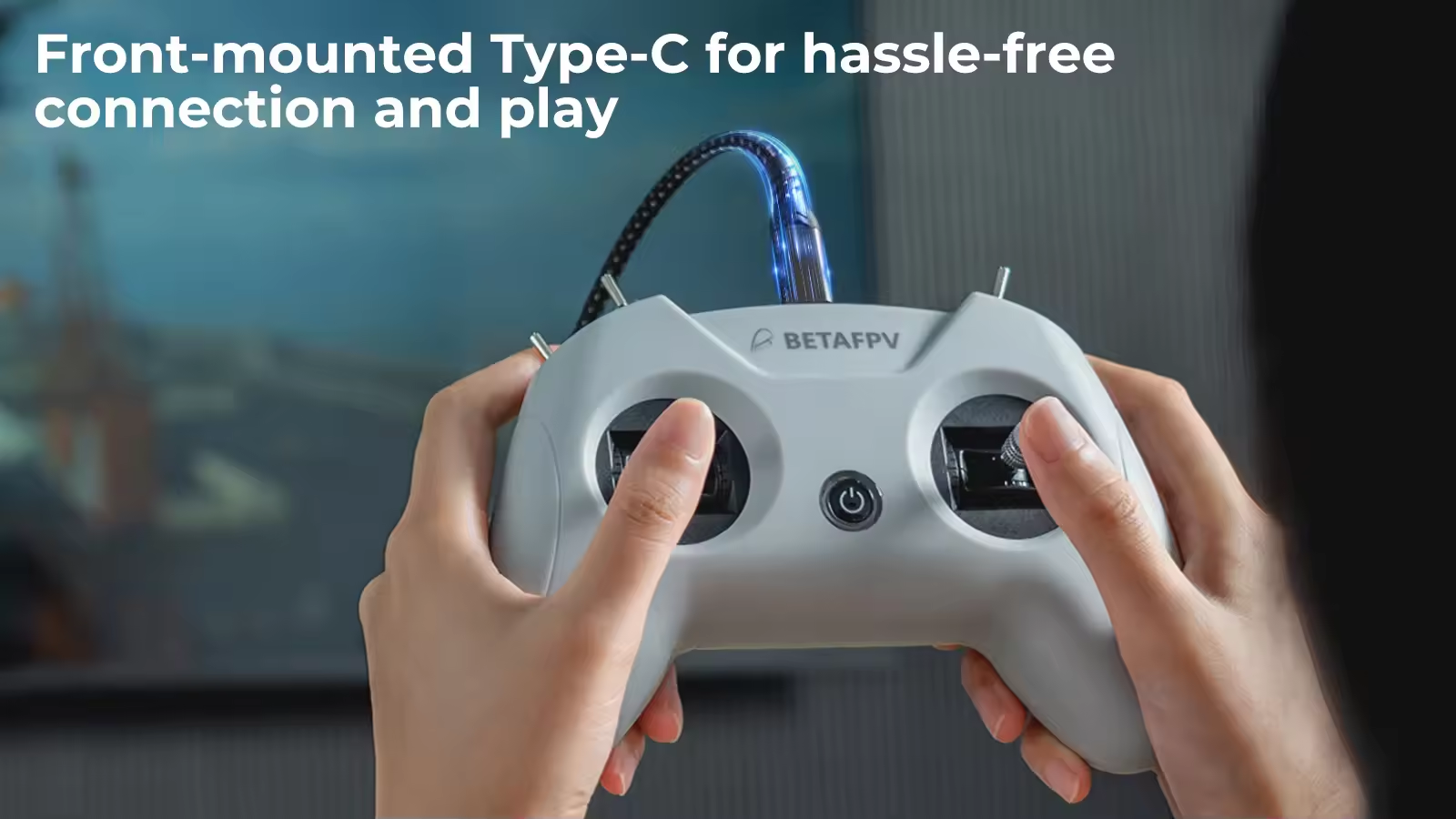
● Plug & Play Convenience: Front-mounted Type-C for hassle-free connection and play
●Engineered for Effortless Mastery: BETAFPV's latest gimbal & LiteRadio system for precise simulator response
● Future-Proof Performance: Seamless firmware upgrades via BETAFPV Configurator for new sims and features
Specifications
● Item: LiteRadio 2 SIM Controller
● Channel: 8
● Gimbal: Potentiometer Gimbal
● Operating Power: 30mA/5V
● Port: Type C
● Power Supply: USB cable connection
● Operating Temperature: -10℃ to 40℃ (14°F to 104°F)
● Weight: c.150g
● Dimensions: 64.5mm*115.3mm*164.6mm
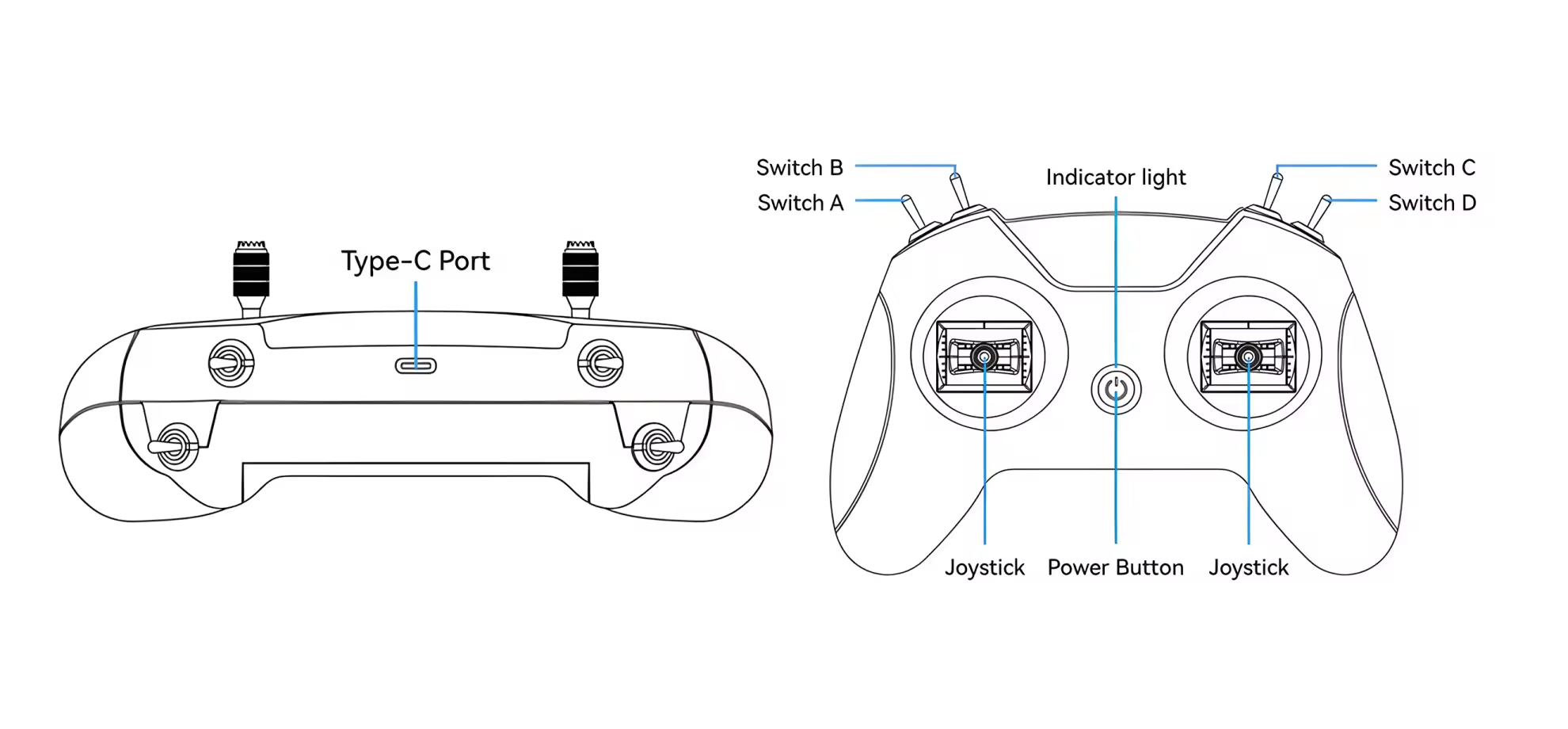
Diagram
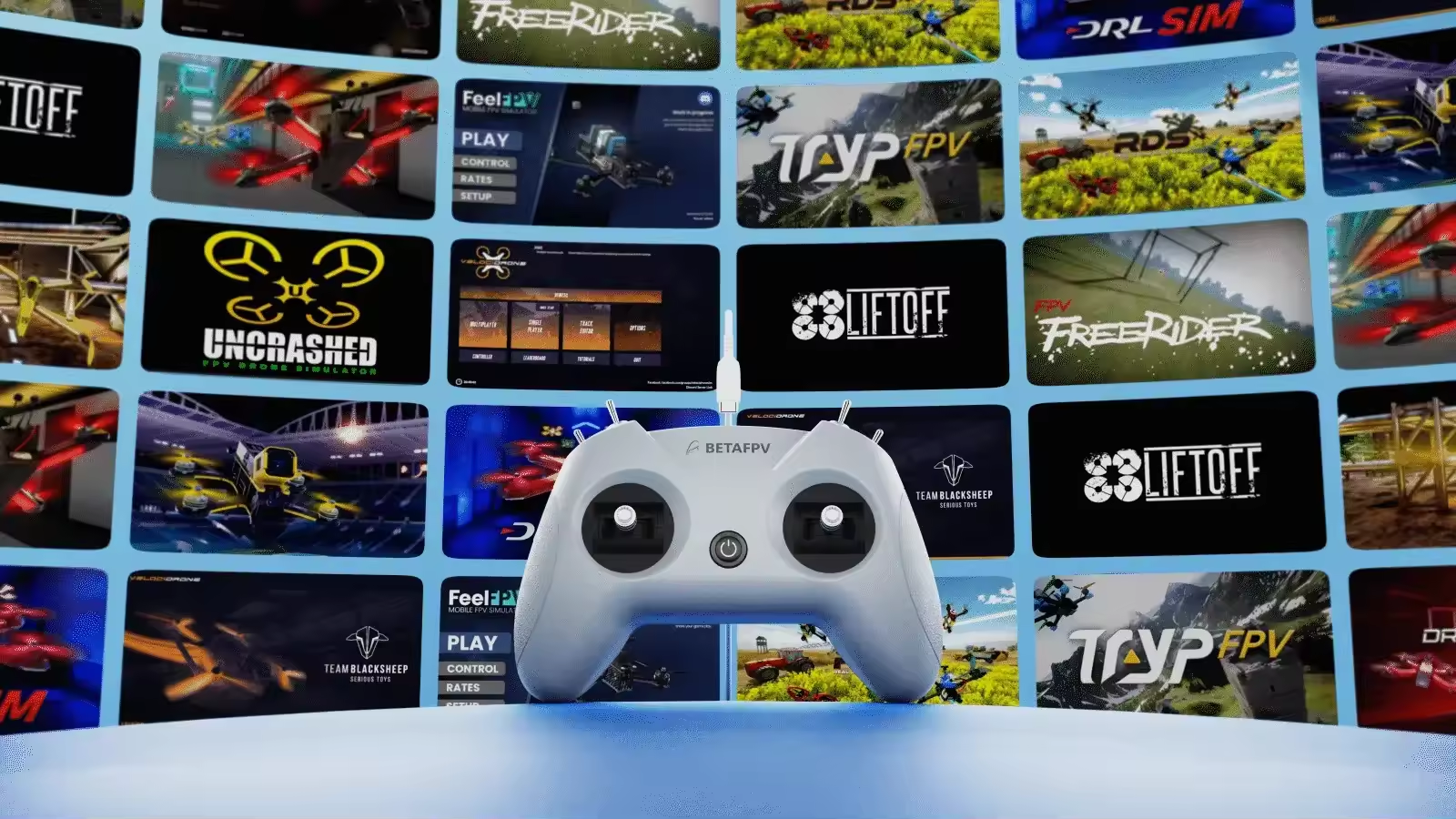
Triple-Mode Sim Access
The LiteRadio 2 SIM unlocks universal simulator compatibility across every major FPV and RC flight simulator on Windows/macOS/Android, providing a seamless cross-platform training experience for pilots at any skill level.
JoyStick Mode: VelociDrone, UNCRASHED, DRL, DCL, Liftoff, TRYP FPV, FeelFPV, FPV Freerider, RaceFly, and other FPV simulators on Steam.
● Connect LiteRadio 2 SIM to your PC/mobile/tablet using the Type-C cable.
● Recognized as "BETAFPV Joystick".
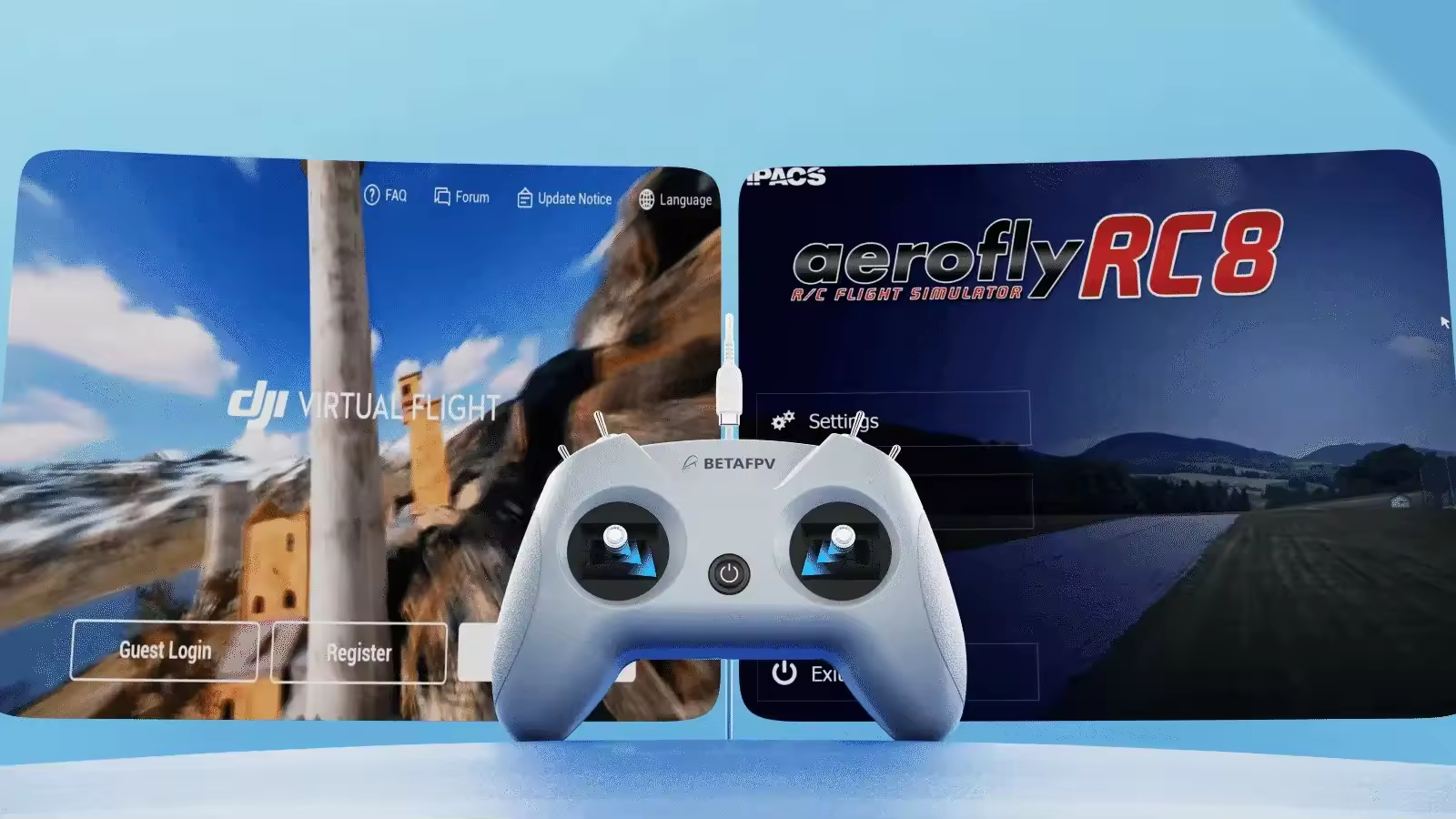
Xbox Mode: Aerofly RC 8, DJI Virtual Flight.
● Simultaneously move the left joystick to the lower right corner and the right joystick to the lower left corner.
● Connect LiteRadio 2 SIM to your device using the Type-C cable, then the indicator light flashes white rapidly 3 times, indicating it is in Xbox mode.
● Recognized as "BETAFPV Joystick".
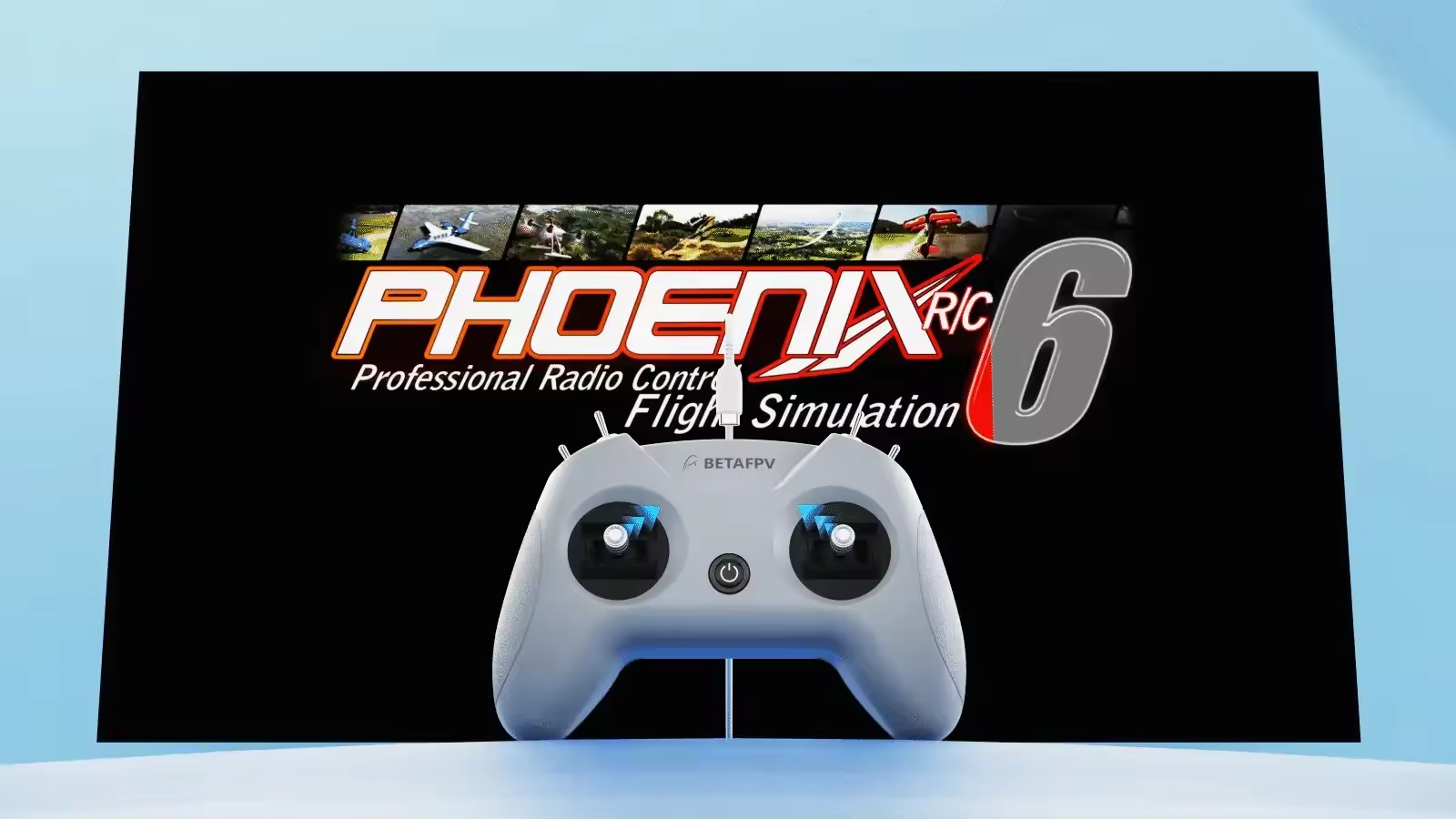
Dongle Mode: Phoenix RC 6.0.
● Simultaneously move the left joystick to the upper right corner and the right joystick to the upper left corner.
● Connect LiteRadio 2 SIM to your device using the Type-C cable, then the indicator light flashes blue rapidly 3 times, indicating it is in Dongle mode.
● Recognized as "BETAFPV Joystick".
Express Your Style - Fly in Color
The LiteRadio 2 SIM lets you train in vibrant personality with 6 eye-catching color options: Light Gray, Crimson Red, Dark Blue, Light Cyan, Lime Green, and Pink. Choose Mode 1 or Mode 2 configurations in our best-selling Light Gray and Crimson Red editions to match your preferred grip style.
Engineered for Effortless Mastery
Featuring a front-mounted Type-C port that eliminates cable strain and enables true plug-and-play operation (connect → fly within seconds), paired with LiteRadio's pro-grade gimbal for pixel-perfect control. Perfect for beginners yet robust enough for advanced training, this controller transforms any desk into a high-performance simulator cockpit.
Update via BETAFPV Configurator
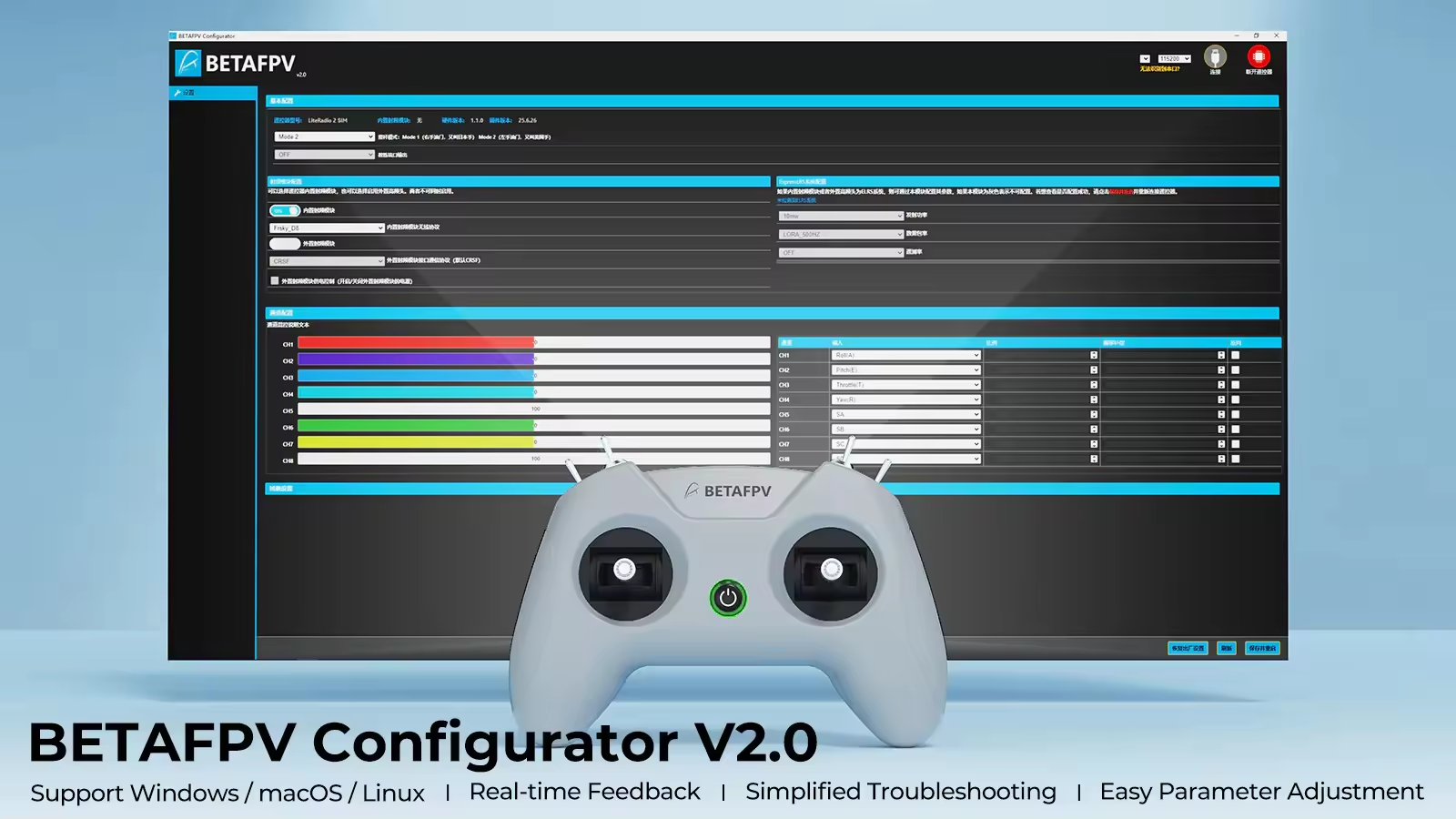
The LiteRadio 2 SIM Controller stays future-ready with updates via the BETAFPV Configurator, ensuring compatibility with new simulator releases and features. The BETAFPV Configurator is an open-source configuration tool tailored for BETAFPV drones and remote controls. It enables pilots to effortlessly configure and fine-tune various parameters, ensuring more efficient and optimized flight control.
● Easy Parameter Adjustment: Designed for BETAFPV's LiteRadio series and Cetus drones with position-hold and auto-hovering features, the software allows pilots to effortlessly adjust PID controller parameters through an intuitive graphical interface, optimizing flight performance with ease.
● Real-Time Feedback: Instantly displays the effects of parameter adjustments, providing real-time monitoring and helping pilots quickly evaluate and refine settings for the drones or remote controls.
● Efficient Troubleshooting: With built-in diagnostic tools, the software assists pilots in checking firmware versions and product status when a issue arises, making it easier to identify and resolve issues, minimizing downtime.
● Streamlined Firmware Flashing: Features a user-friendly firmware flashing mechanism for drones and remote controls, complete with guided instructions and progress indicators, ensuring smooth, error-free updates.
Note: Press the power button on the controller and then connect it to the PC for flashing. Or it will render the USB port non-functional.
simple and effective, and the packing is super good
Options:Light Gray
n********h
Verified
Super quick delivery! Love the color!
Options:Pink
m************h
Verified
Lieferung extrem schnell angekommen, die Verpackung war stabil und gut geschützt. Der BETAFPV LiteRadio 2 Controller macht für FPV Simulator Training echt Spaß, die Reaktion ist gut und es fühlt sich solide an. Kann ich nur weiterempfehlen!
Options:Light Gray
m********e
Verified
Learning curve is kinda high, but getting better! Overall experience with mepsking is really good
Options:Light Gray
e**********7
Verified
Shipped super fast, packaging was solid! it works great. would def recommend to new pilots.
Options:Light Gray
j*********r
Verified
Die Lernkurve ist schon recht hoch, man braucht etwas Zeit, um sich an den Controller zu gewöhnen. Aber die gesamte Erfahrung bei mepsking war top, Versand und Support waren problemlos.
Options:Light Gray
m***********r
Verified
The stick feel isn’t rly my style, kinda awkward to use tbh. But customer service is great,quick response
Options:Light Gray
Additional reviews after 115
days
Still using it daily for FPV sim training, product experience is way better than I thought at first.
p*********s
Verified
Shipped fast, literally got here in like 3 days. lol
Options:Light Gray
1
2
FAQFeel free to ask us any questions
ASK A QUESTION
Q: What simulators does it support?
A: It supports many major FPV simulators, including VelociDrone, DRL, UNCRASHED, Phoenix RC, Liftoff, TRYP FPV, and more on PC and mobile.
Q: How do I connect it to my device?
A: Connect via the front USB-C port to a PC, tablet, or phone — no drivers usually needed.
Q: What modes does it have?
A: The LiteRadio 2 SIM supports Joystick, Xbox, and Dongle modes, automatically switching for your chosen simulator.
Q: Can I use the LiteRadio 2 SIM to fly a real FPV drone?
A: Please note that this controller is engineered exclusively for simulator training. It does not have an internal RF transmitter, making it the perfect risk-free tool for PC, tablet, or mobile practice.
Q: How do I switch between Joystick, Xbox, and Dongle modes?
A: It’s a simple gesture! For Xbox mode, move sticks to the lower-inner corners while plugging in. For Dongle mode, move them to the upper-inner corners. Please watch for the LED to flash to confirm the mode change.














 Verified