
Drone filmmaking and photography with a FPV drone are thrilling methods to capture breathtaking aerial pictures and feel the thrill of flying. However, they also have certain drawbacks, such as FPV signal loss and interference, which might sabotage your film and even lead you to crash. Using high-quality FPV components is key to maintaining a stable connection. Explore premium FPV parts from MEPSKING — includingFPV Motors, Flight Controllers, and ESCs — designed for reliable performance and smoother flights.
We’ll go over some advice in this article to help you prevent or solve these problems and enjoy your FPV drone flights.
Understanding FPV Signal Loss vs. Signal Interference
Before jumping into solutions, it’s important to know the difference between signal loss and signal interference.
- Signal Loss means your transmitter and receiver have lost connection completely — usually due to range, obstacles, or equipment failure.
- Signal Interference happens when external signals (like Wi-Fi, power lines, or other transmitters) disrupt your connection.
Common Types of FPV Signal Interference:
- Wi-Fi congestion in urban areas (especially on 2.4GHz).
- Magnetic or metal structures reflecting radio waves.
- Other pilots’ VTX signals overlap in the same band.
- Poorly shielded electronics in your build.
Main Causes of FPV Drone Signal Loss
FPV signal loss and interference are common issues for pilots, especially in urban or crowded environments. They occur when other signals—such as Wi-Fi, Bluetooth, or radio—disrupt the frequency between your drone and transmitter, or when distance and obstacles weaken the connection. This affects your video feed, control response, and telemetry data.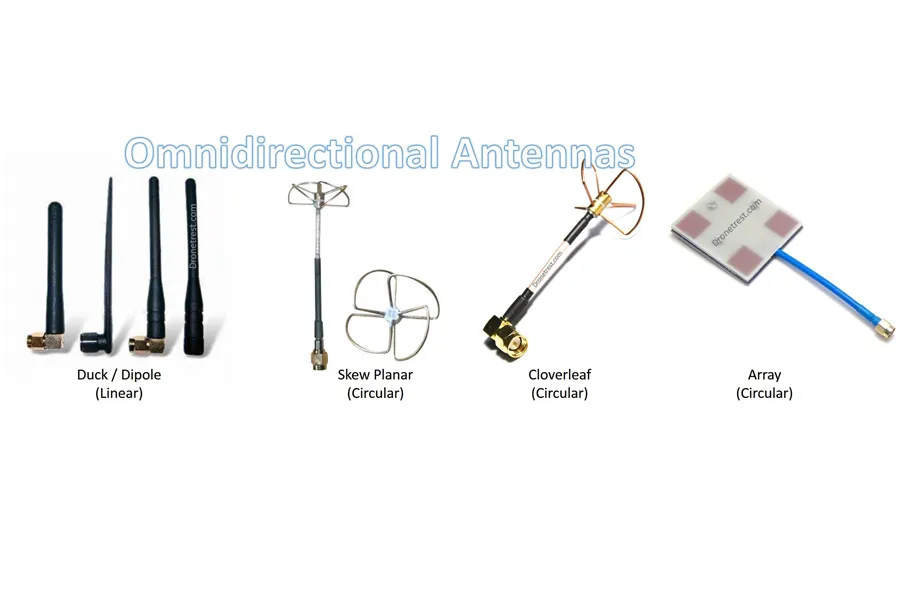
Flying out of range
Radio signals weaken over distance, and all transmitters have a limited range. Even without obstacles, FPV signal loss naturally occurs the farther your drone flies.
While modern drones can transmit several miles, most flights should still remain within visual line-of-sight to maintain a stable connection.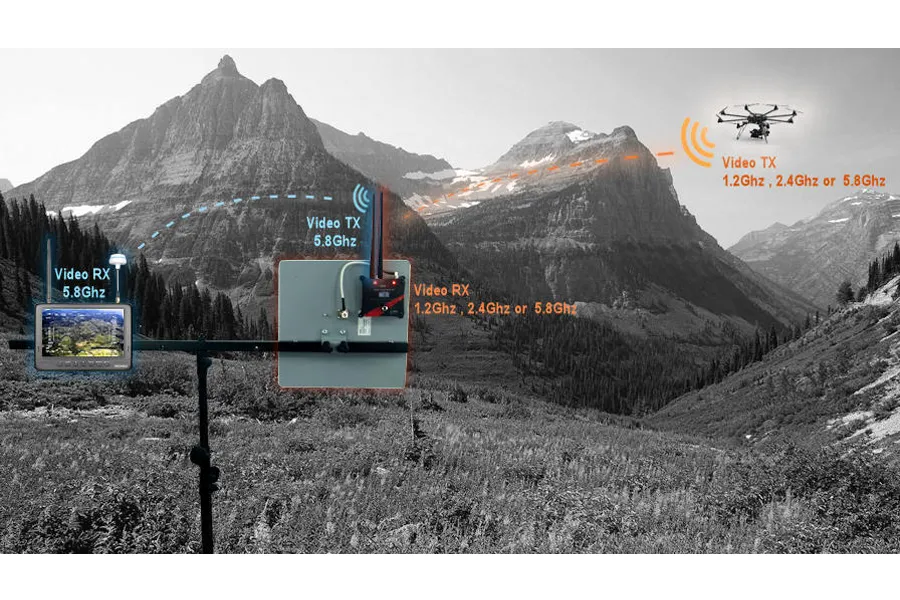
Large obstructions
Buildings, trees, and metal structures can block or reflect FPV signals, especially in cities. Materials like metal and water reflect radio waves, causing dropouts.
Before flying, choose open spaces and avoid dense urban zones. Near tall buildings or vehicles, expect your reliable control range to drop to around half a mile or less.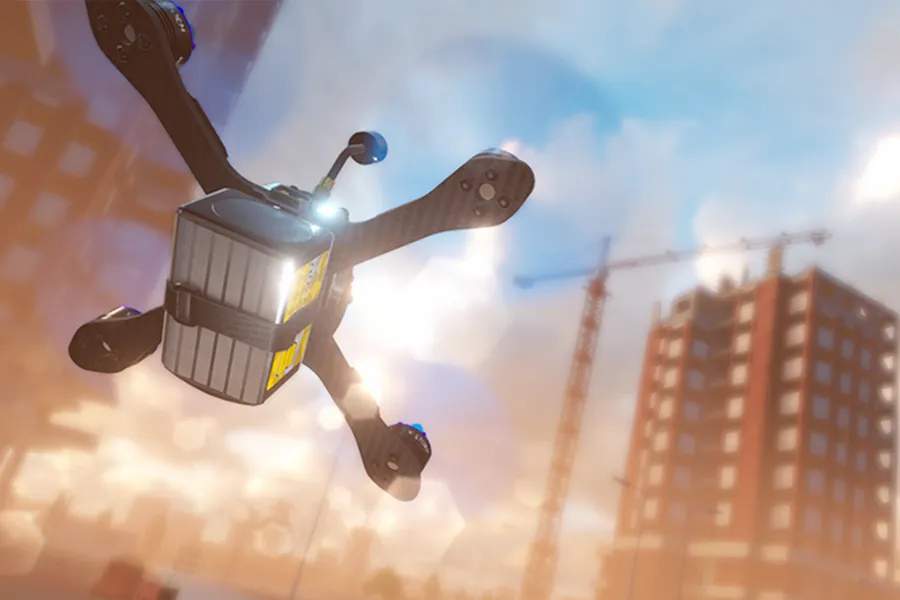
Power lines
High-voltage power lines generate strong electromagnetic fields that can interfere with your drone’s signal.
Flying too close may result in control loss or video breakup. Neighborhood lines usually aren’t an issue, but avoid high-voltage transmission lines whenever possible.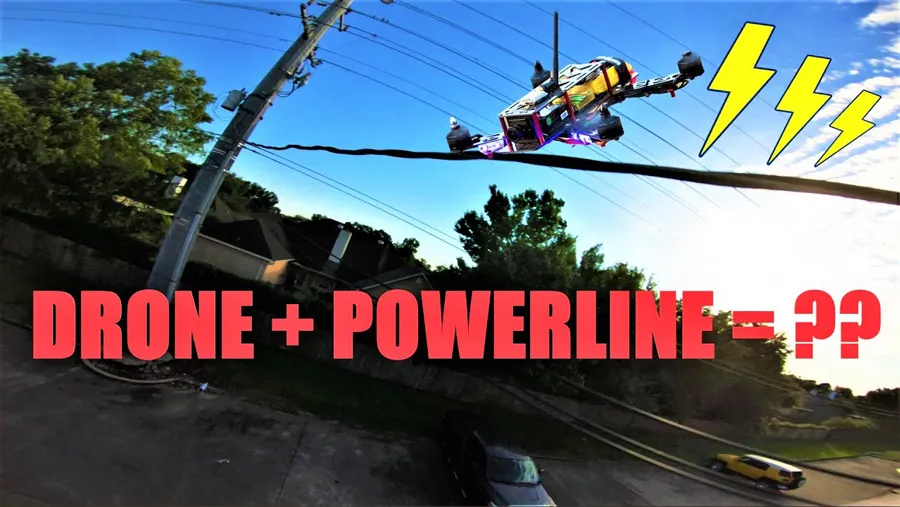
Other Wireless devices
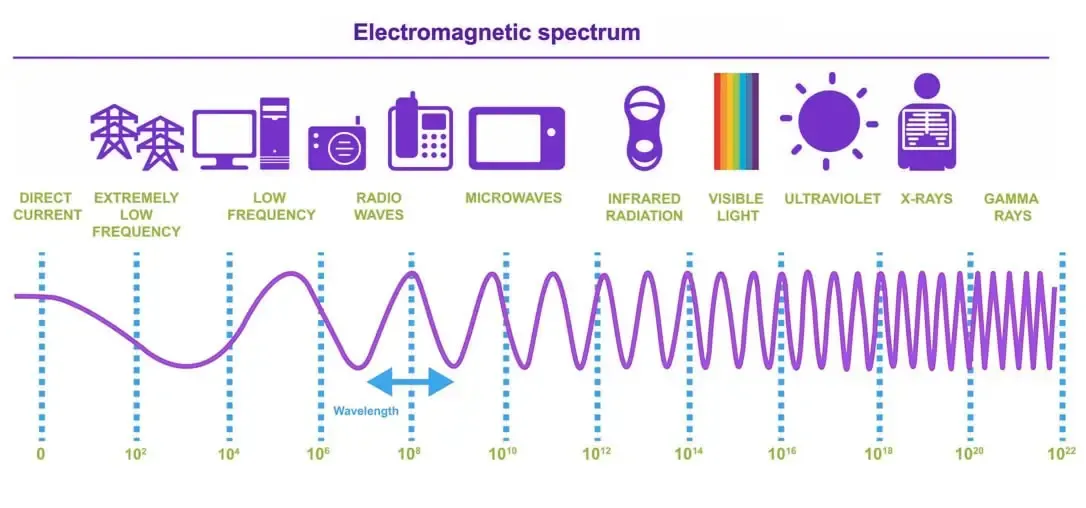
Most wireless electronics share similar radio frequencies. Smartphones, routers, and other drones can all cause short-term FPV interference.
In crowded or Wi-Fi-dense areas, your signal may fluctuate briefly. Fly in less populated zones to reduce competition on the same frequency bands.
weather conditions
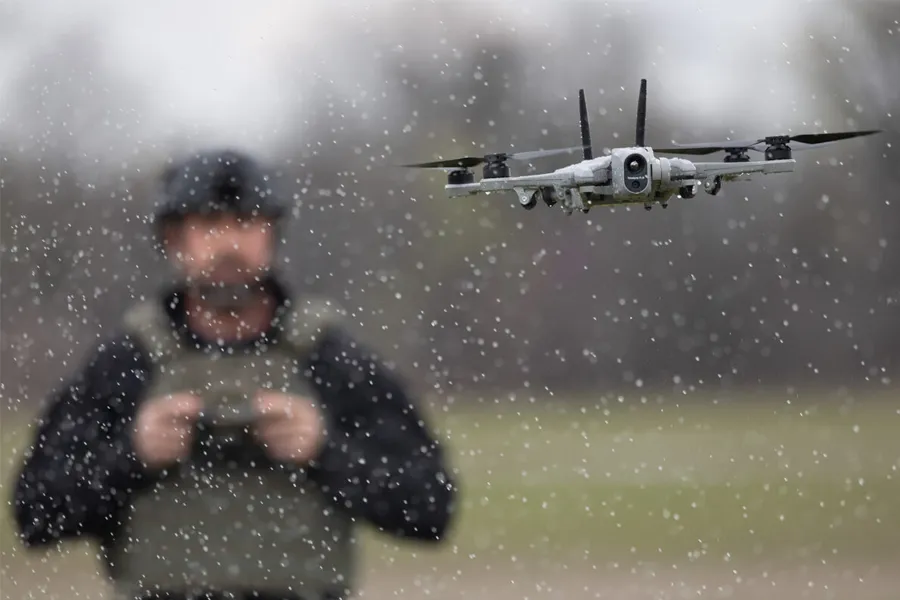
Humidity, rain, and extreme temperatures weaken radio transmission. Moisture in the air can scatter or absorb RF signals, while high heat increases electrical resistance, shortening your range.
Avoid flying in heavy fog or hot, humid weather to maintain signal quality.
How to Fix FPV Signal Interference & Prevent Failsafes
We already know the reason why the interference and FPV signal loss occur. It is much more significant for us to know how to deal with it. The following are some tips to avoid FPV signal loss and interference.
Pick the Right Frequency and Channel (Analog vs. Digital)
The frequency and channel you use to send and receive your video and data signals are one of the most crucial aspects to take into account while flying a FPV drone. 2.4 GHz and 5.8 GHz are the two primary frequency bands for FPV drones.
- Control Link: 2.4GHz ELRS offers incredible penetration and refresh rates. If you experience interference, check your packet rate and ensure your transmitter’s output power is adjusted correctly.
- Video Link (5.8GHz): Whether you are using traditional Analog setups or digital HD systems like DJI O3 or Walksnail, always scan the environment before flying. If flying with others, assign channels with at least 40MHz of separation (e.g., Raceband 1 and Raceband 3) to prevent overlapping video feeds.
Avoid utilizing the same frequency as other adjacent FPV drones and select a frequency that best suits your flying environment and style. Make sure they are correctly placed and aligned, and that the kind and quality of your antennas match your frequency, channel, and flying style to handle FPV signal loss and interference.
Utilize the boosters and filters appropriately
You may improve the quality and intensity of your FPV signal by using extra filters and boosters. Filters are tools that prevent or lessen the interference between your desired FPV signal and undesirable signals or noise. Depending on the source and kind of FPV signal loss and interference, they can be installed on your transmitter, receiver, or both. By raising the output or input voltage of your transmitter or receiver, boosters increase the strength and range of your FPV signal and handle FPV signal loss. They can be helpful for flying over great distances or in difficult terrain, but they can also make your gadgets hotter and require more power. Only use filters and boosters when necessary, and be sure to properly adhere to all rules and regulations.
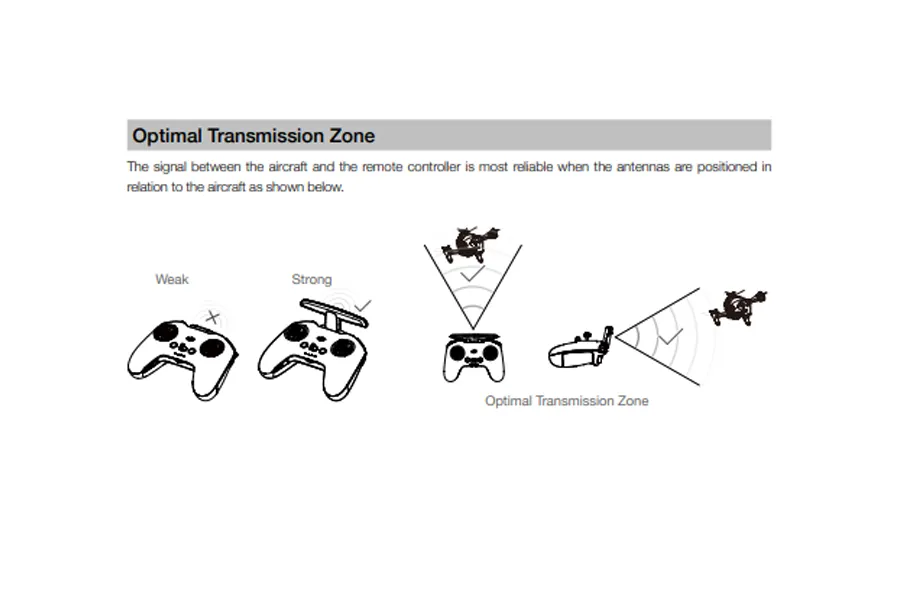
Optimize Antenna Orientation
In order to handle the FPV signal loss of the FPV drone, there is no doubt that the best antenna for the FPV drone should be chosen. However, the best way to mount the receiver antenna and point the transmitter antenna is also significant.
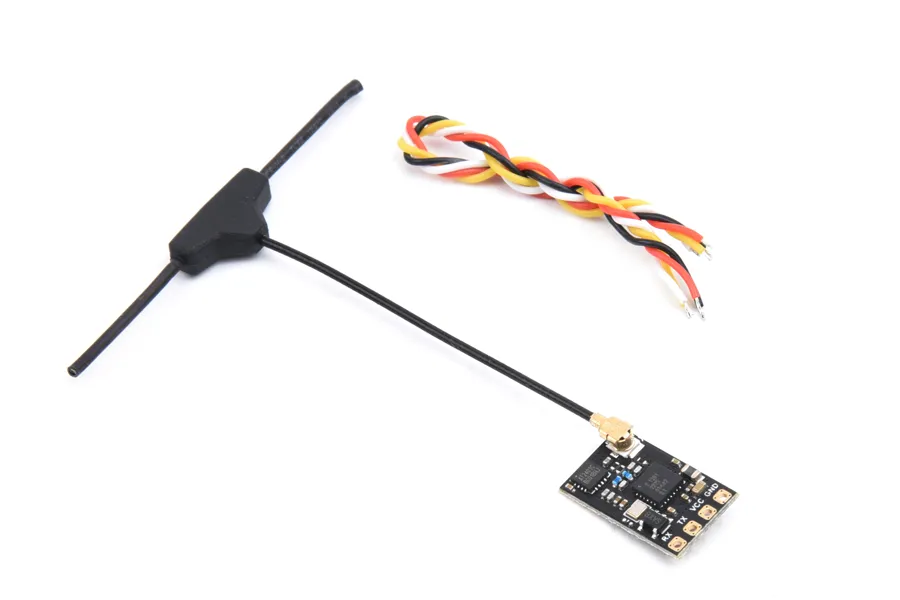
- Receiver (RX): Mount your RX antennas so they are physically separated from the carbon fiber frame (which blocks RF). If using a standard dipole, a “V” shape at a 90-degree angle provides the best omnidirectional coverage.
- Transmitter (TX): Ensure your radio transmitter antenna matches the polarization of your drone’s antenna (RHCP to RHCP, or LHCP to LHCP). Never point the tip of the TX antenna directly at the drone, as the tip represents the weakest point in the radiation pattern (the “null” zone).
Build Clean Wiring Layouts to Reduce EMI
Your internal wiring layout is as important as your frequency choice. A messy power distribution board acts as an antenna for electrical noise, bleeding directly into your video feed.
- Keep signal wires (UART, ESC telemetry) physically separated from main battery power leads.
- Use twisted signal pairs to reject common-mode noise.
- Install a high-quality capacitor on the main battery input to smooth out voltage spikes.
🛒 Upgrade Your Stack: A clean build starts with premium, low-noise hardware. Check out the MEPSKING Flight Controller and ESC—engineered specifically with superior noise isolation and efficient current flow to keep your signals crystal clear.
Conduct Thorough Pre-Flight Checks
Before every flight, perform a system inspection to ensure all links are secure and reliable:
- Check antenna alignment — make sure the VTX and receiver antennas are perpendicular, not parallel.
- Inspect VTX power settings — select the right power output for the flight area (25mW for indoors, 400–800mW for open fields, up to 1.2W for long range).
- Confirm your receiver binding — ensure the radio link doesn’t flicker during startup.
- Review flight controller OSD warnings — they can indicate early signs of voltage drops or RF noise.
Choose Your Flight Environment Wisely
Avoid flying near:
- High-voltage power lines
- Cell towers
- Wi-Fi dense areas (malls, stadiums, or city centers)
These locations generate strong RF signals that can overpower your control link. Whenever possible, fly in open areas with clear sight lines — hilltops, open parks, or coastal fields work best.
Maintain and Upgrade Your Equipment
Signal degradation can often be traced back to wear and tear. Over time, connectors oxidize, cables loosen, and antennas degrade.
- Replace U.FL or SMA cables every 3–6 months if you fly frequently.
- Update your firmware regularly — both on your radio transmitter and flight controller.
- Calibrate your VTX output using a power meter to ensure it’s transmitting properly.
Ensure flying safely and responsibly
The final but not least piece of advice is to fly safely and responsibly to prevent or overcome FPV signal loss and interference when using an FPV drone. Always abide by local, national, and international laws and ordinances. For example, you should register your drone, respect other people’s privacy and airspace, and keep your drone in line of sight. Before and throughout your flight, you should also check the weather, the battery level, and the FPV signal strength. If anything goes wrong, be ready to land or return your drone. Keep a safe distance from other FPV drones and stay away from flying close to electricity lines, metal structures, or other sources of interference.
FAQ: FPV Signal Troubleshooting
Q1: Why does my FPV video feed suddenly freeze mid-flight?
A: This usually happens when your VTX overheats or your receiver temporarily loses signal lock. Ensure adequate cooling for your VTX module and avoid placing it near ESCs or voltage regulators.
Q2: Can certain frame materials cause interference?
A: Yes. Carbon fiber, while lightweight and strong, can block or reflect radio waves. Always mount your antenna outside or above the frame to maximize reception.
Q3: How can I improve signal quality without upgrading equipment?
A: Small adjustments help a lot — reposition antennas, re-route signal wires, and switch to cleaner power sources. Using ferrite rings and ensuring solid ground connections can reduce 30–40% of typical noise.
Q4: Is digital always better than analog for signal strength?
A: Digital systems like DJI O3 or Walksnail offer cleaner visuals and better noise resistance, but they have latency and require more power. Analog still excels in low-latency racing scenarios where timing is critical.
Q5: How far can I fly without losing signal?
A: Range depends on your setup:
- Analog (5.8GHz, 800mW): ~1–2 km line-of-sight
- Digital (DJI/Avatar): ~4–10 km line-of-sight
- Long-Range Systems (1.2GHz or Crossfire): Up to 20 km with optimal conditions
Q6: My control link is fine, but the video keeps cutting out. Why?
A: Your video transmitter (VTX) and receiver might be mismatched in frequency, or one of them is overheating. Make sure both are on the same channel, and check antenna integrity.
Q7: Can weather affect FPV signals?
A: Yes. Humidity, rain, and fog slightly weaken RF transmission. Always perform range tests in the same environment before attempting long-distance flights.
Conclusion
While boosting output power might somewhat extend your FPV range and connection, it’s still necessary to know some tips to avoid interference and FPV signal loss to improve the connection of FPV, such as the right antenna configuration, picking the channel and frequency properly, utilizing the boosters and filters appropriately, setting the Antenna orientation correctly, ensuring flying safely and responsibly. You should keep in mind that education is essential when it comes to maximizing your FPV range, and with the help of the advice we’ve provided here, you’ll be well on your way to obtaining the results you’re looking for. A happy flight.